Bonsai Heirloom offers premium heirloom bonsai trees — living art forms carefully grown and nurtured by bonsai master Milton Chang. Each tree is a unique creation meant to be cherished, shaped, and passed down through generations.
Target Audience
Plant enthusiasts, gift-givers, and collectors who appreciate living art, craftsmanship, and the meditative practice of bonsai. People who value legacy, nature, and intentional living.
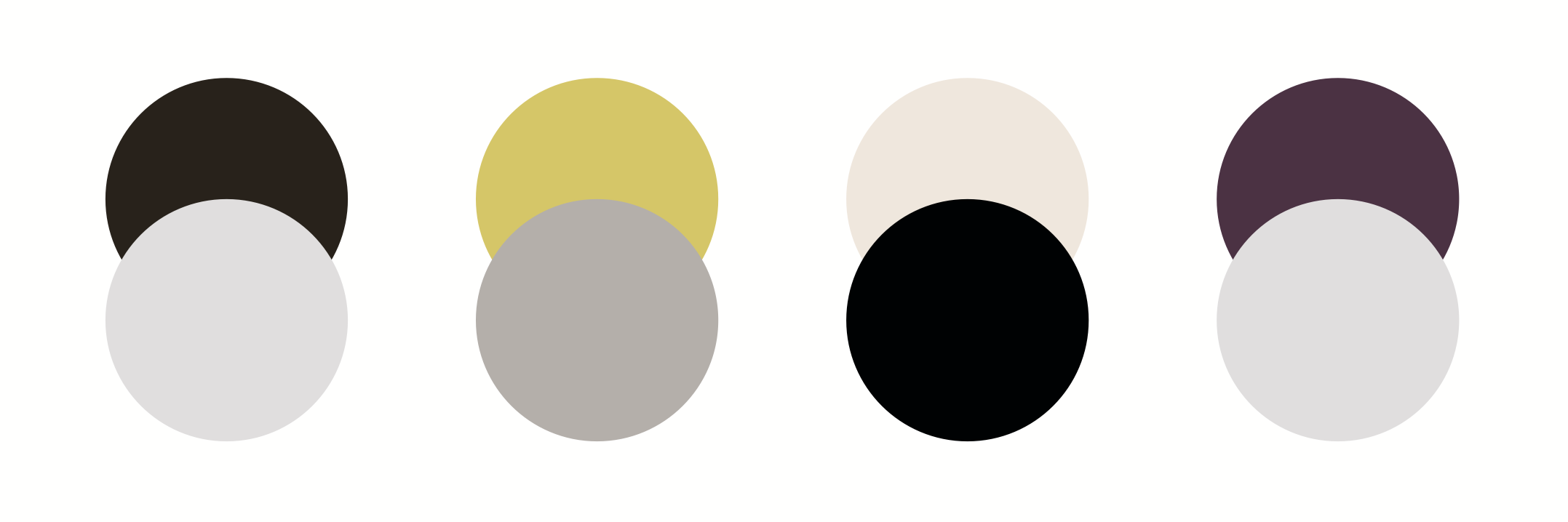
Our palette takes inspiration from bonsai trees and plants. The dark brown creates a rich yet grounded theme. A soft chartreuse, to contrast the brown, is used to accent and draw attention to smaller areas. The combination is earthy and nature-inspired. The cream and purple sand complements the rich and bold core colors, softening the palette and highlighting a sense of luxury. An extended range of grays with warm undertones make up the rest of the palette. They are best used in combination with a core or secondary color.
Premium Heirloom Bonsai · Living Art · Passed Down Through Generations
Body Alverata Informal Regular · normal
Each tree is a unique creation meant to be cherished, shaped, and passed down through generations. Bonsai master Milton Chang carefully grows and nurtures every tree in the collection.
Bold / Emphasis Alverata Informal Semibold · normal
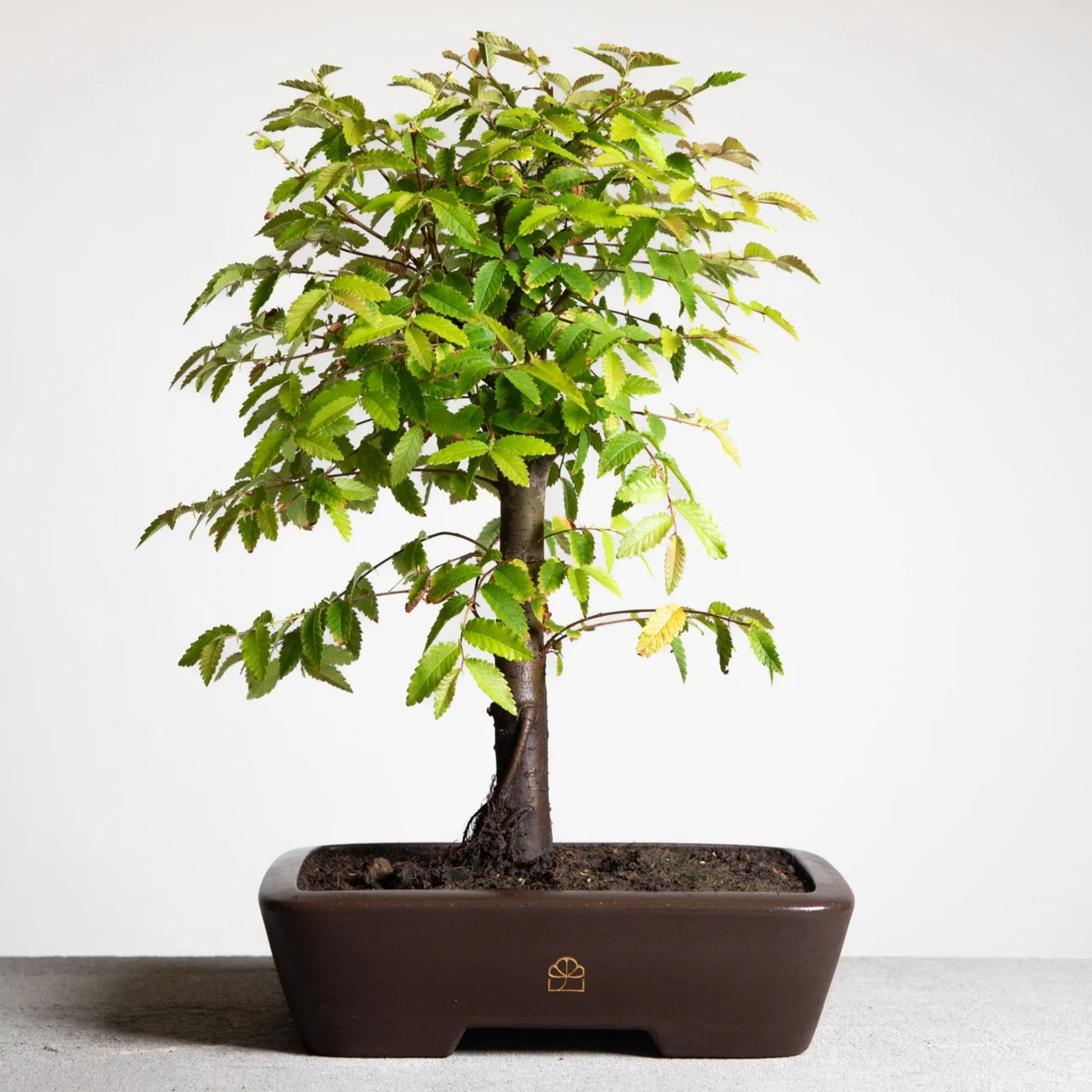
The Japanese Maple — a stunning red-leafed bonsai, aged 12 years.
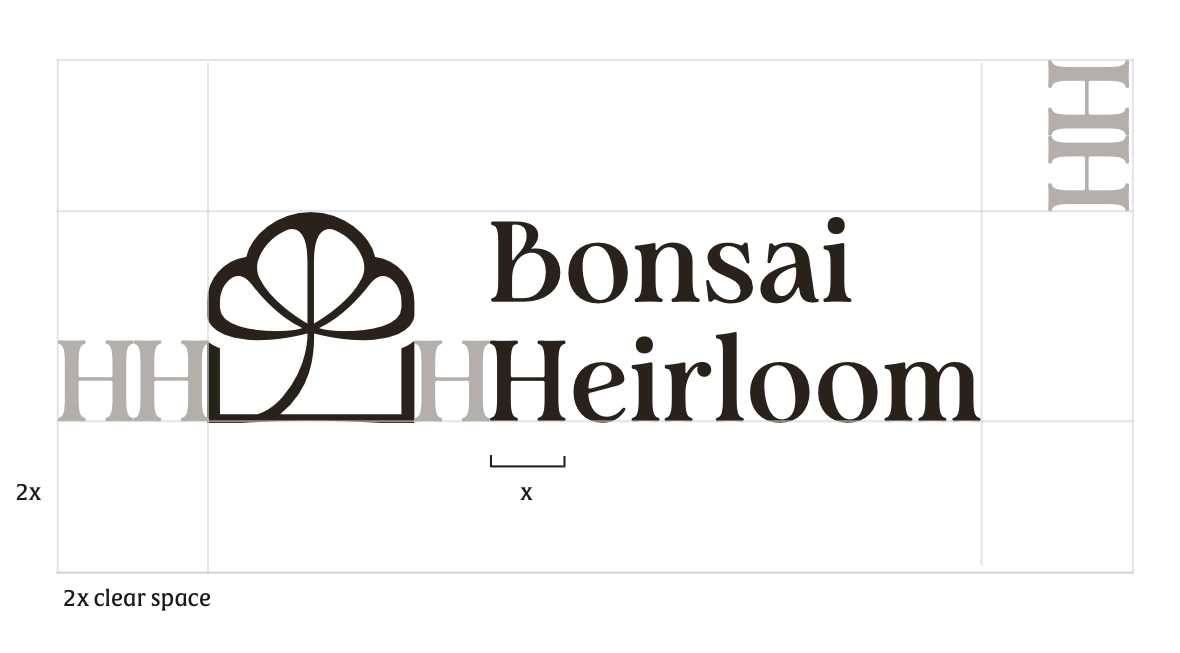
Drawing inspiration from the silhouette of the bonsai tree and pot, the icon combines soft curves and sharp corners to create balance in the overall composition. The icon's varied stroke width takes cues from the artistry of Japanese and Chinese calligraphy, echoing the cultural heritage from which Bonsai originates. The chosen serif typeface Analogue complements the clean and natural forms of the icon to convey elegance and warmth. The shade range accommodates for different color pairing, scale, and legibility.
On White/Light
Primary — Horizontal
Secondary — Stacked
Favicon / Icon (Dark Brown w/ Transparent Background)
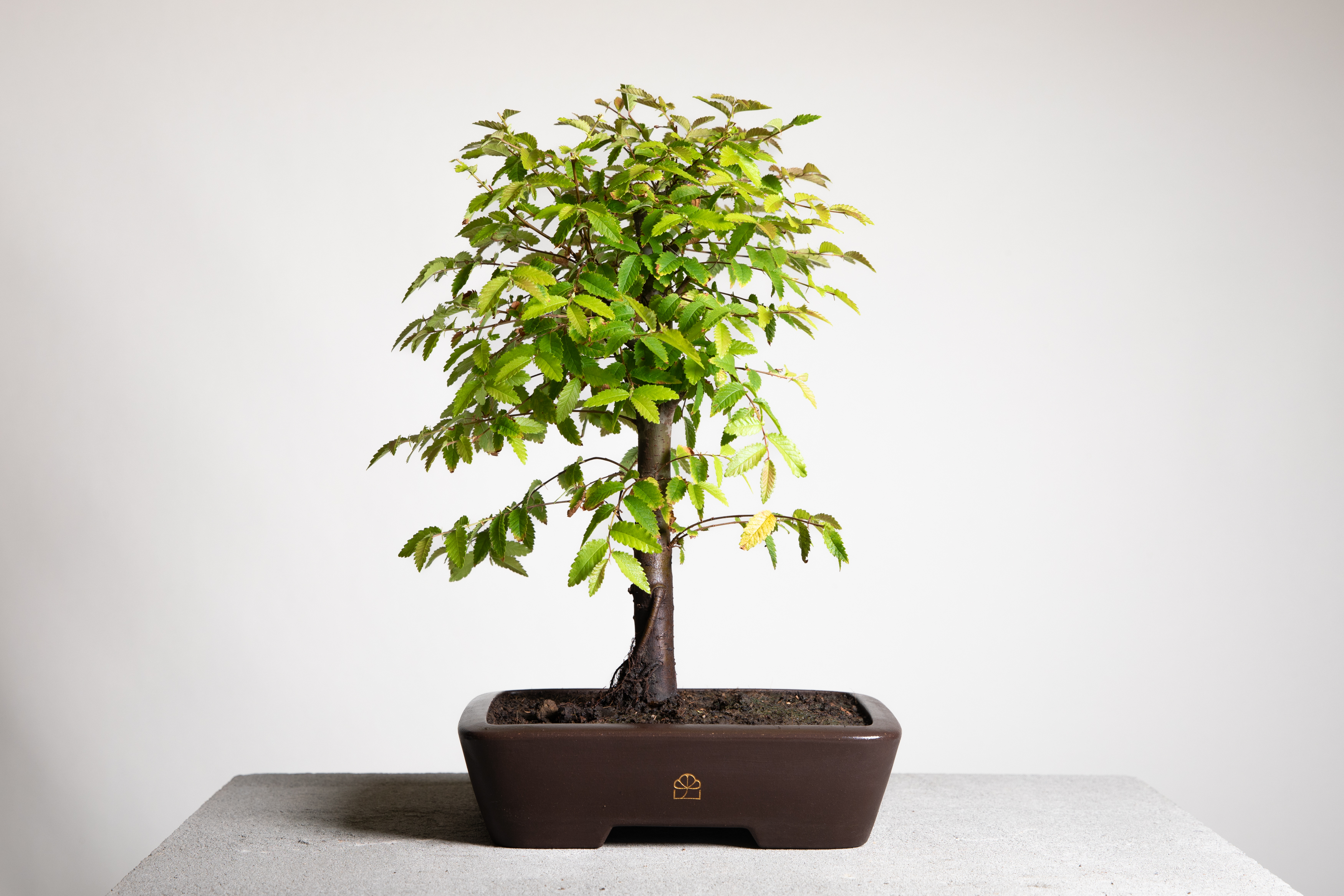
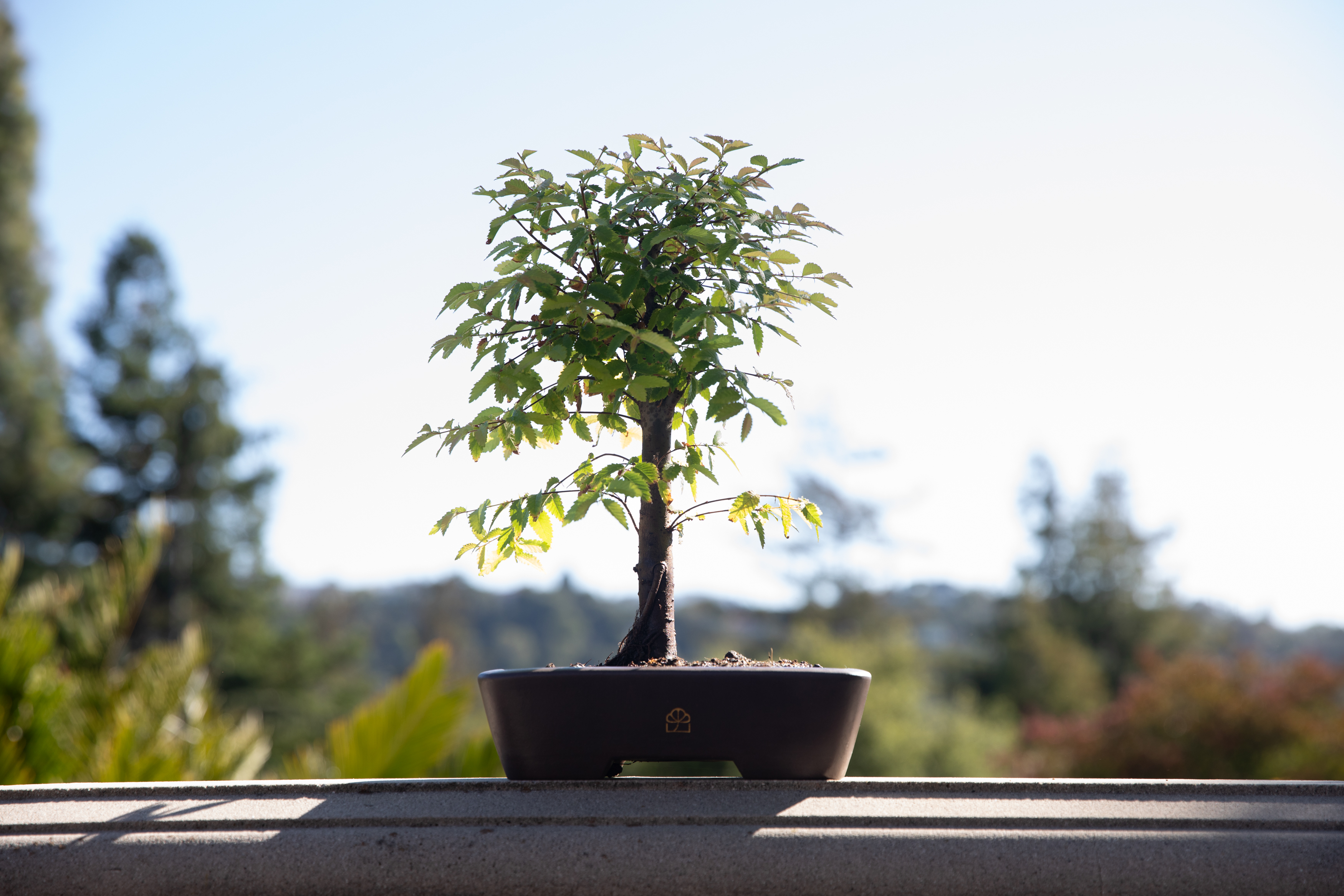
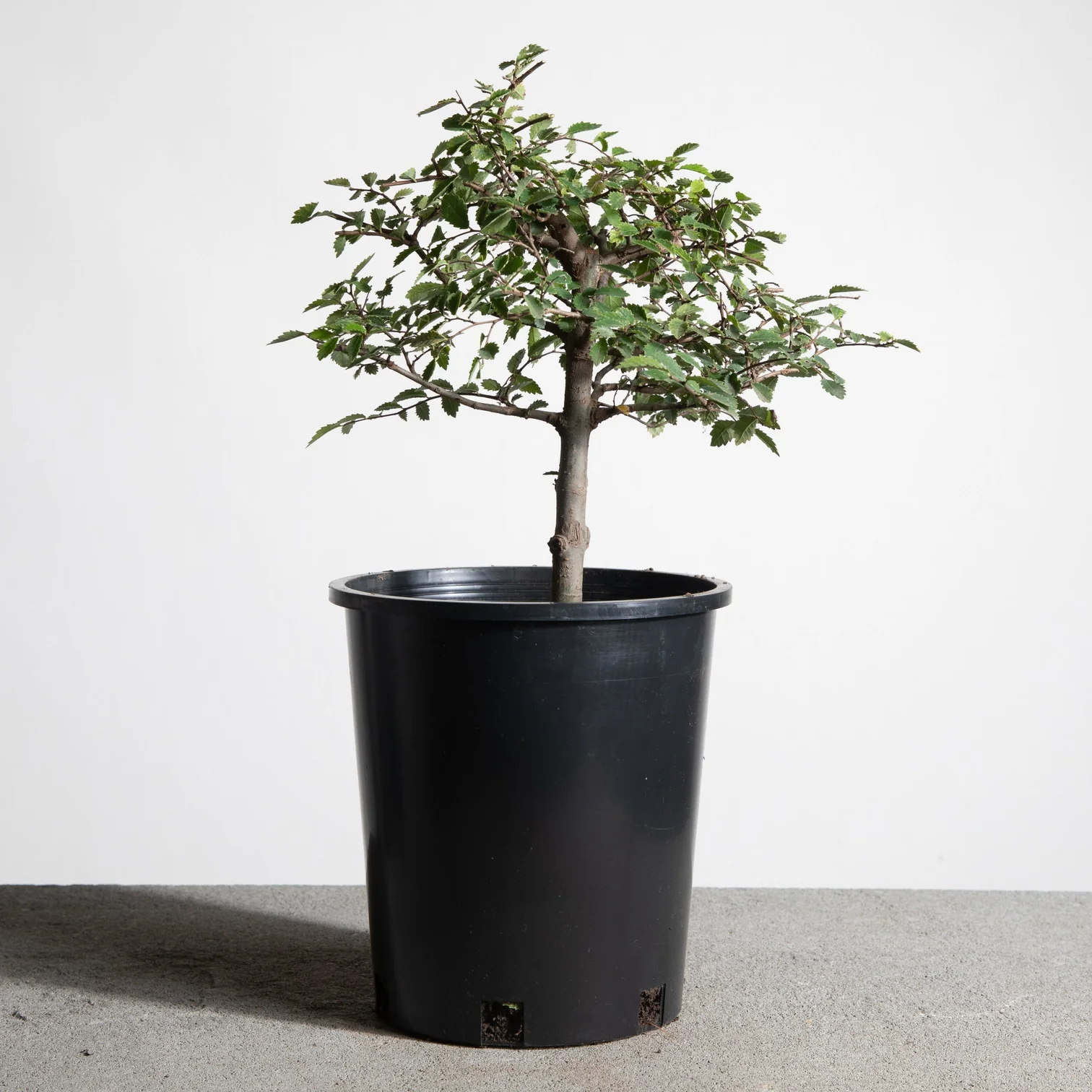
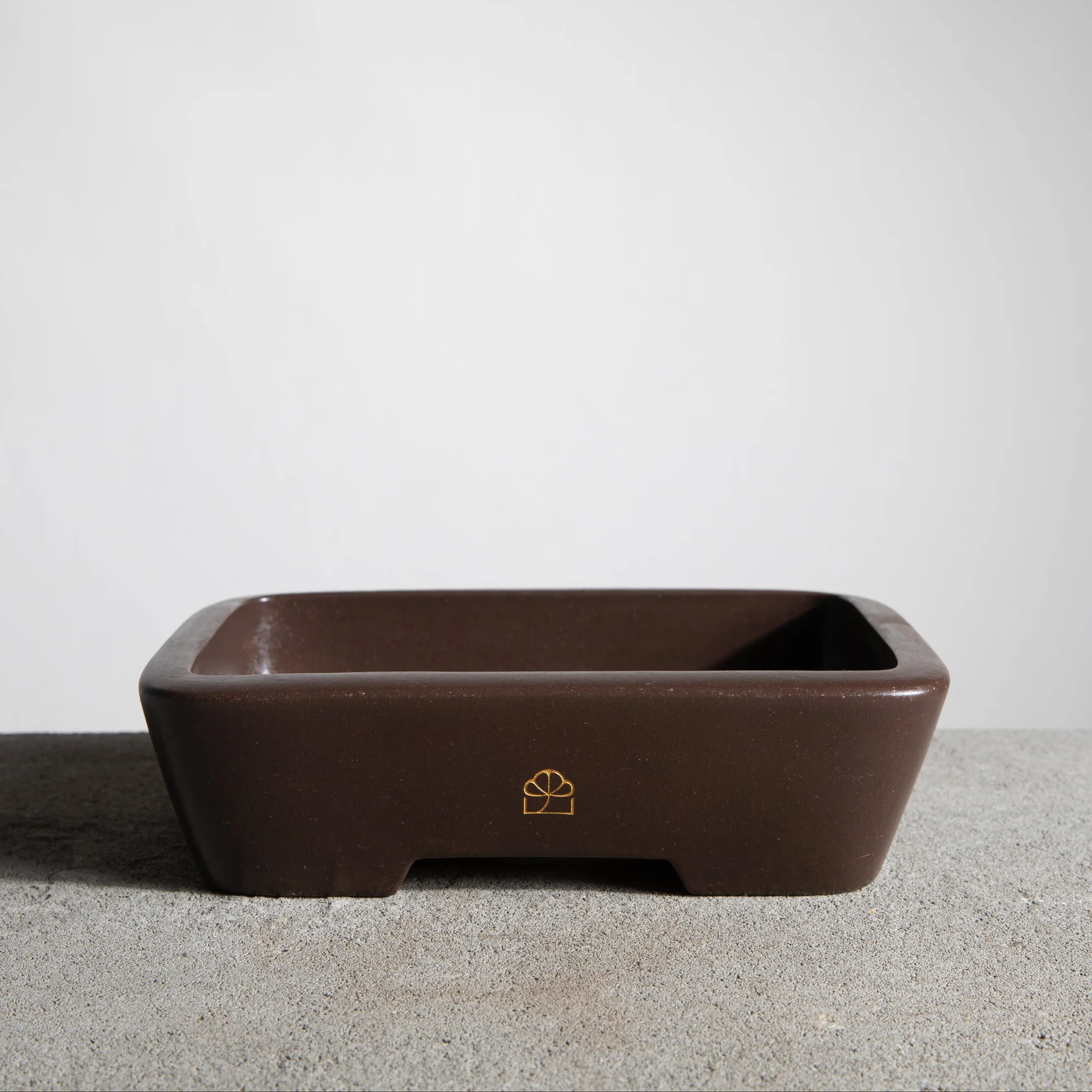
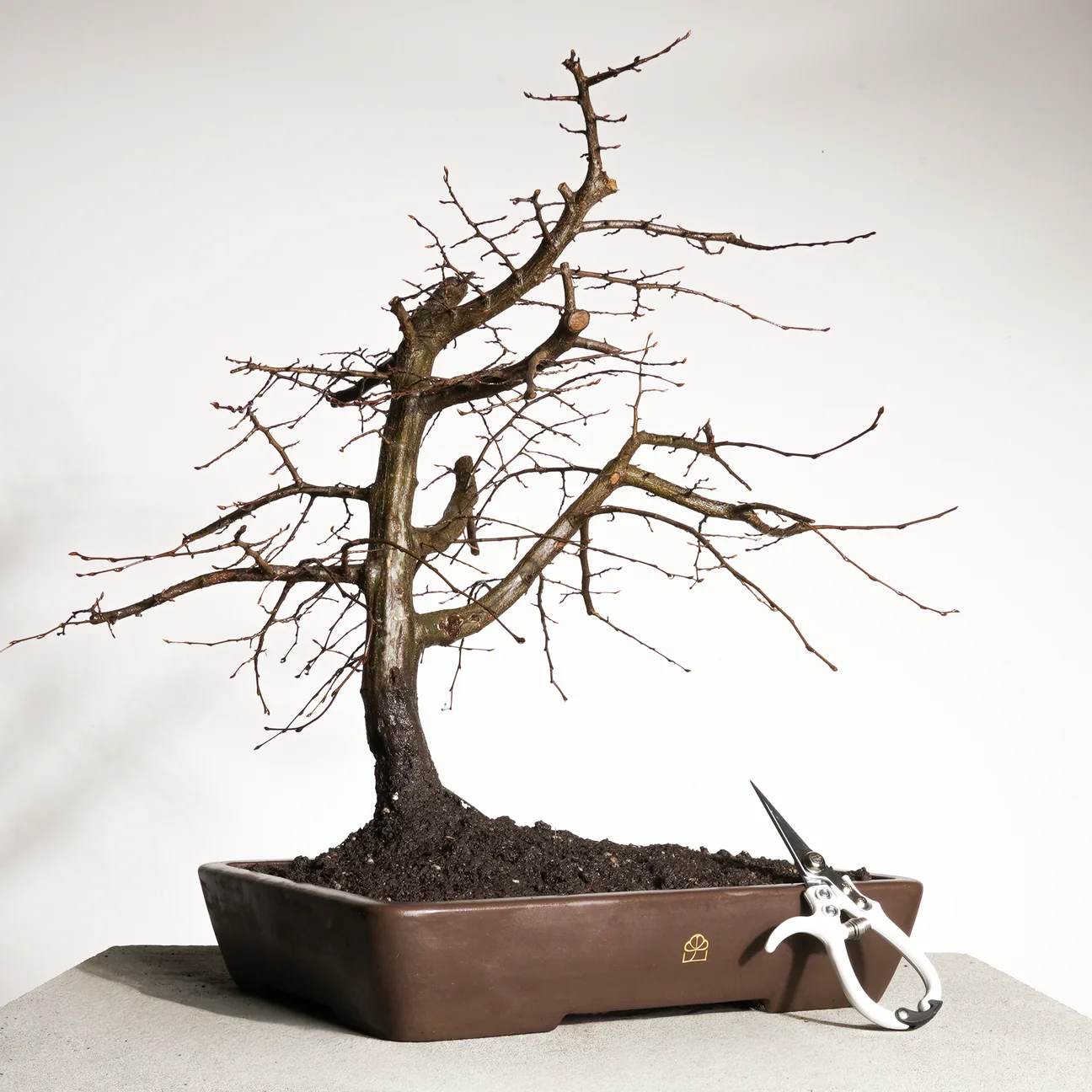
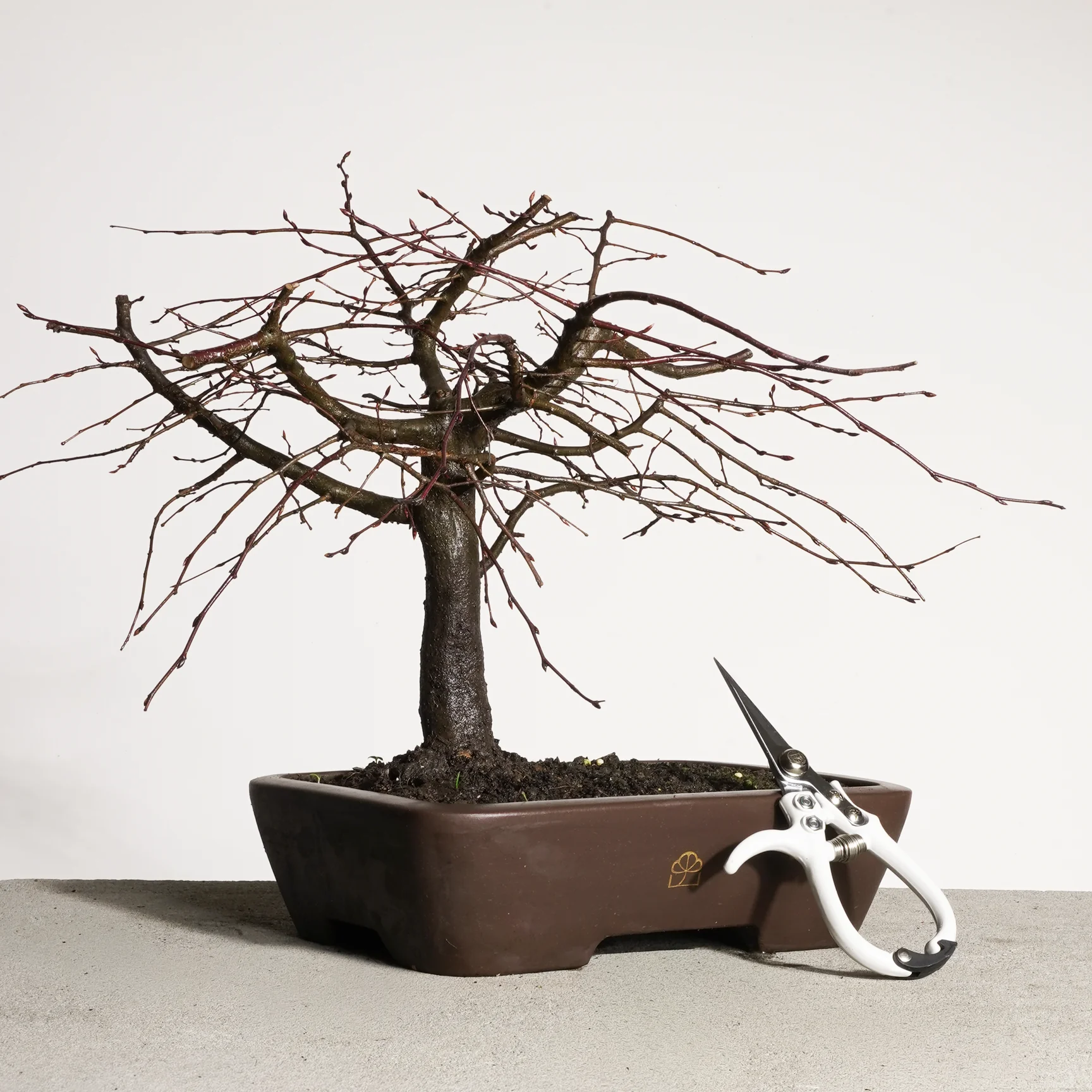
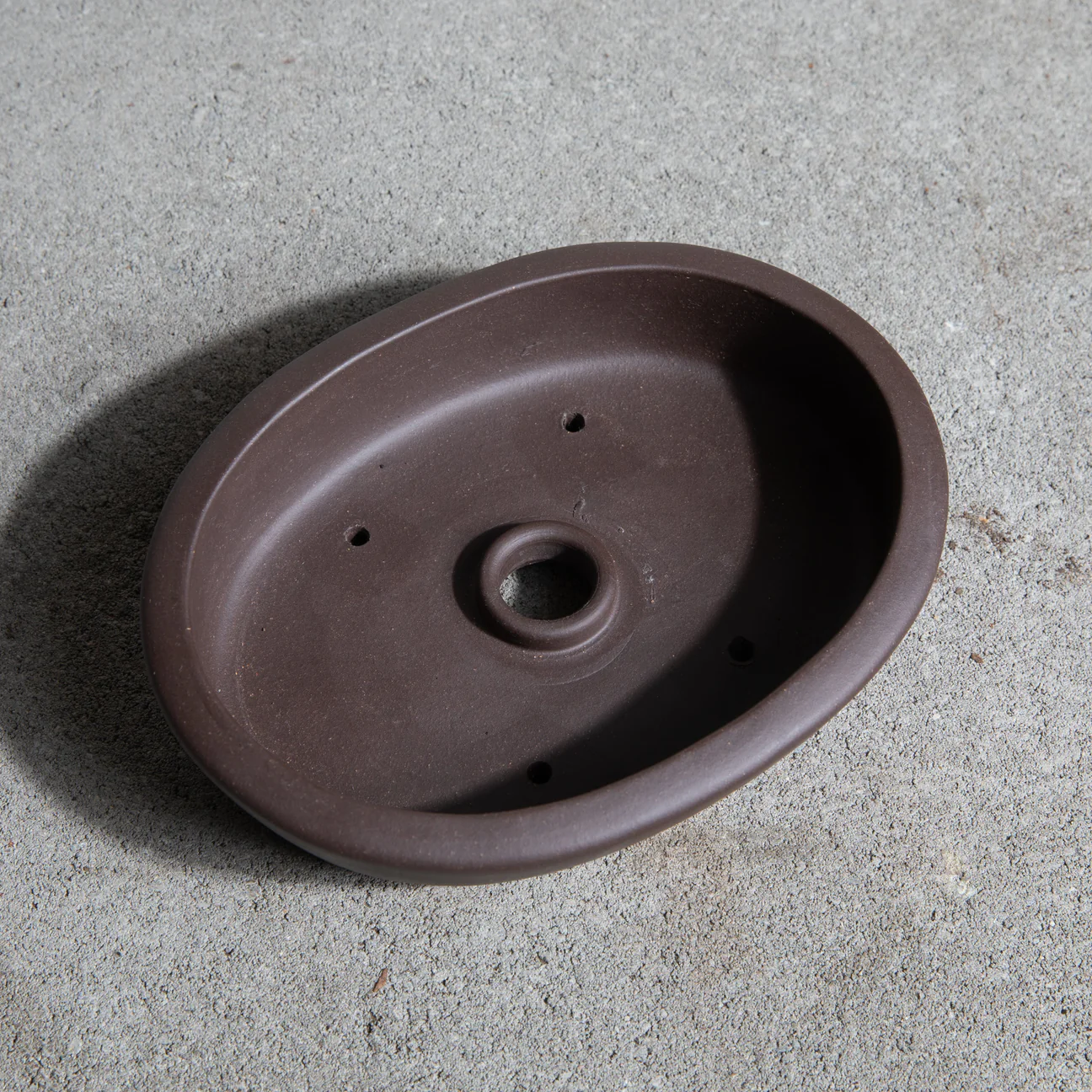
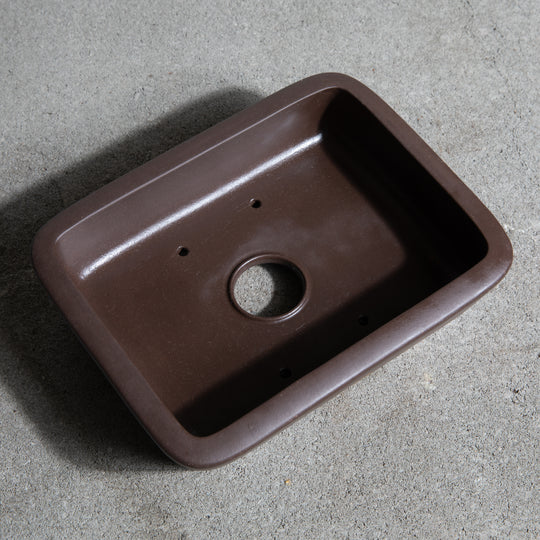
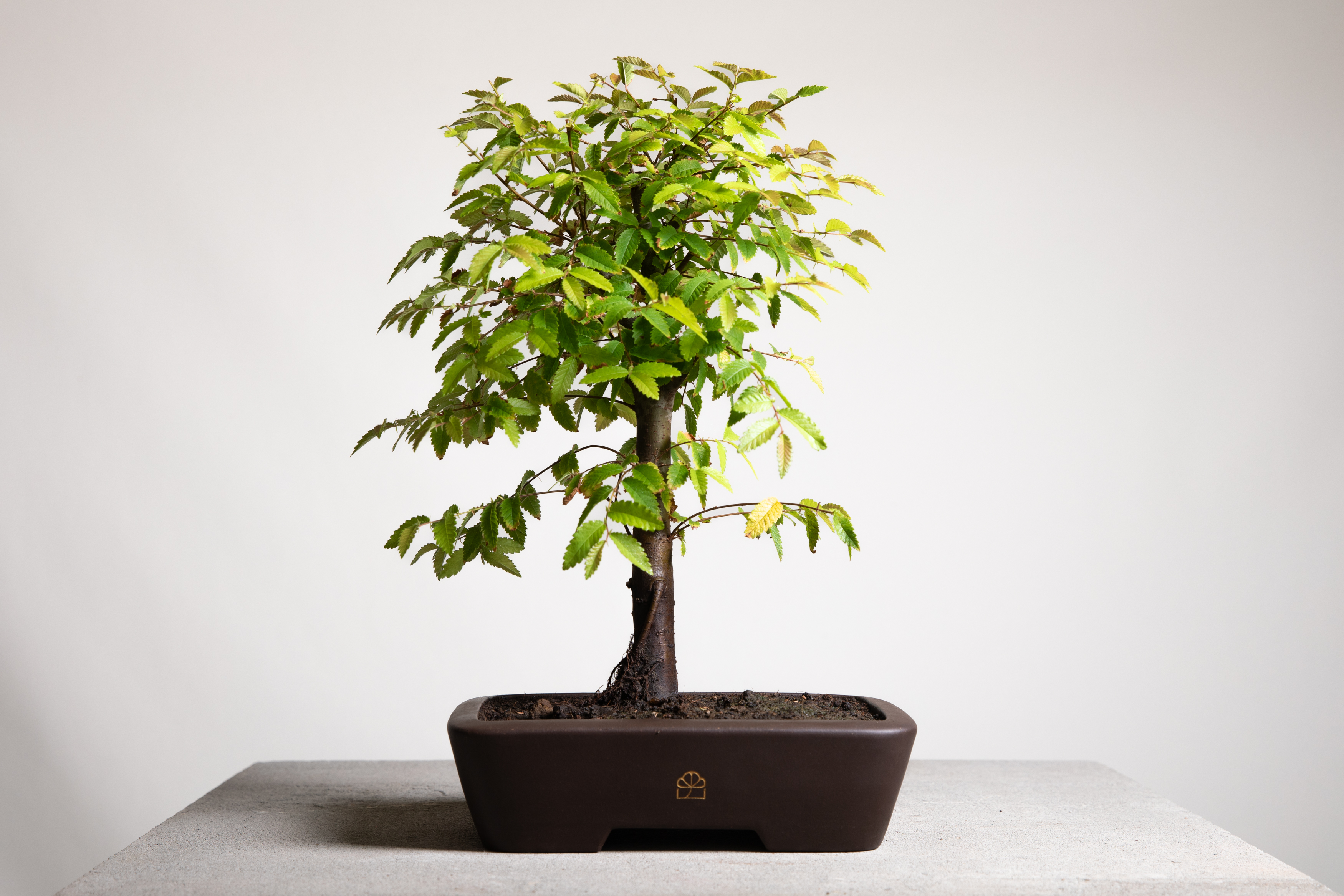
White seamless backdrop on concrete slab with flash-cast shadow
Shoot for both 1:1 and 3:4 aspect ratios with enough negative space to crop either way
Center trees or tools in frame — not trees/tools + shadow
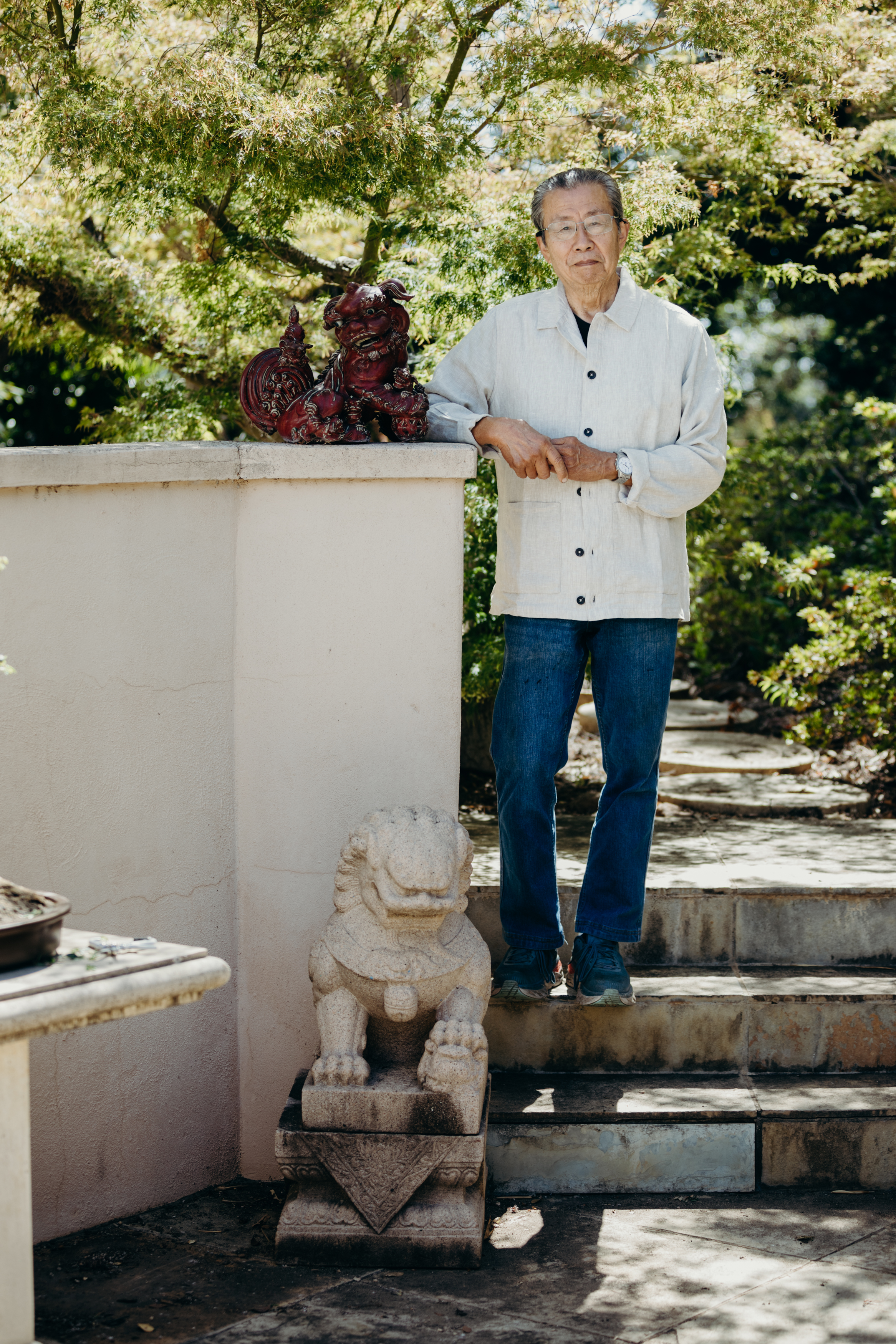
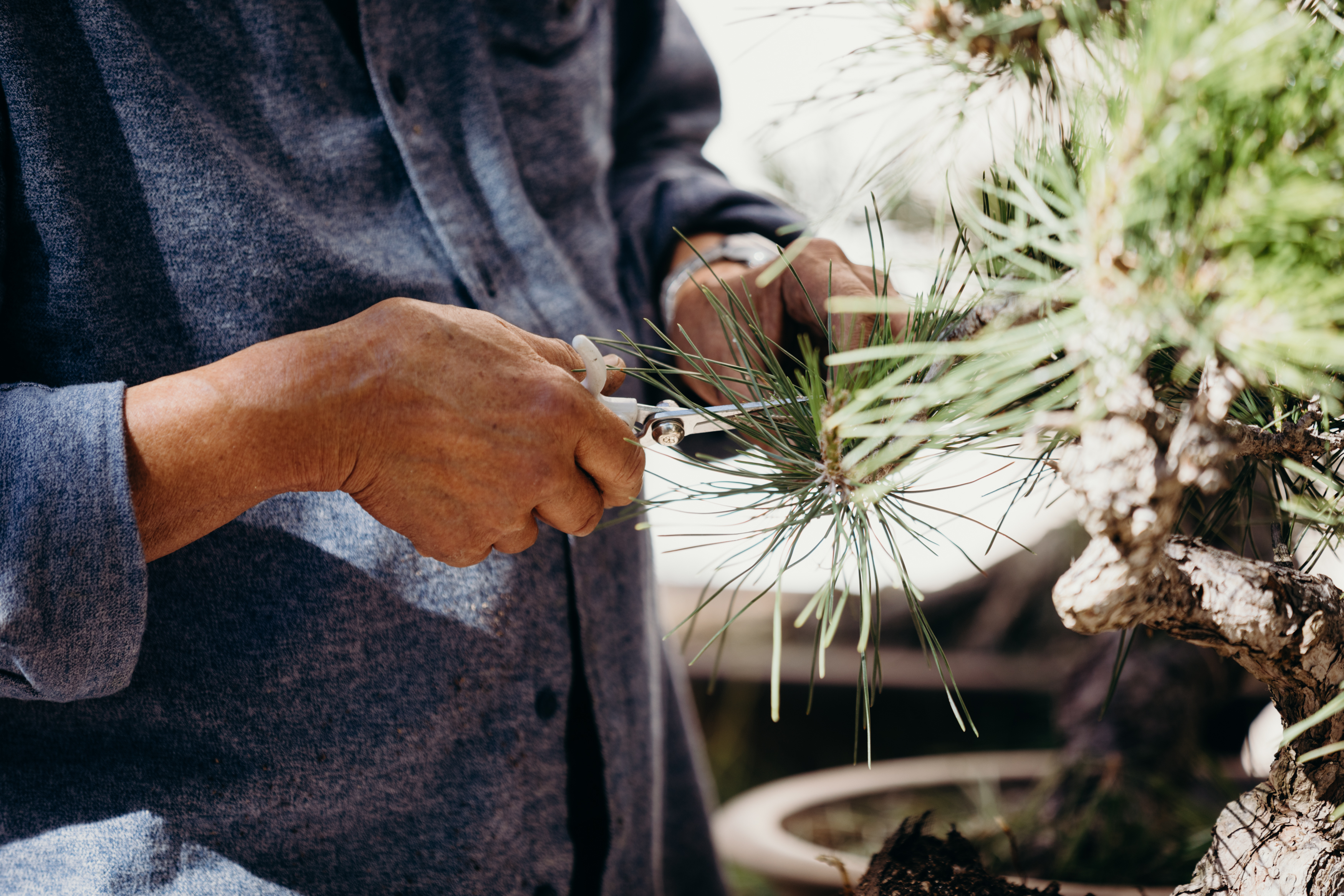
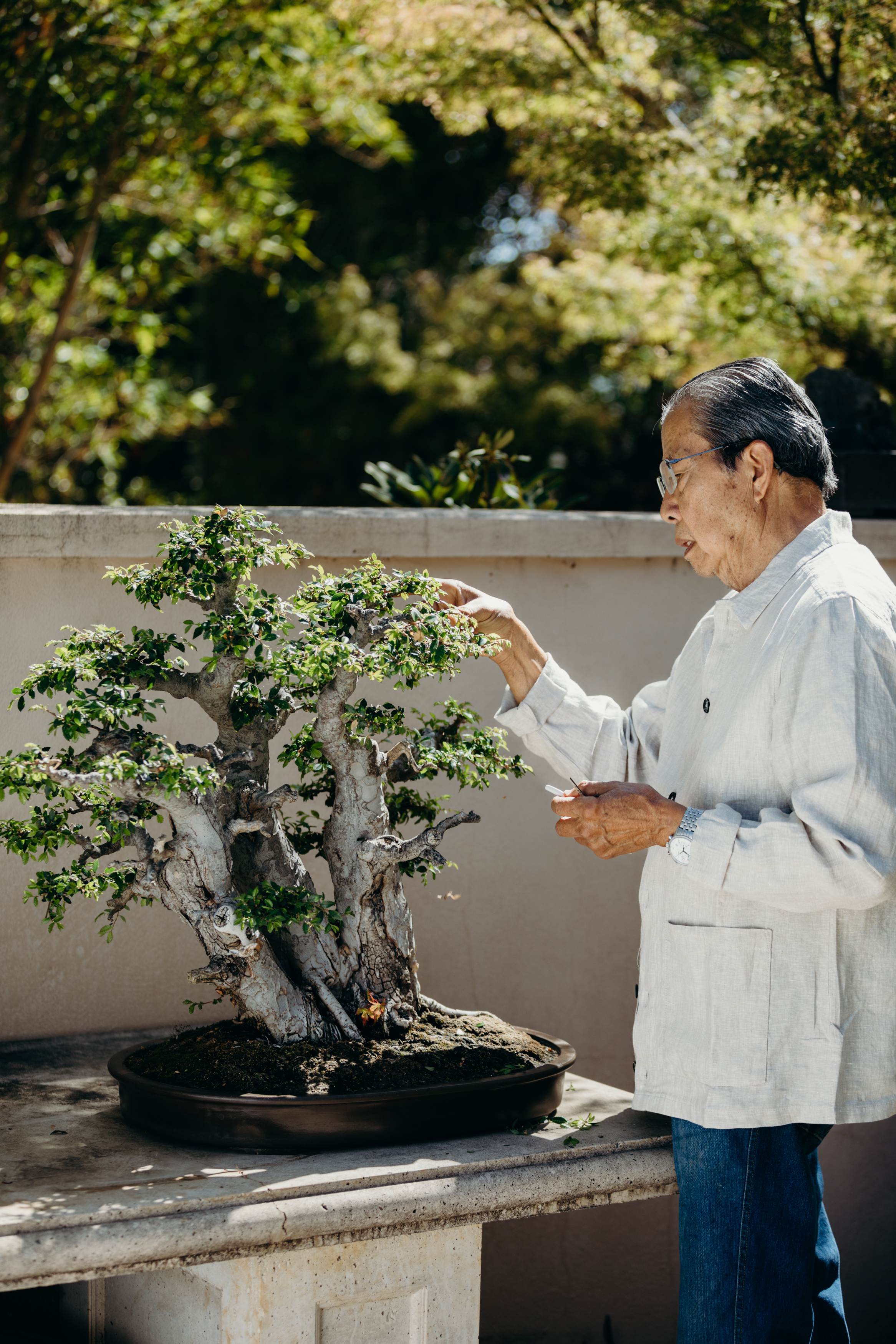
Focus is always the trees or tools, not Milton or anyone else in lifestyle shots
Don’t crop too tightly; leave breathing room around trees/tools in both ratios
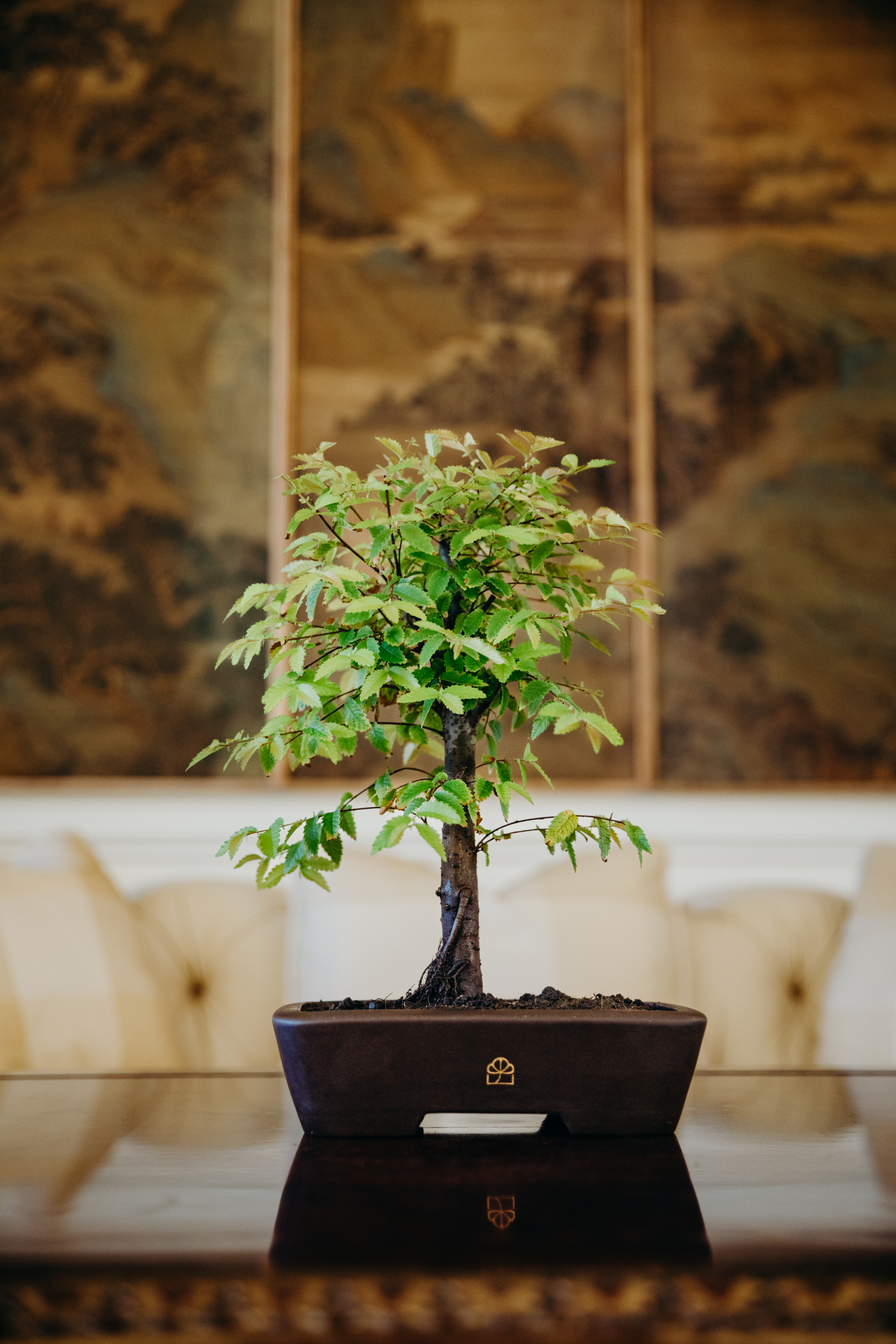
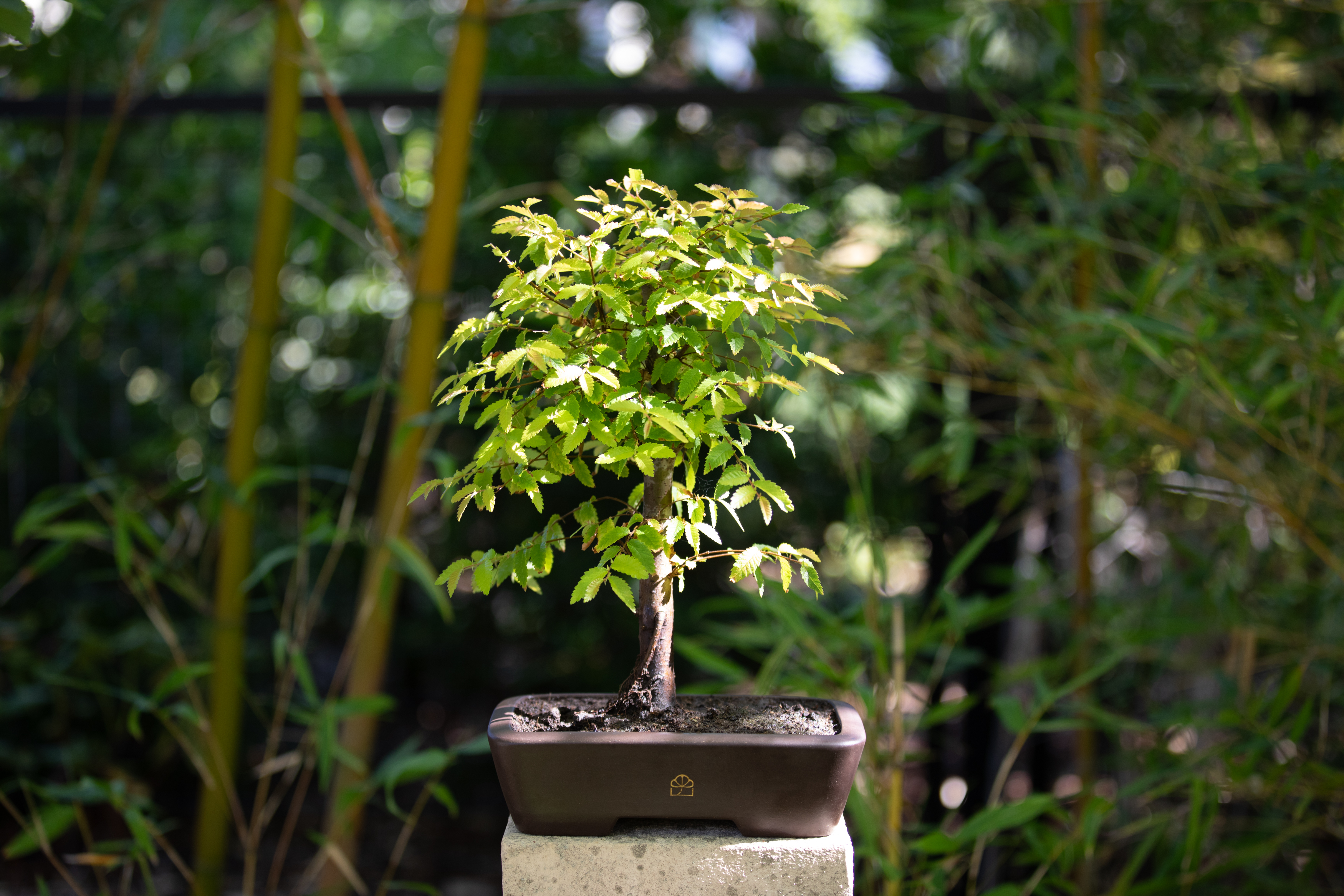
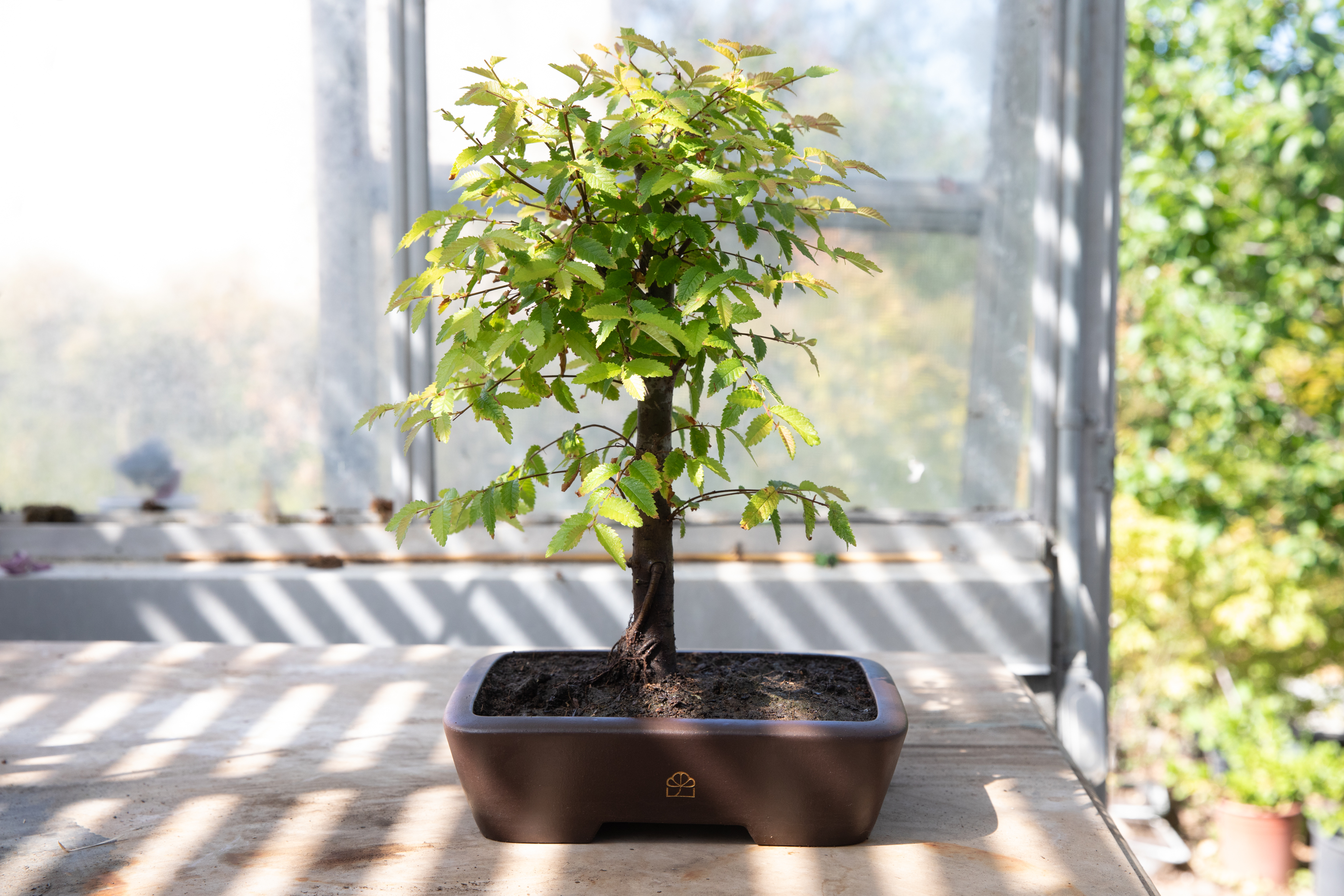
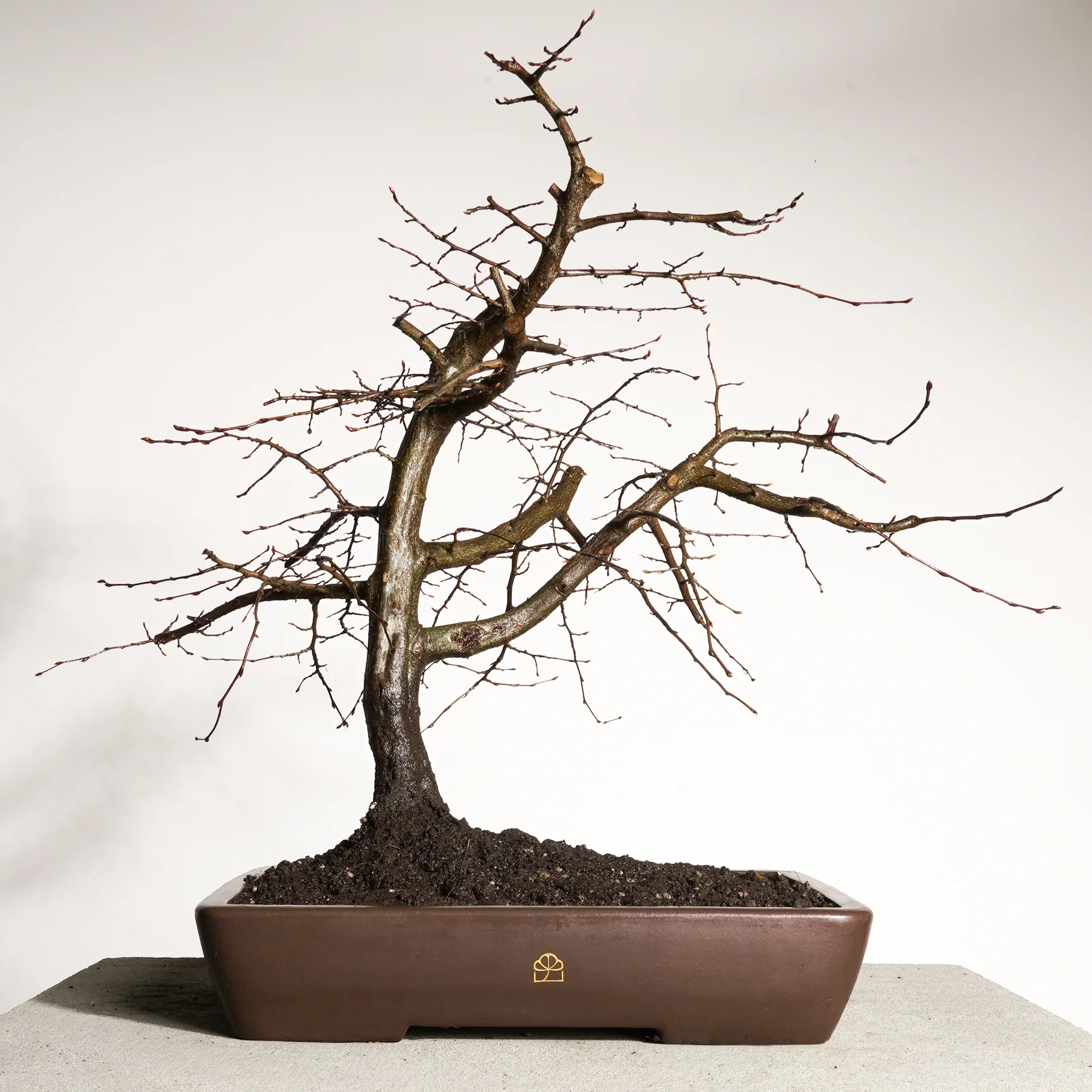
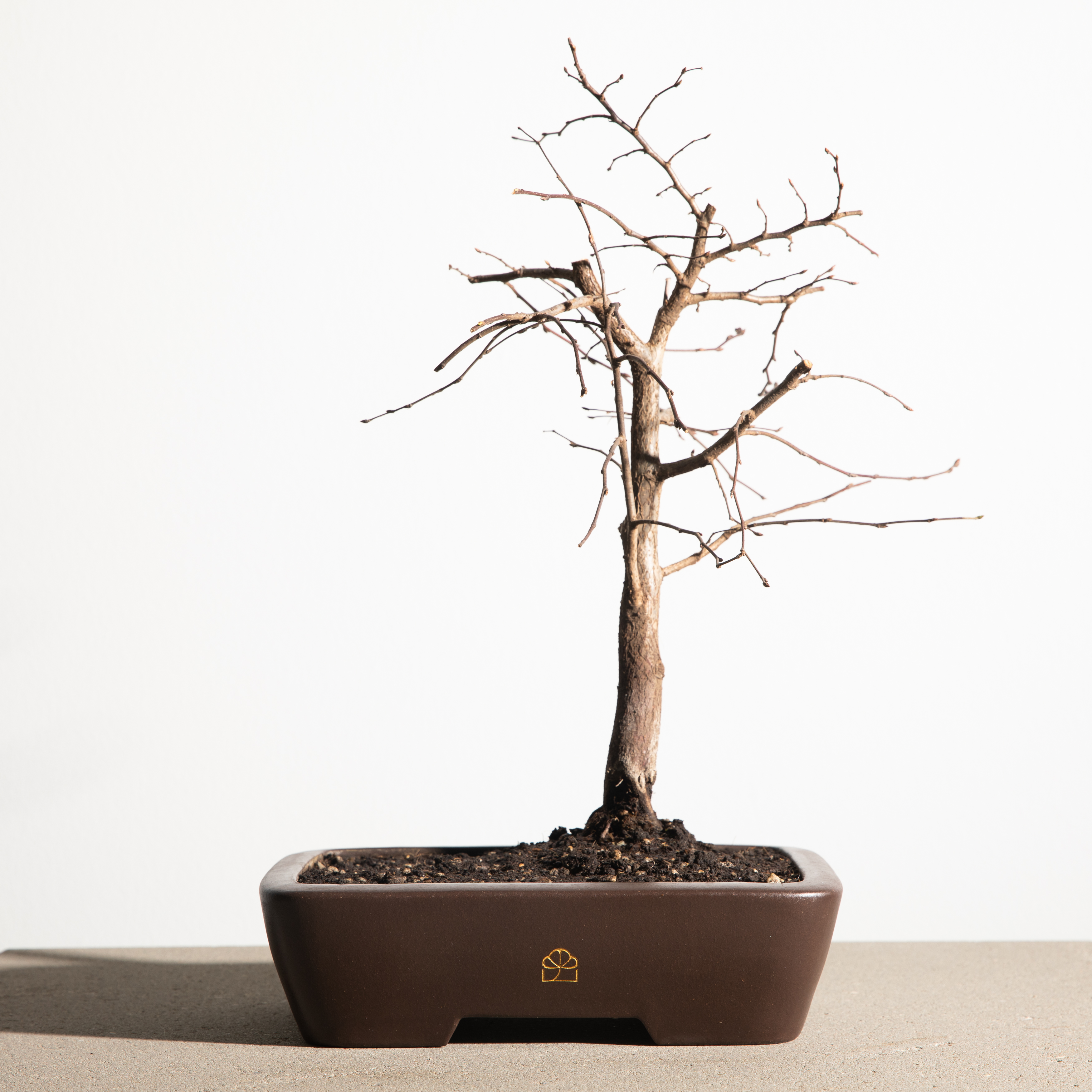
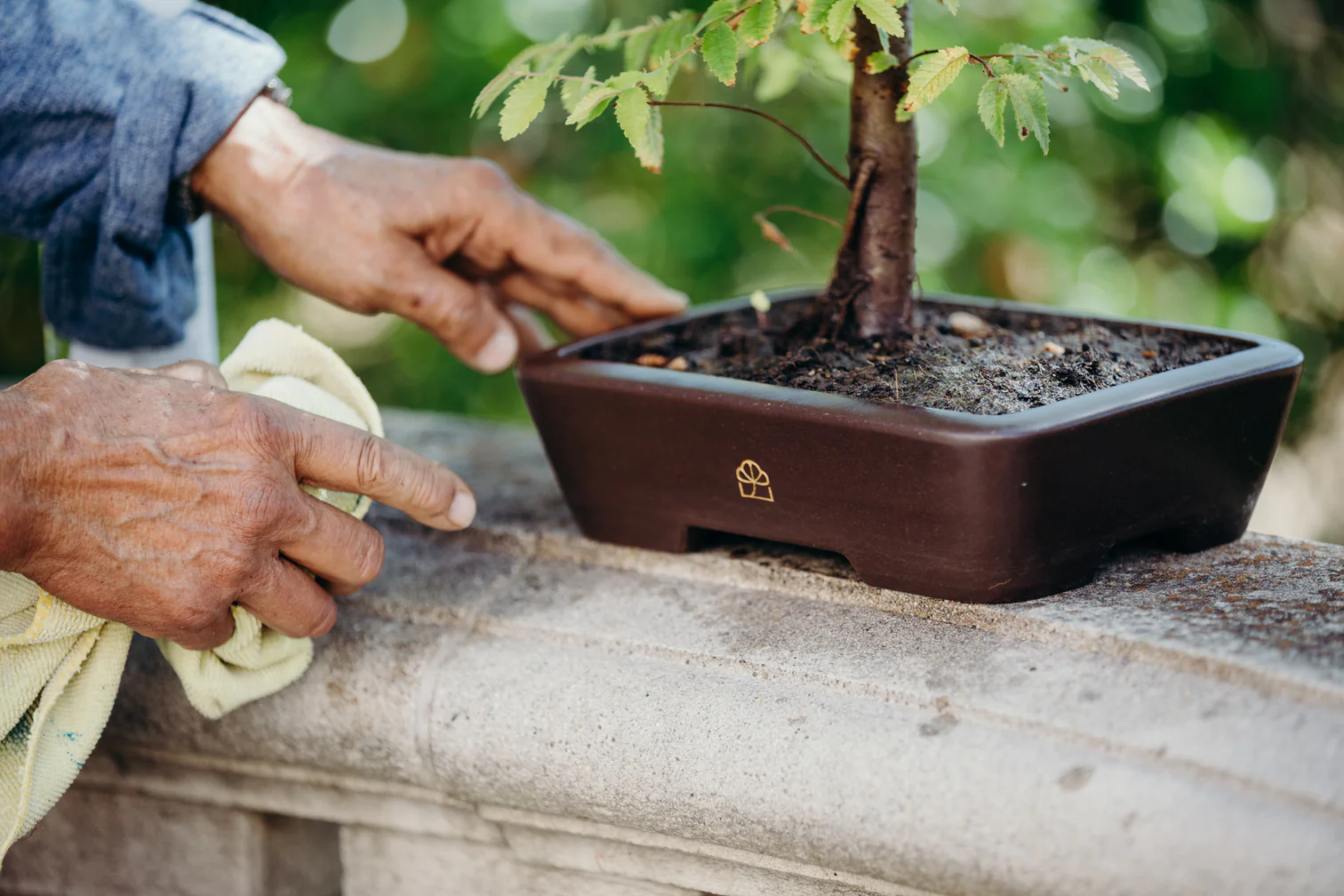
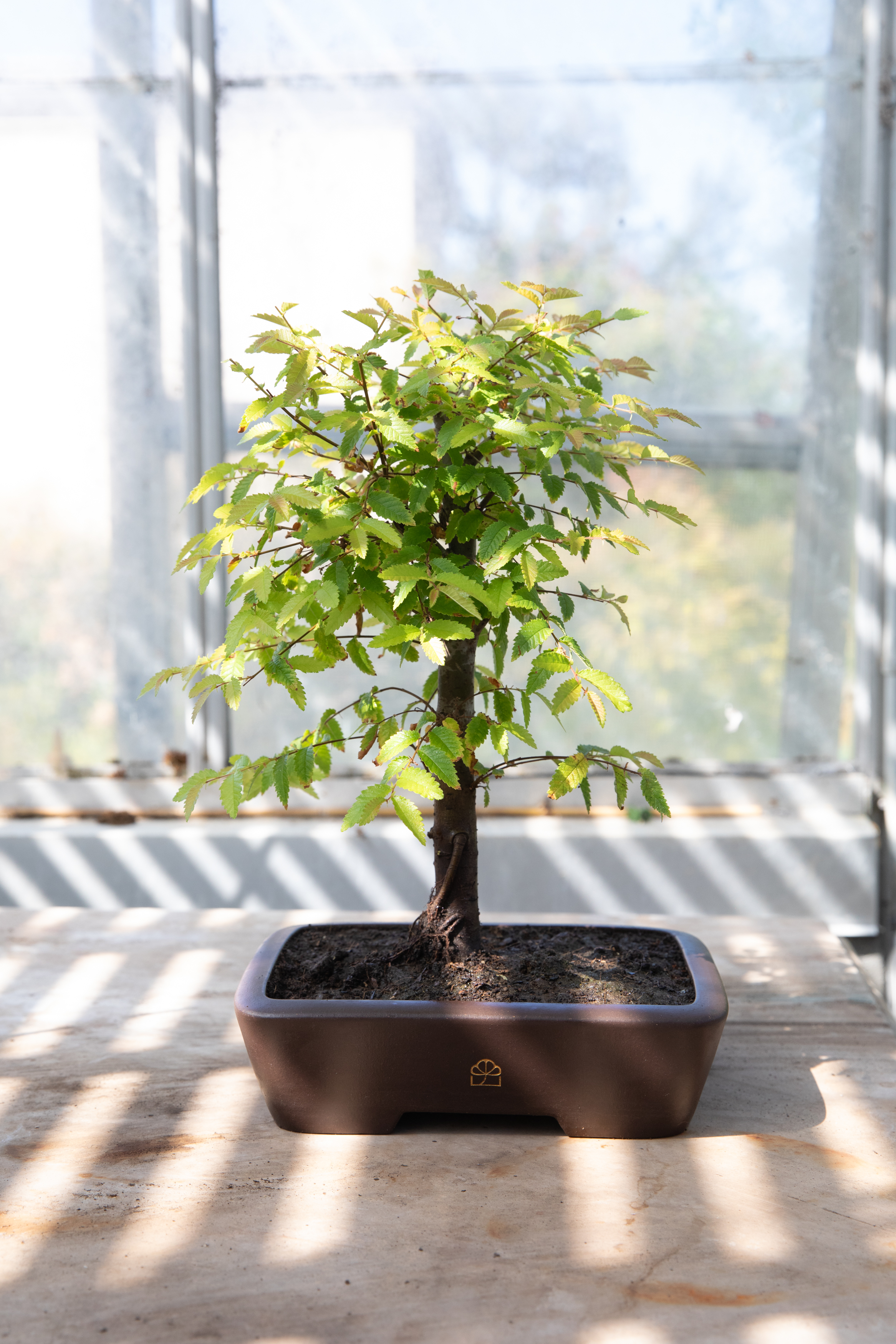
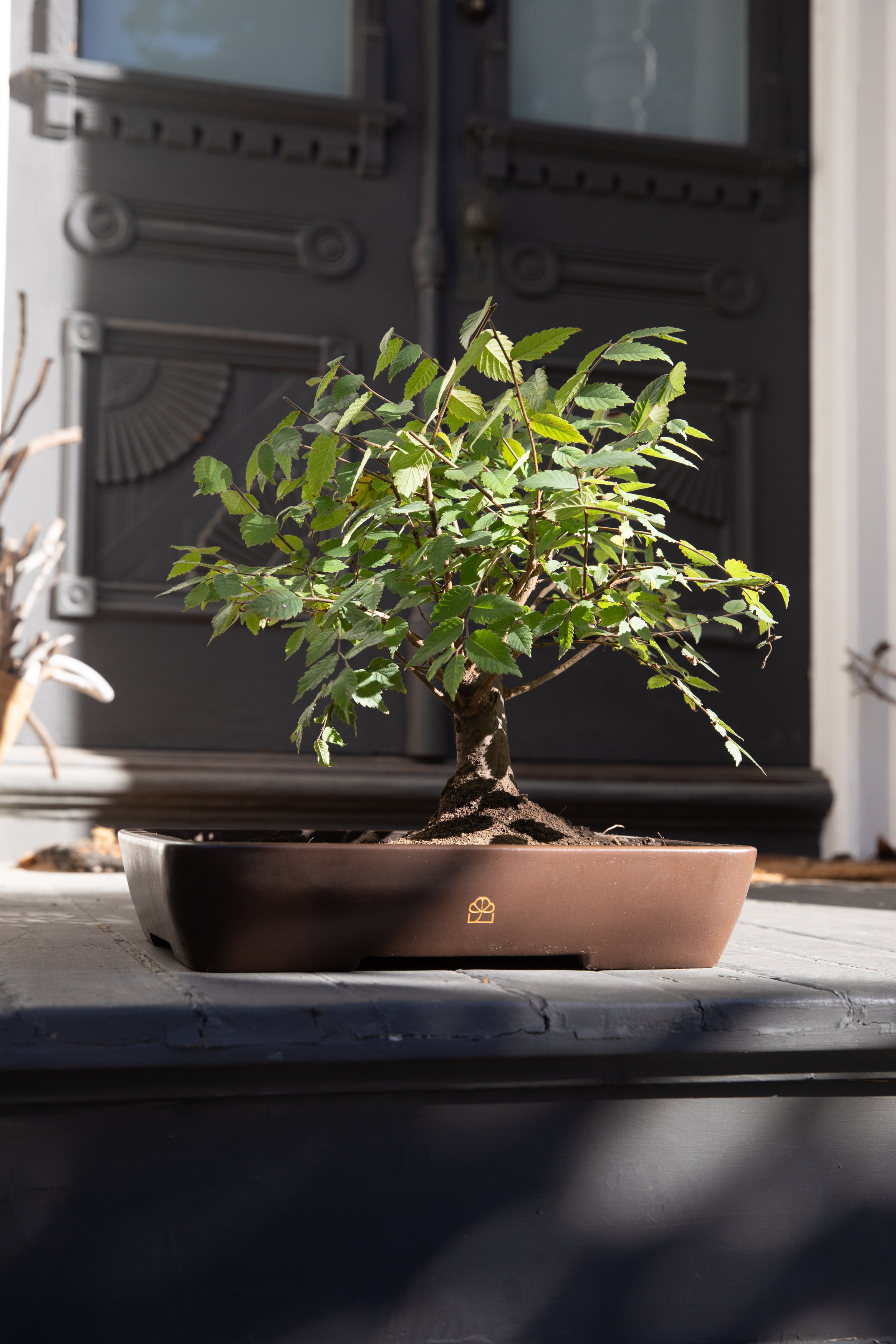
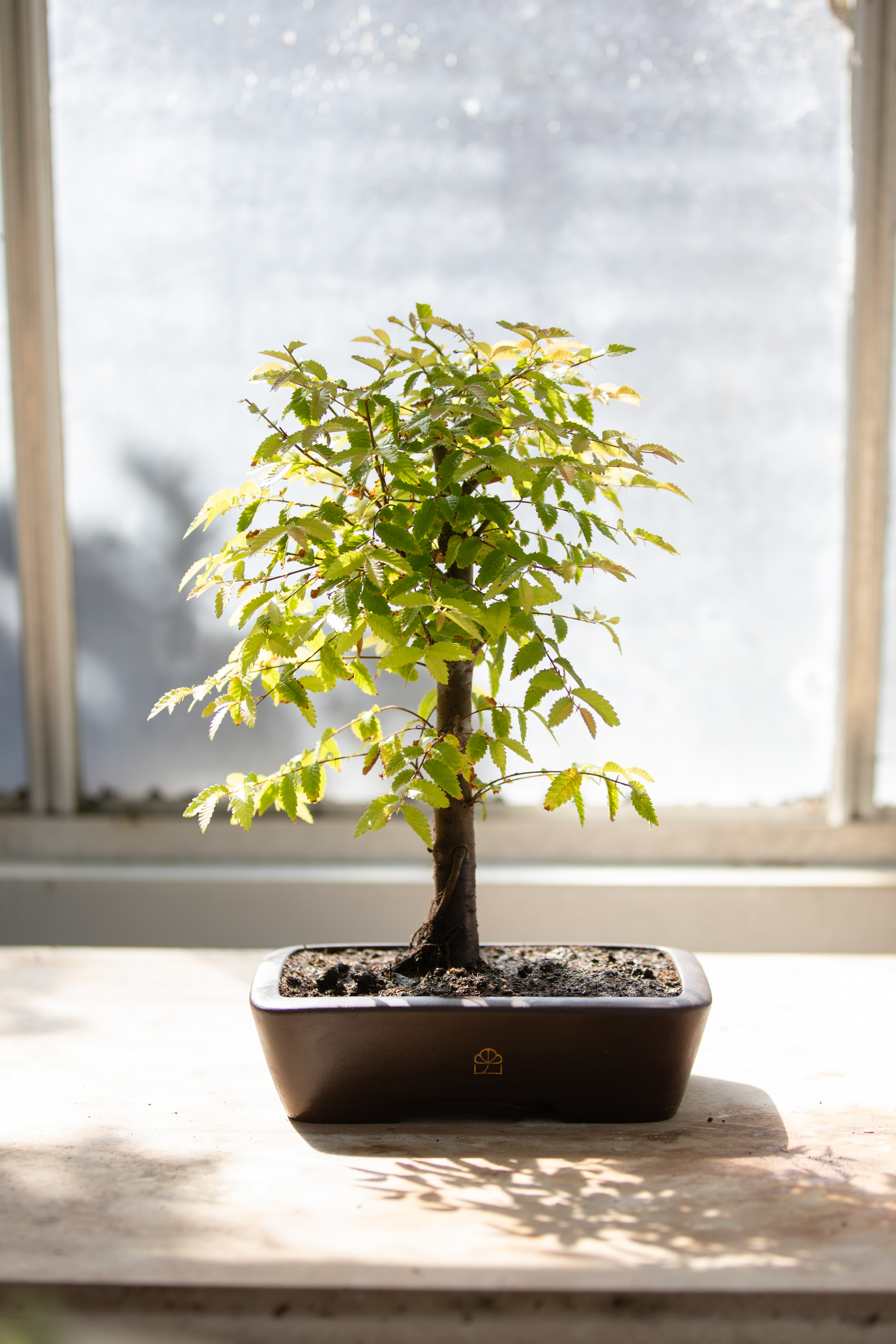
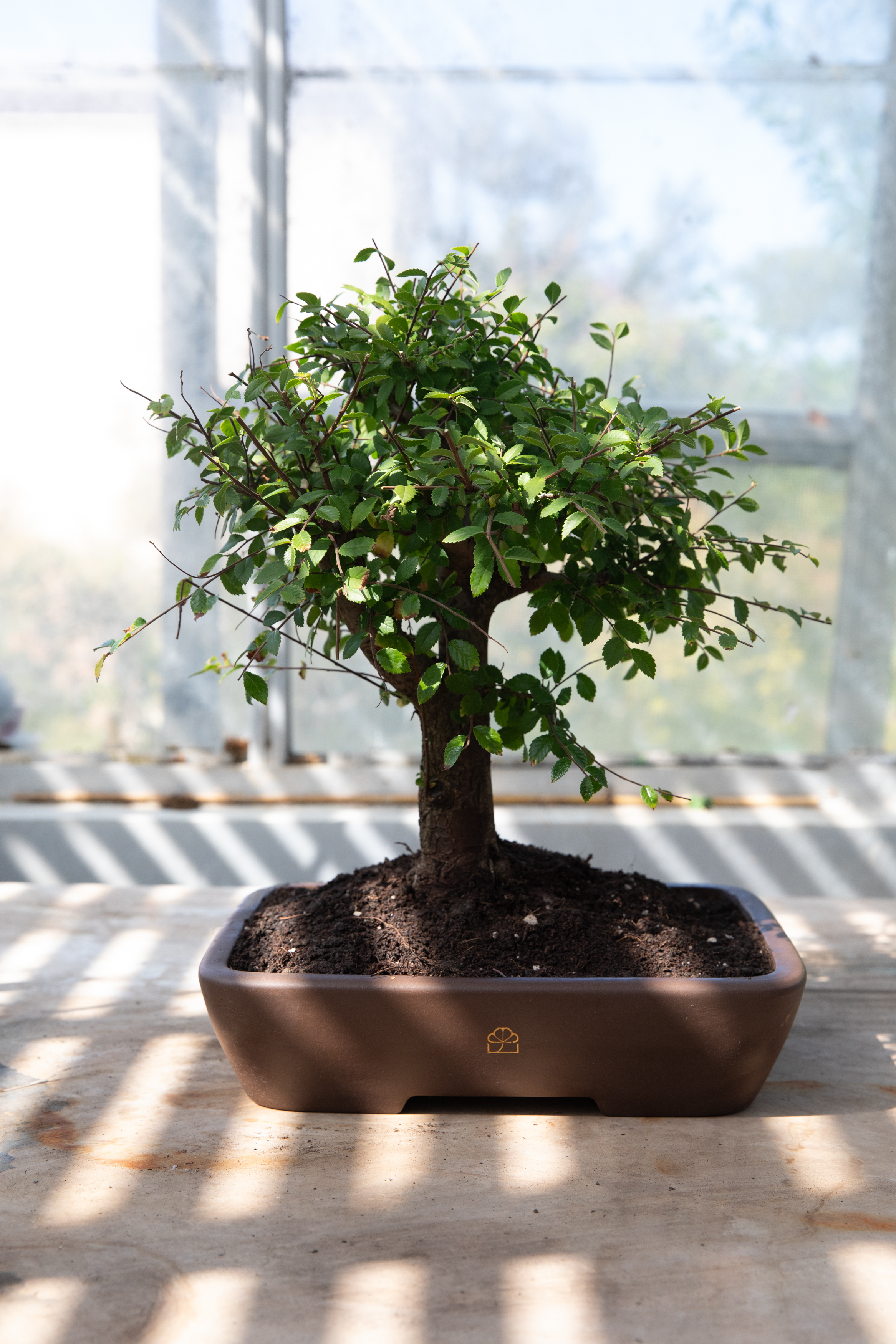
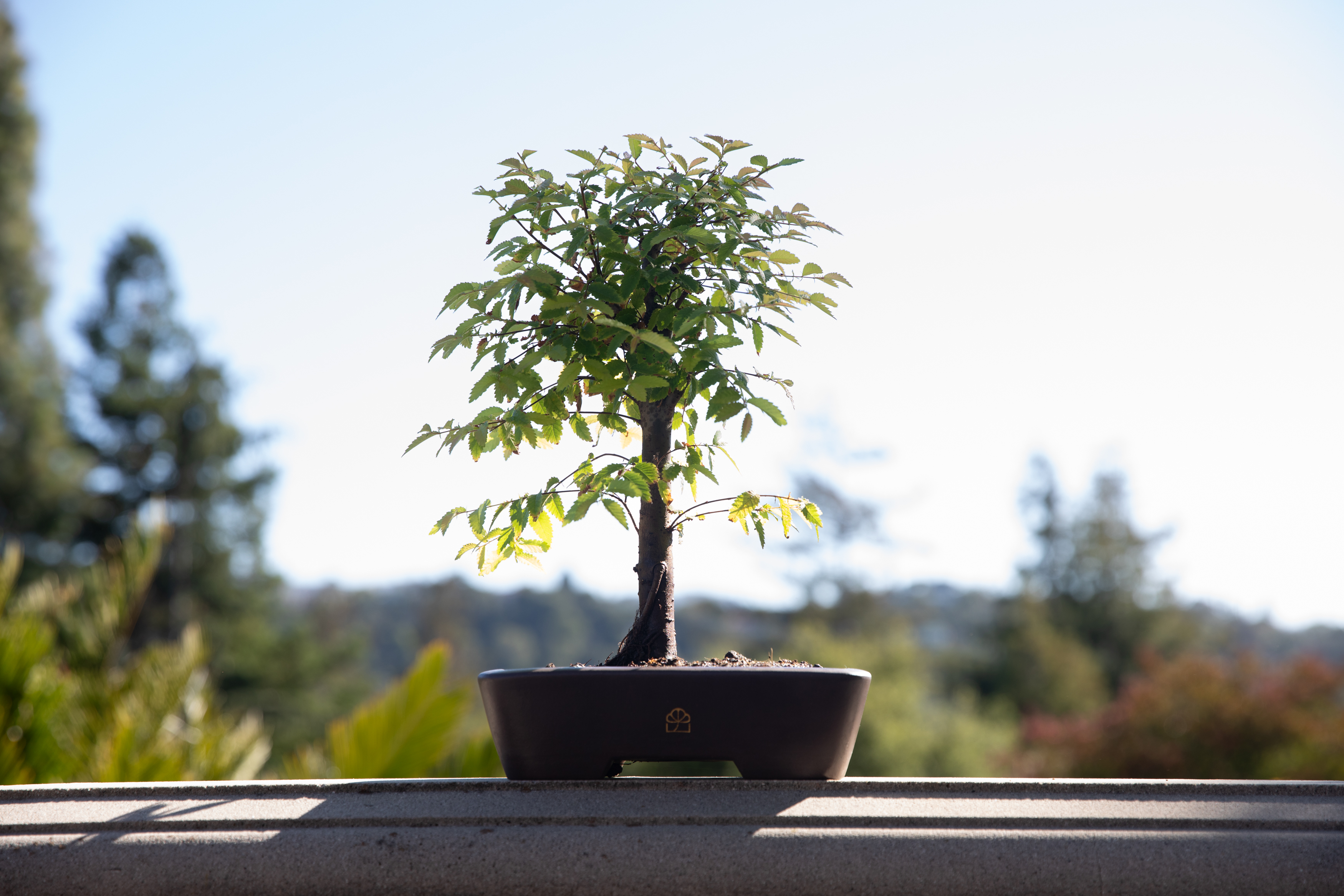
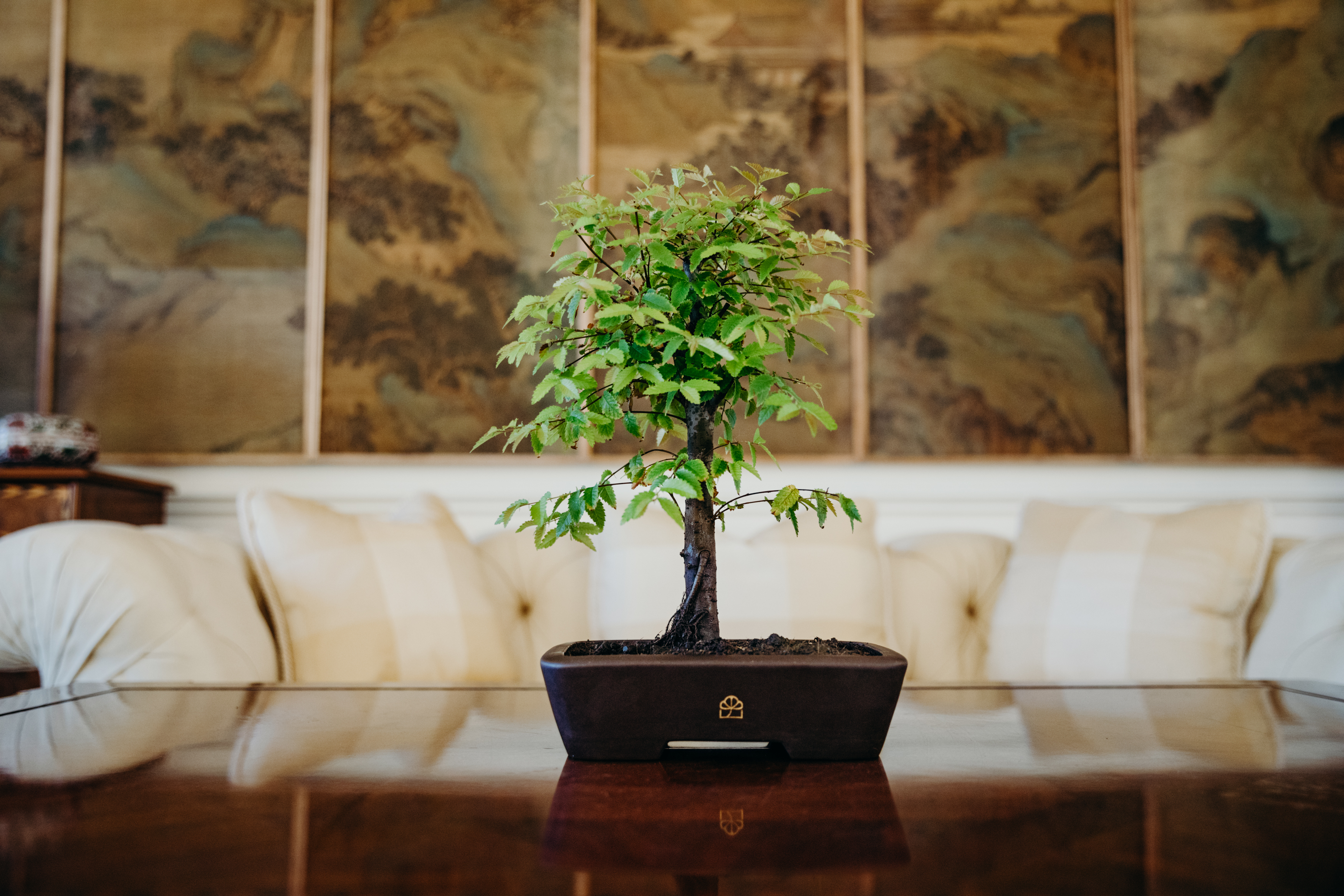
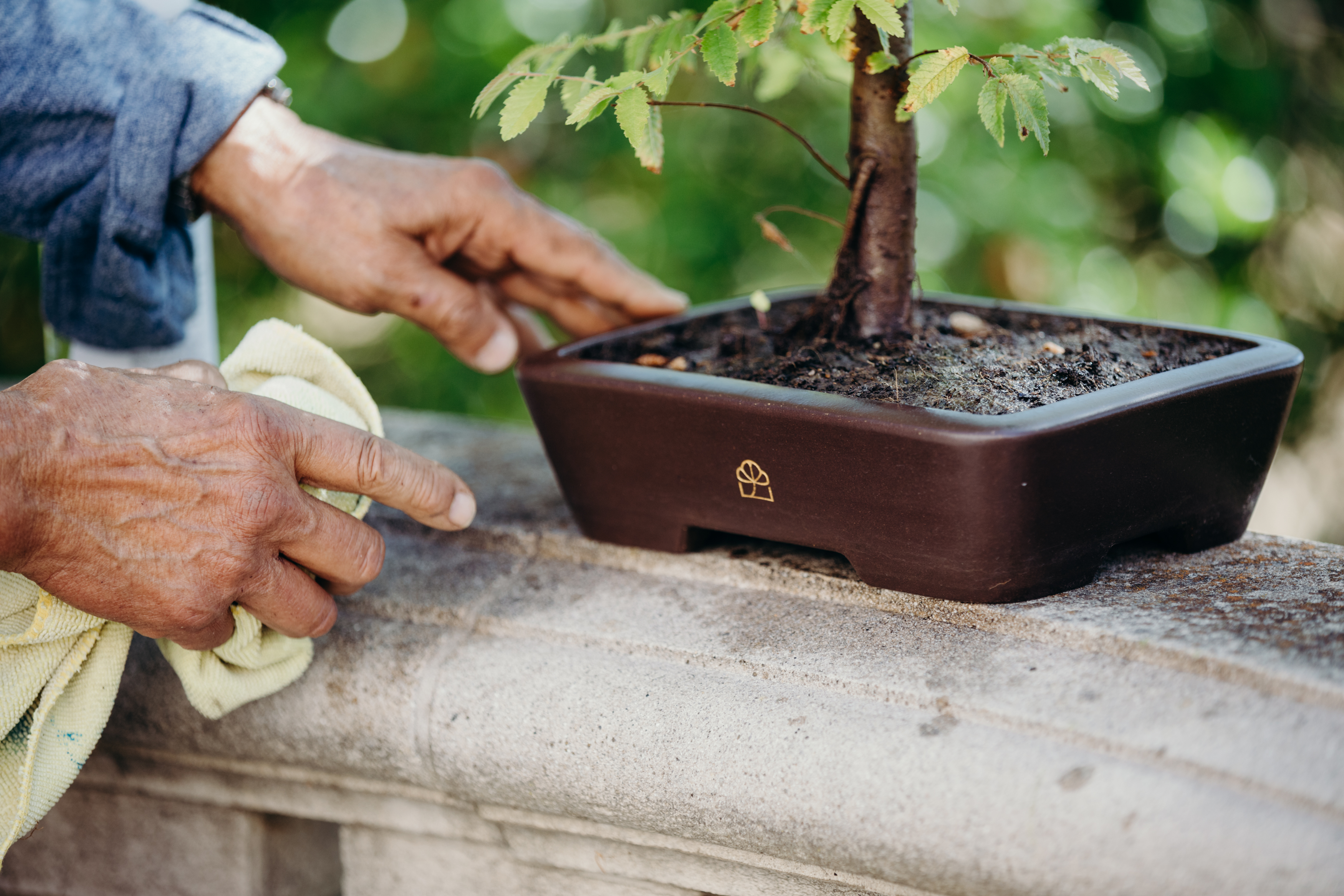
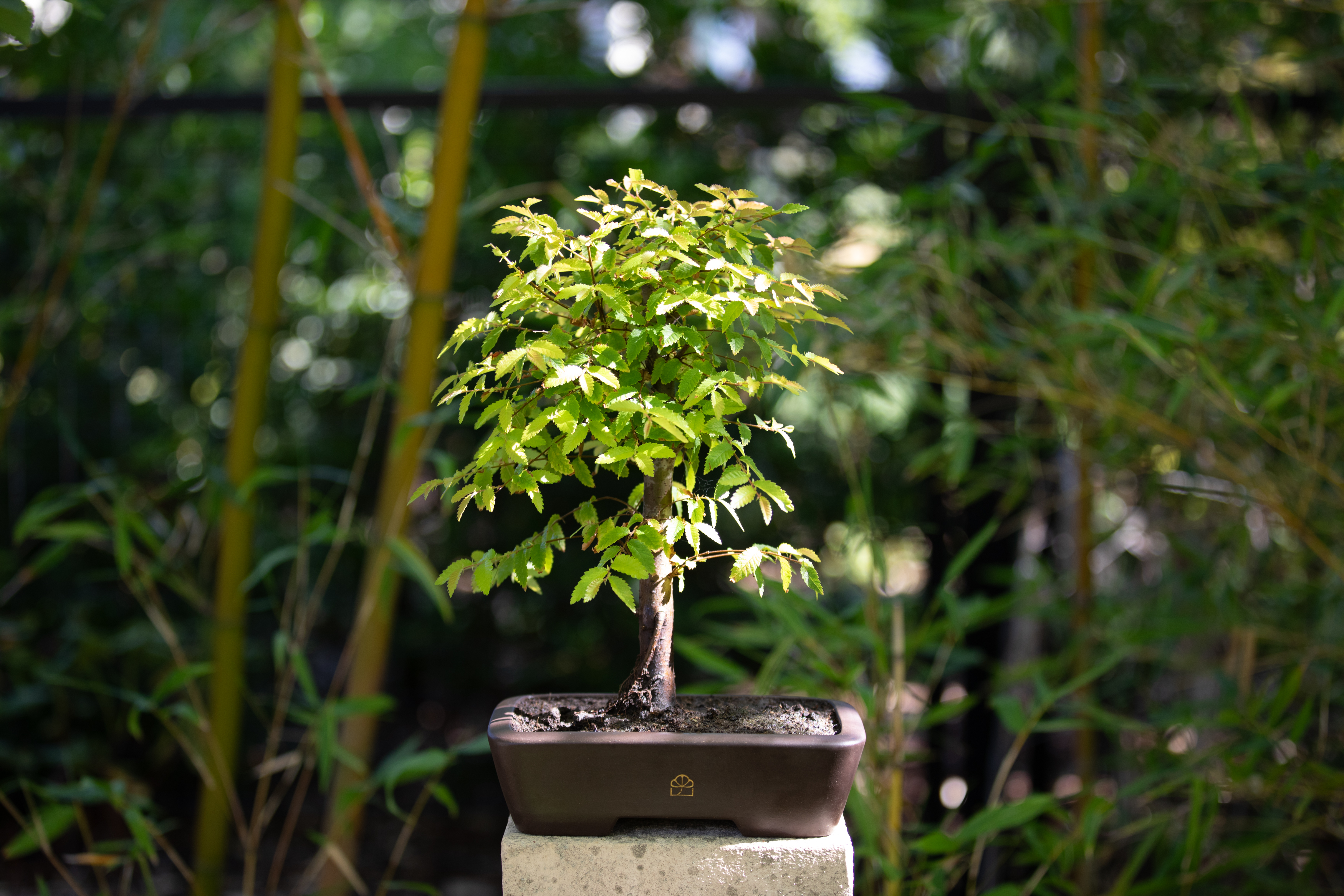
SHOT #1 — Straight on, at eye-level, on top of a concrete slab, with a white backdrop. Use a flash to create a cast shadow to the left. Ensure that the BH logo is visible on the front of the pot.
Note: Shots 1, 2 & 5 should all feature the same tree for each product photo series.
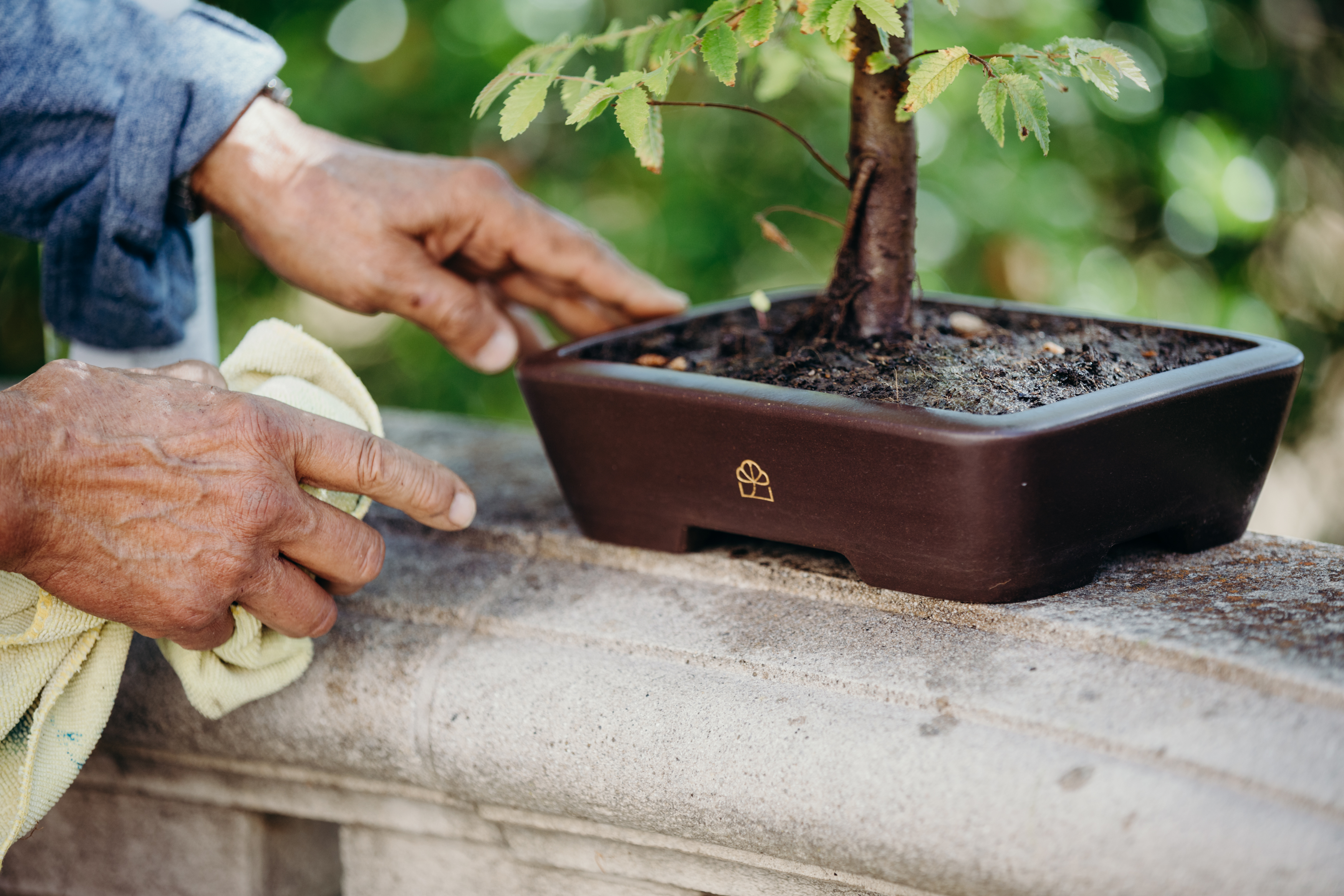
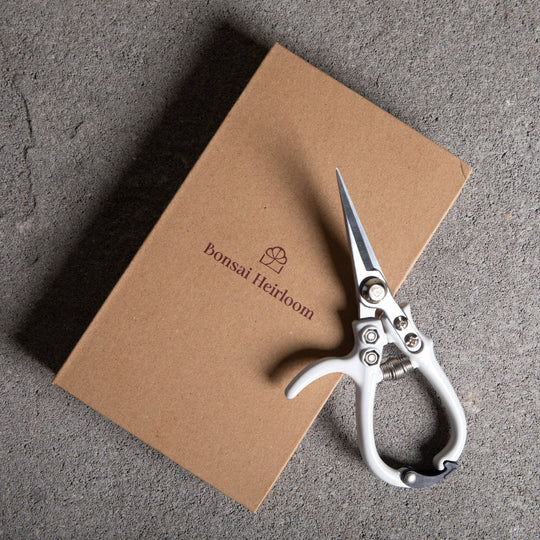
SHOT #2 — At an angle, still at eye-level, with a pair of clippers added. Same lighting set up as Shot #1.
Note: Shots 1, 2 & 5 should all feature the same tree for each product photo series.
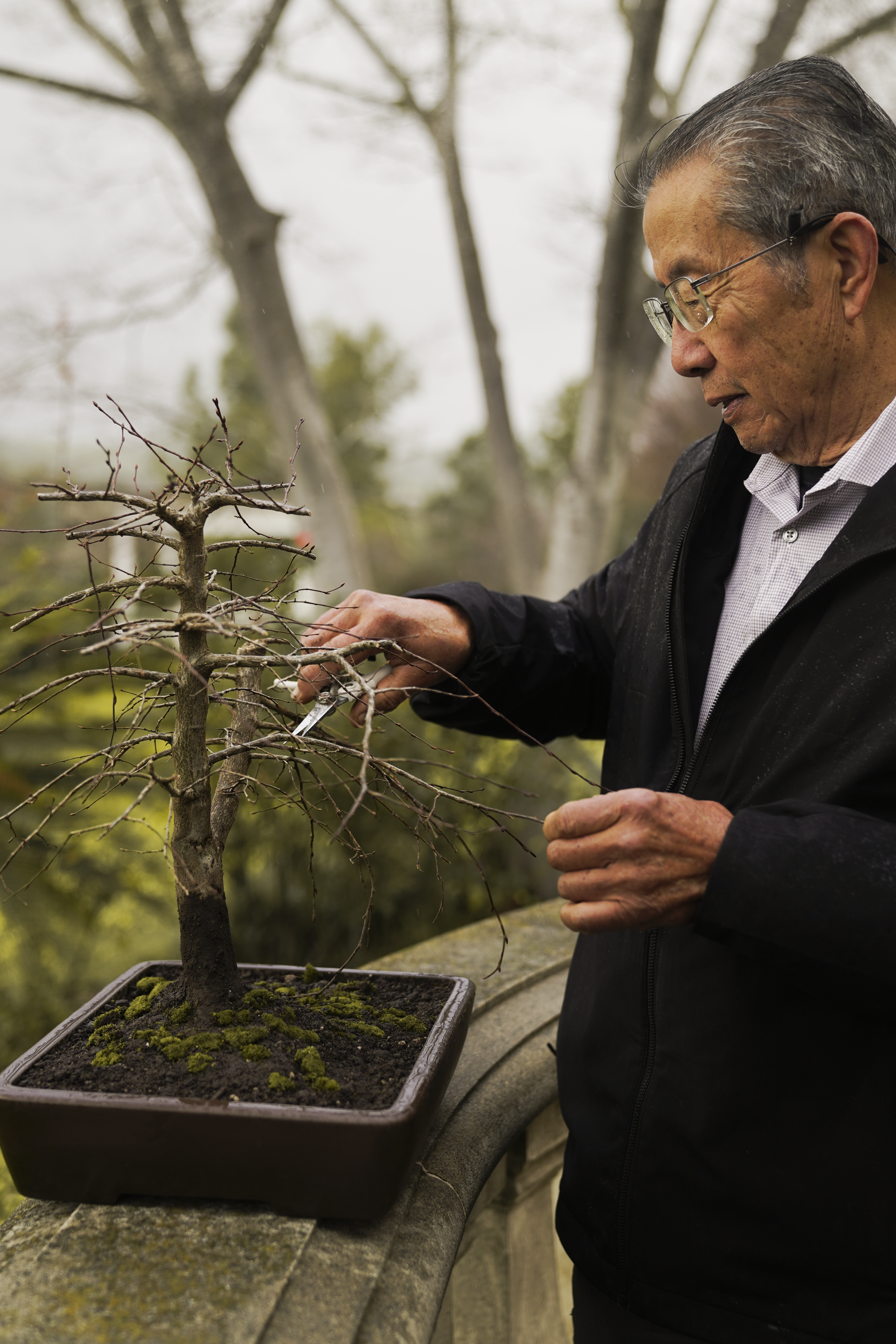
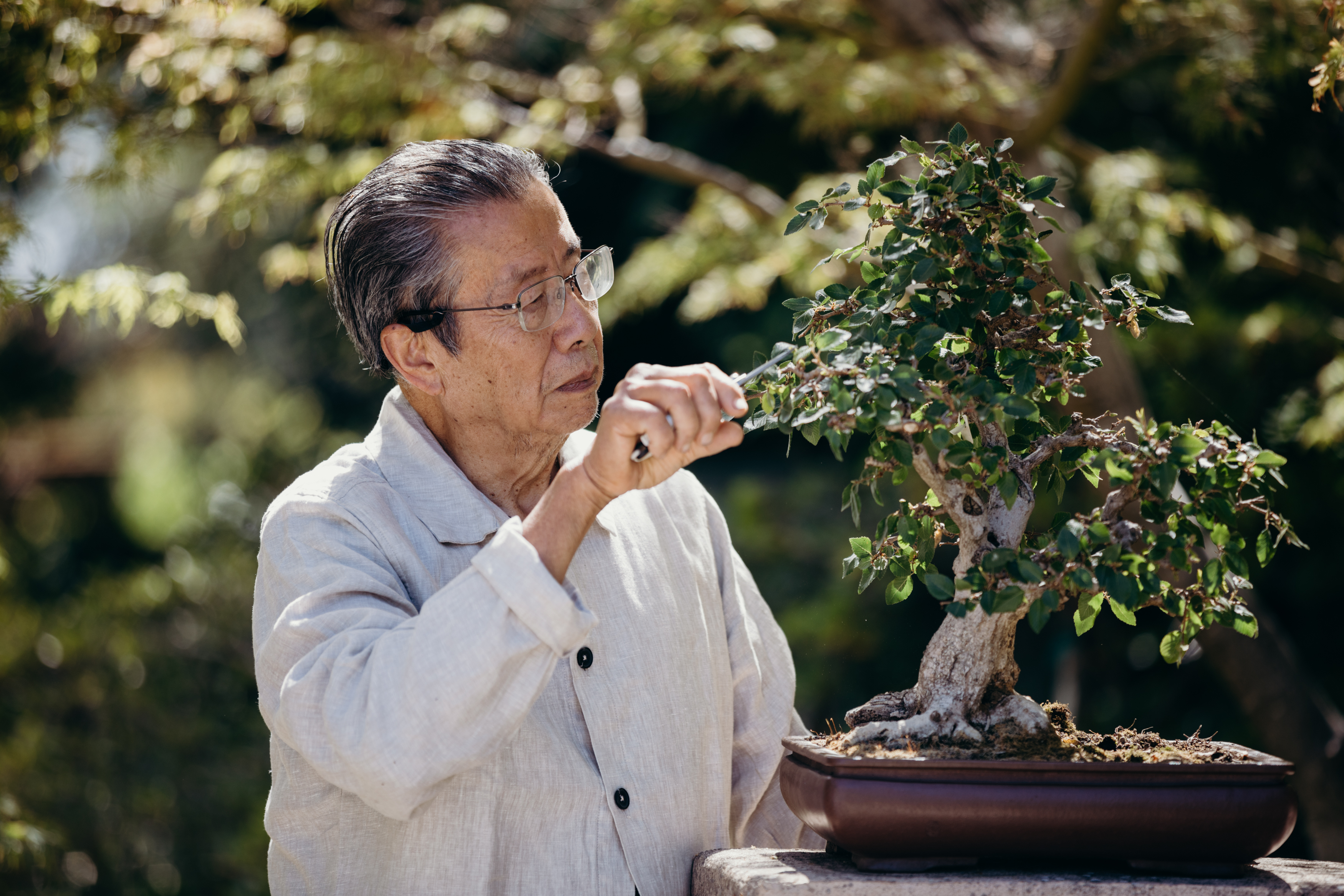
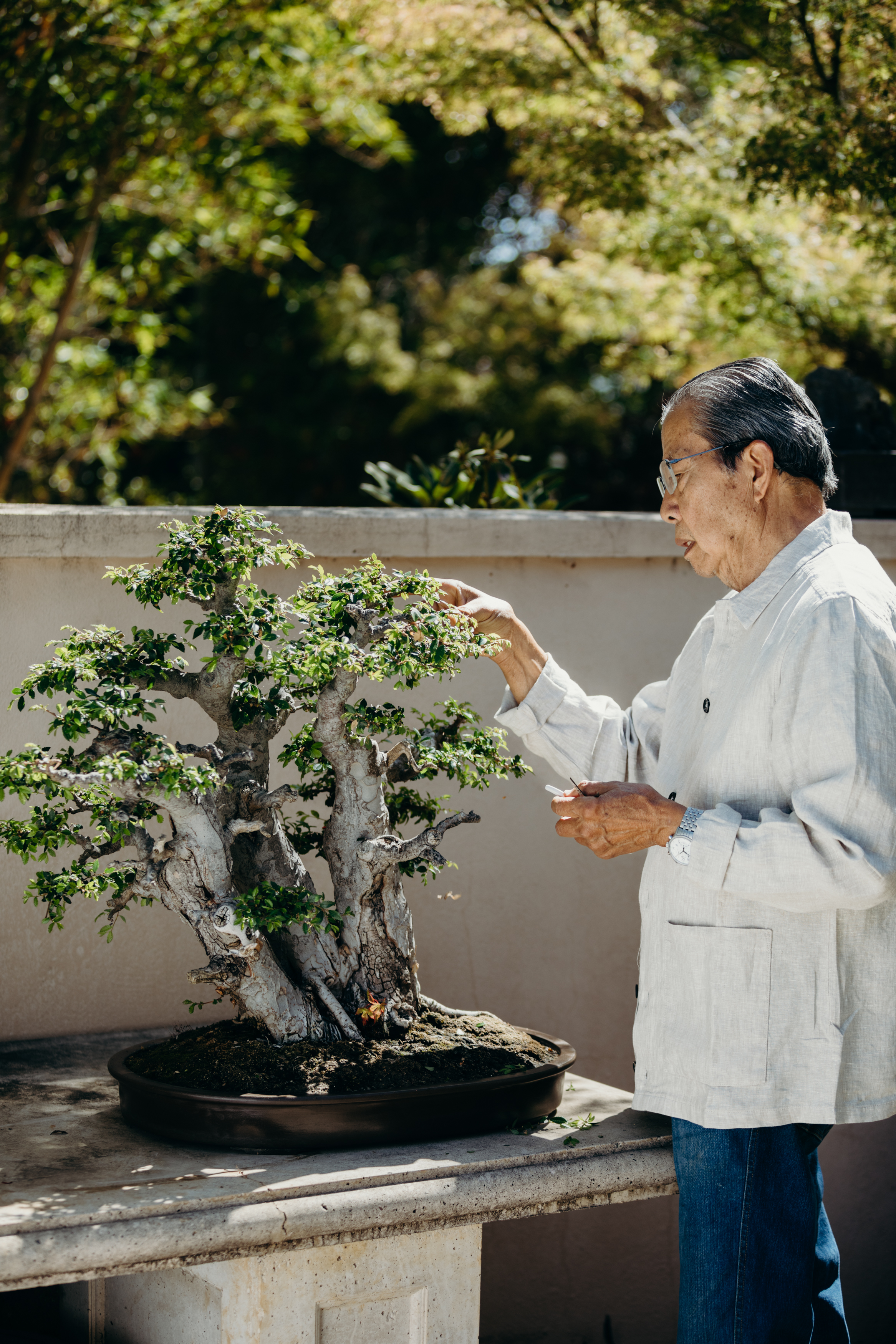
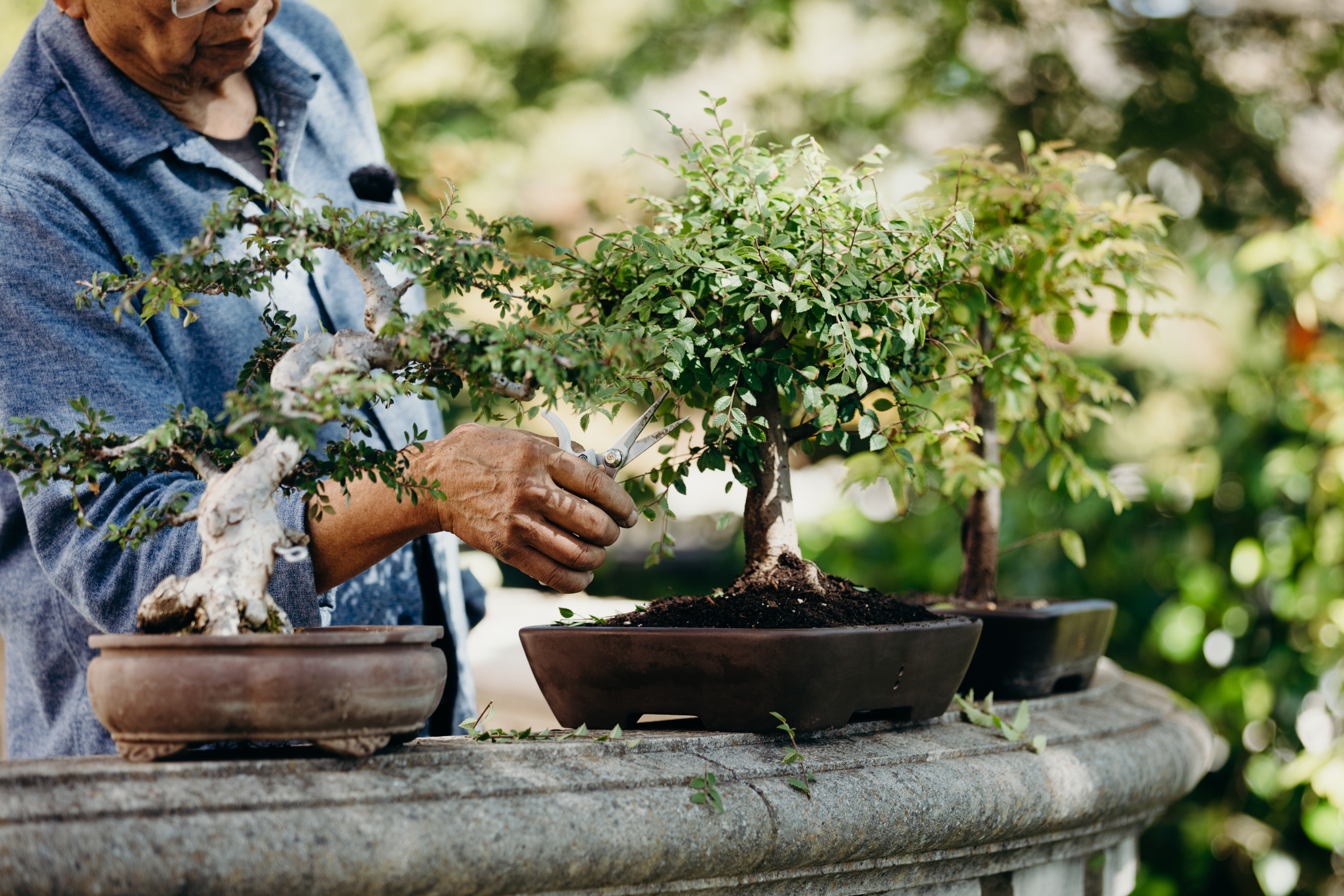
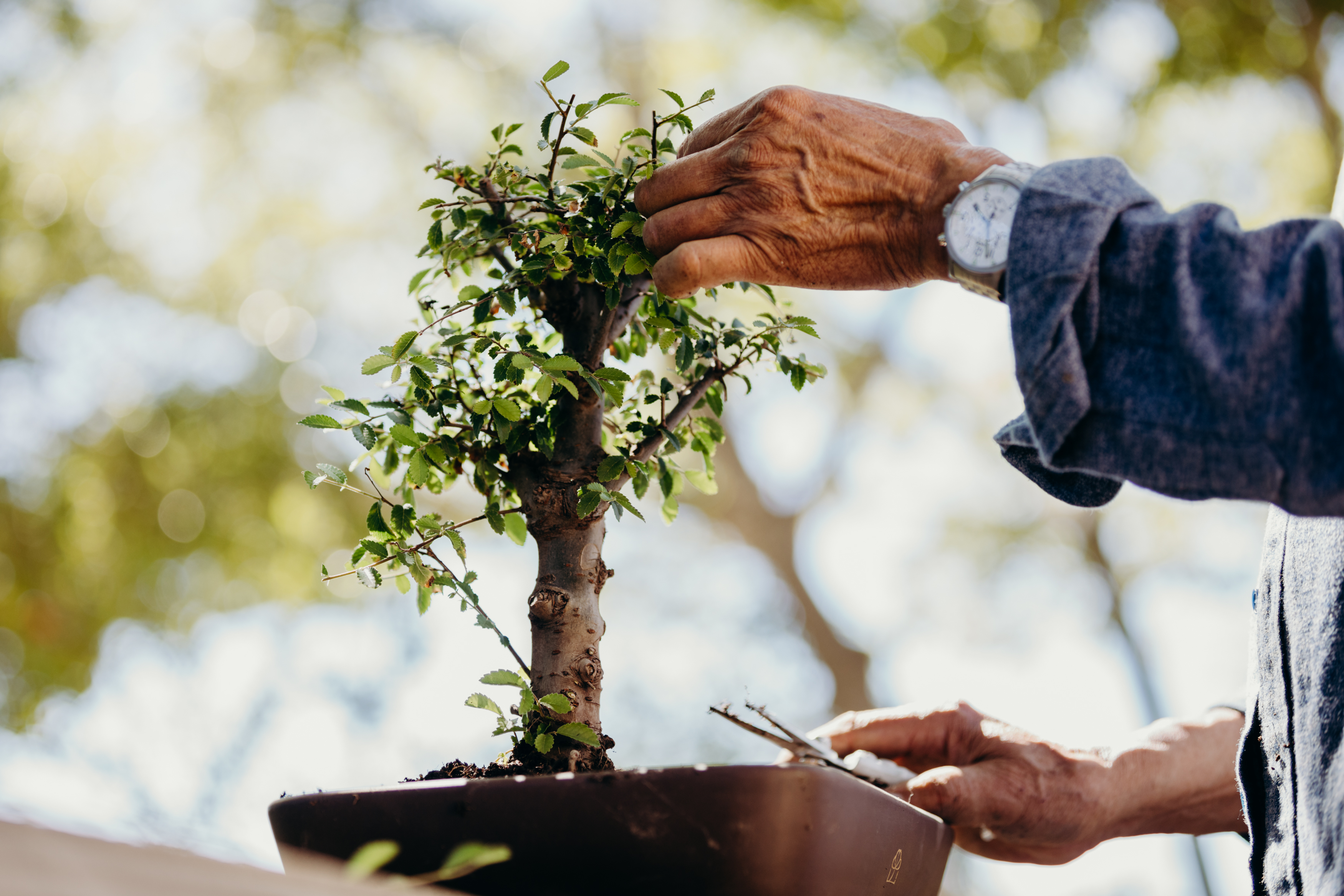
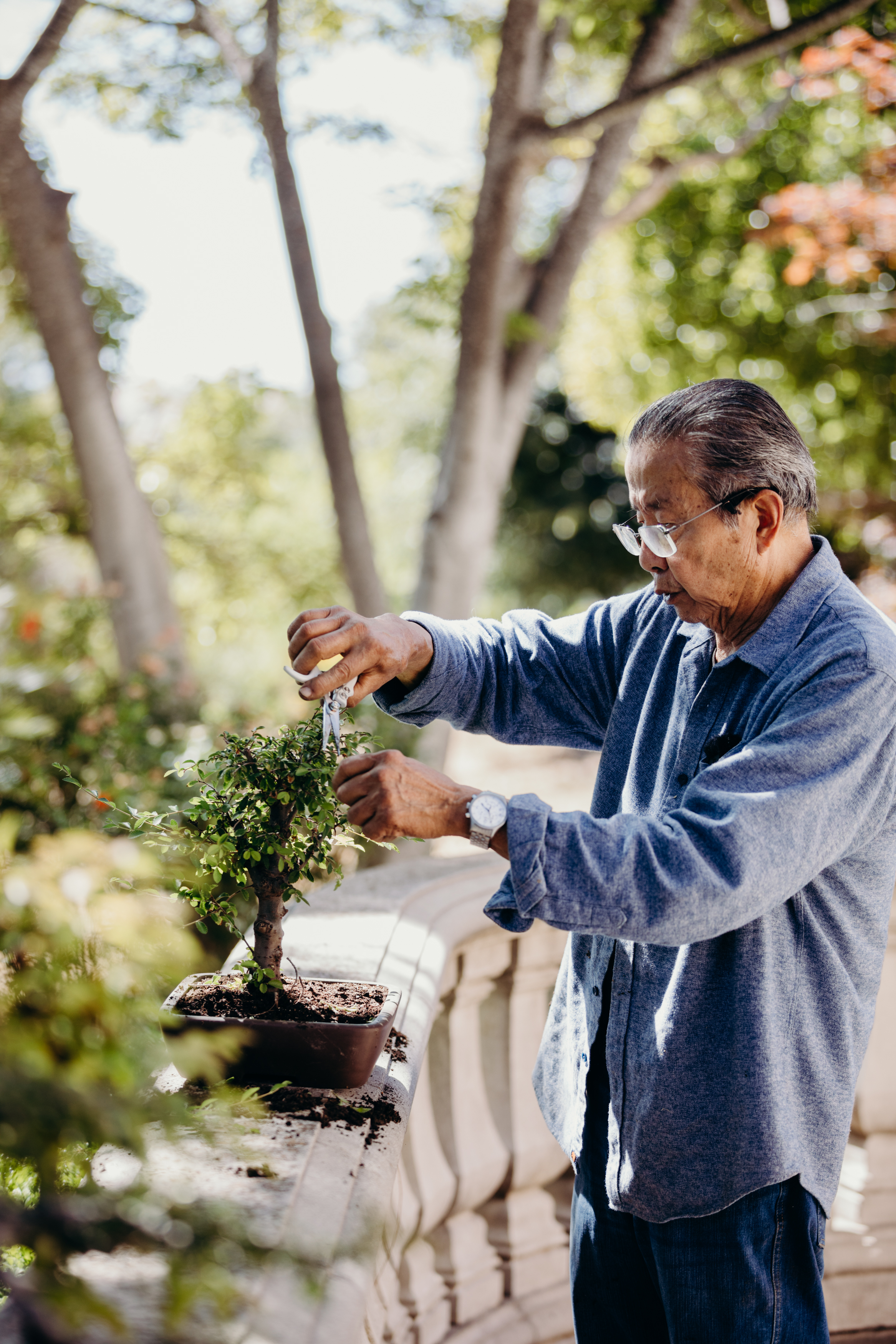
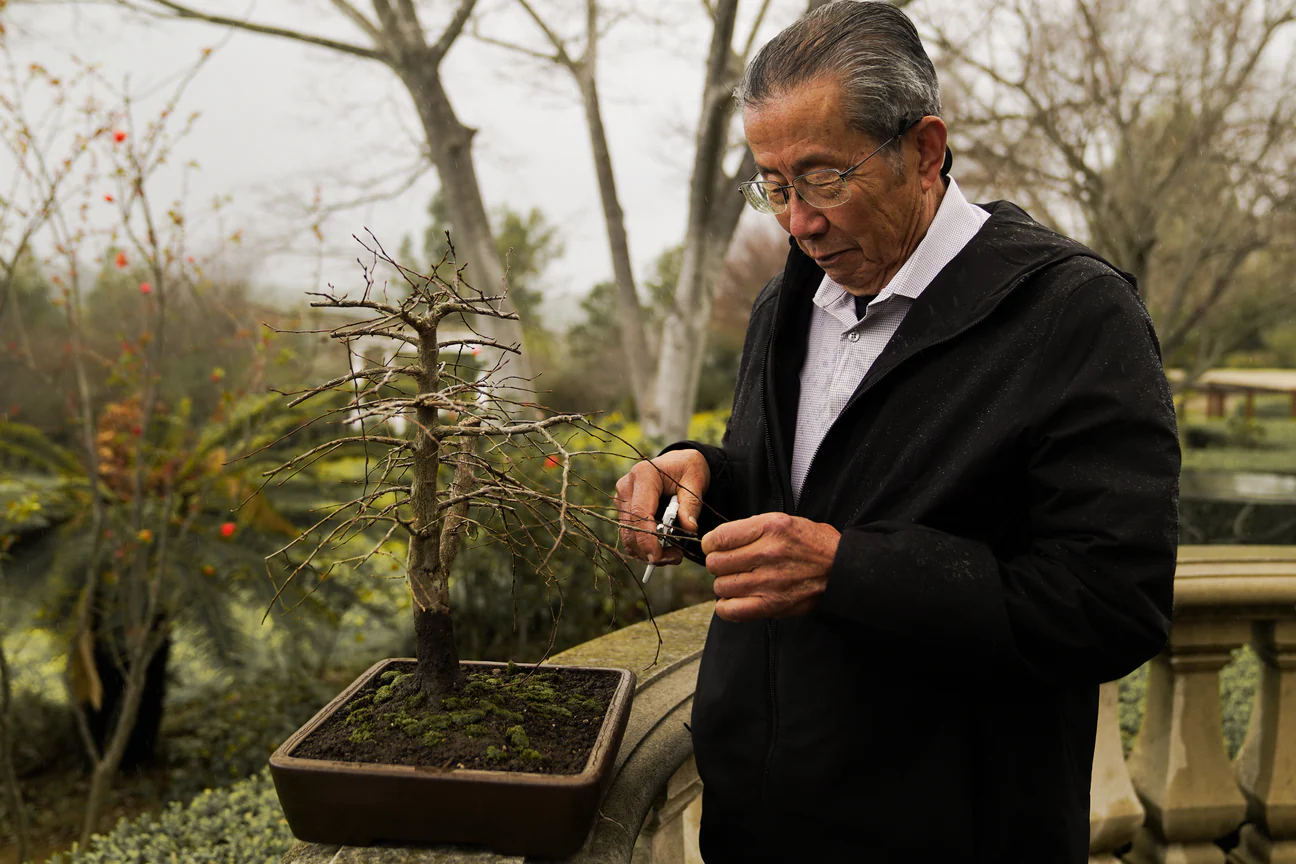
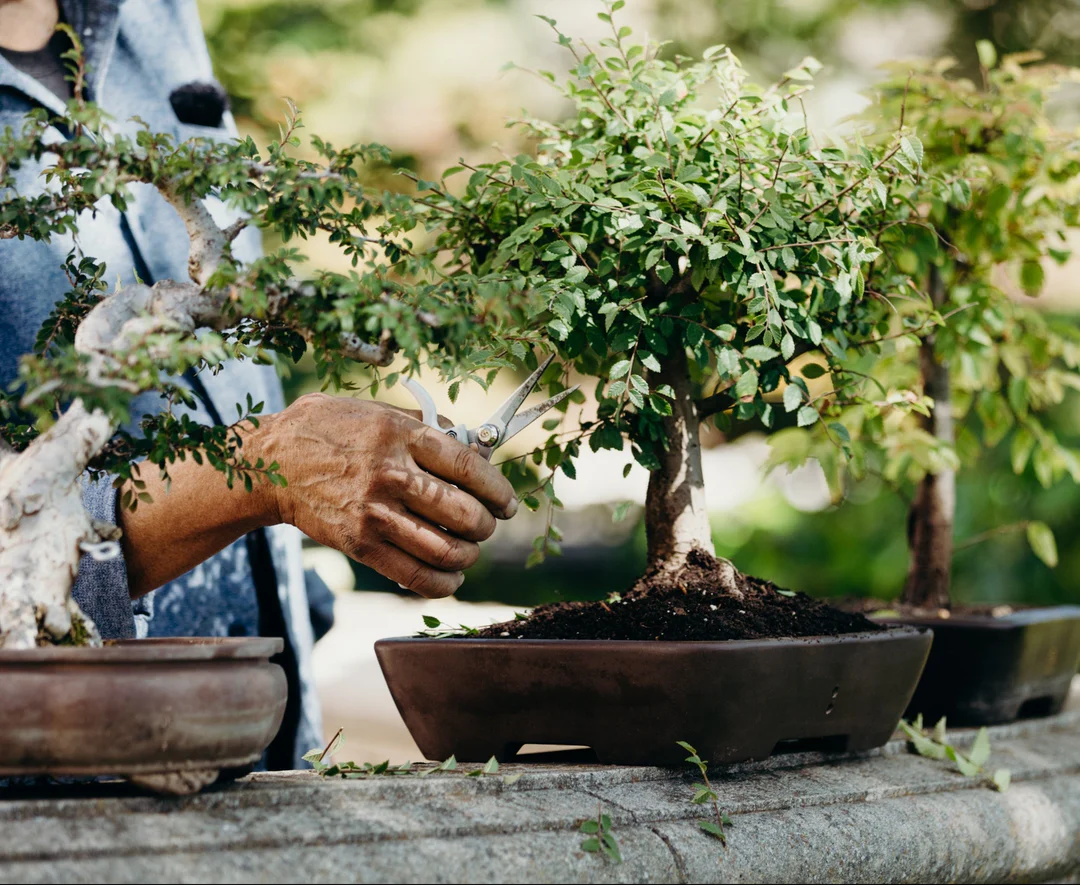
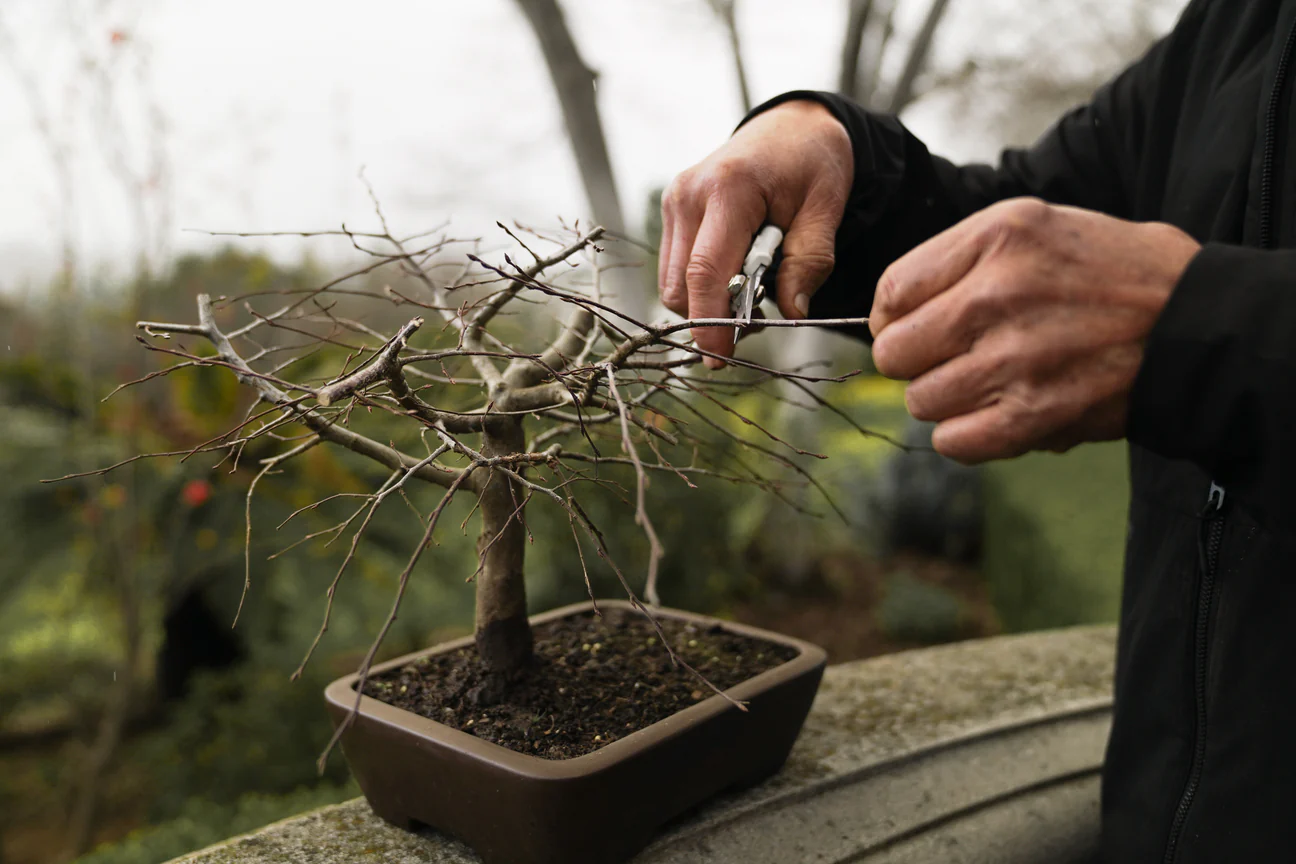
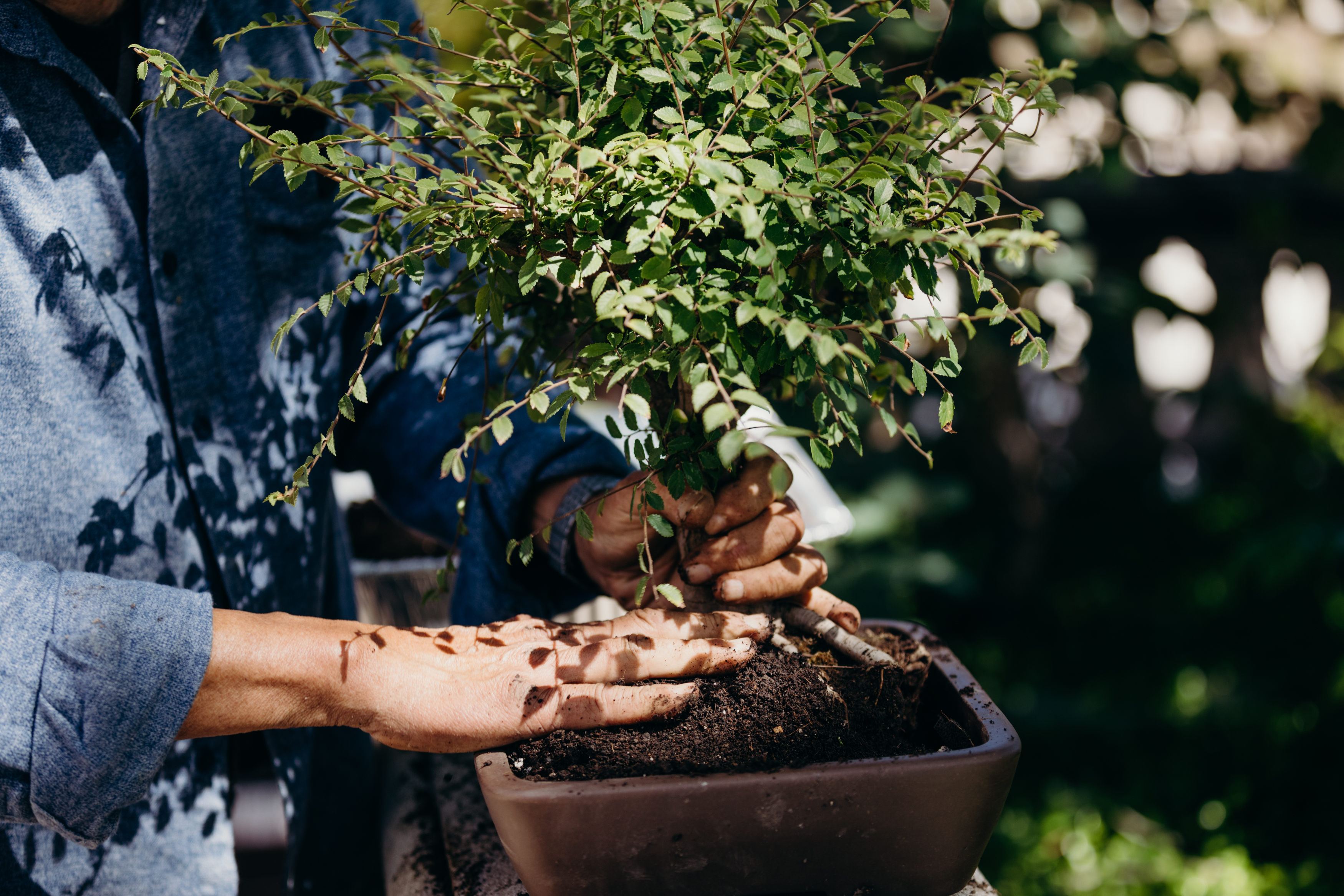
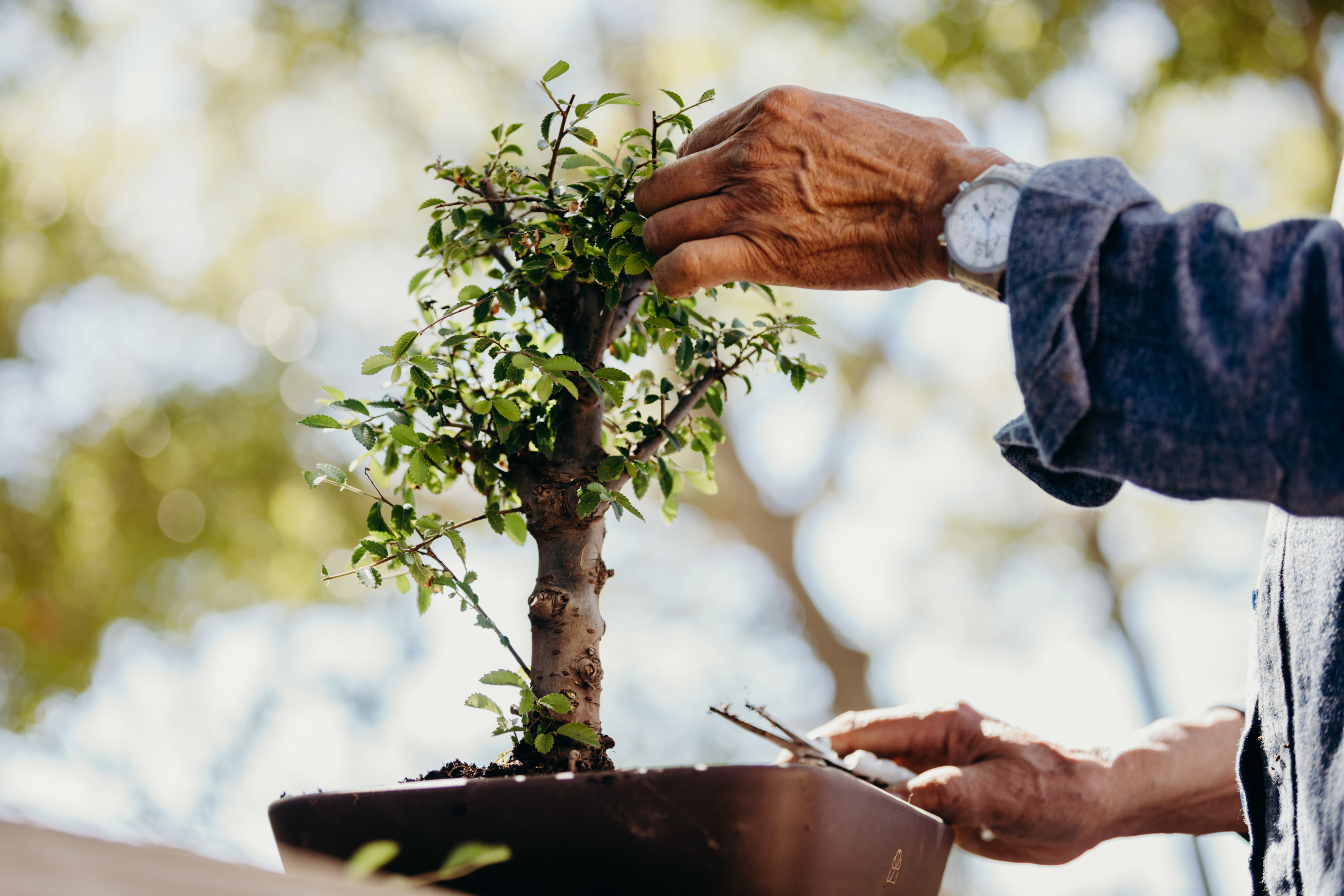
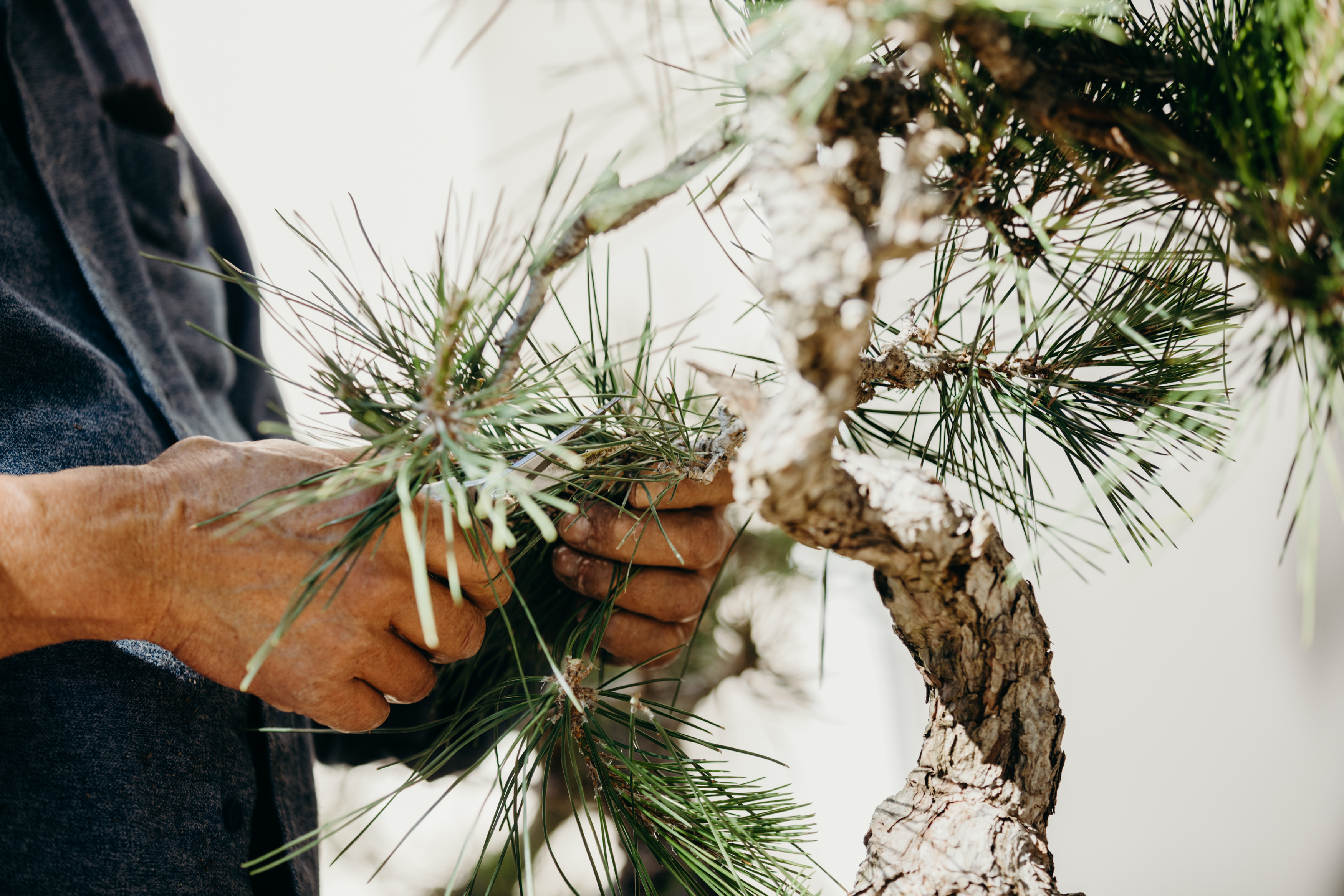
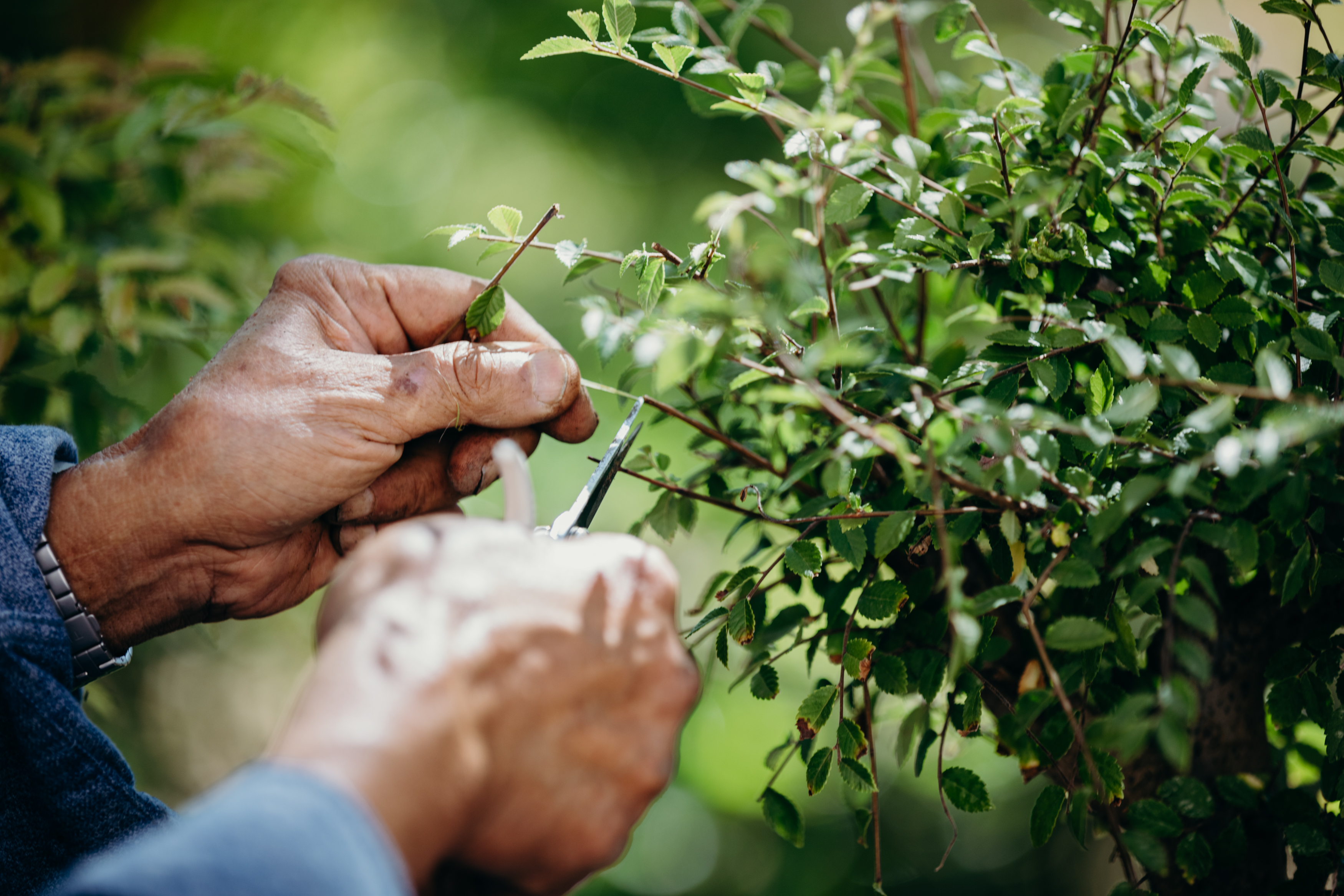
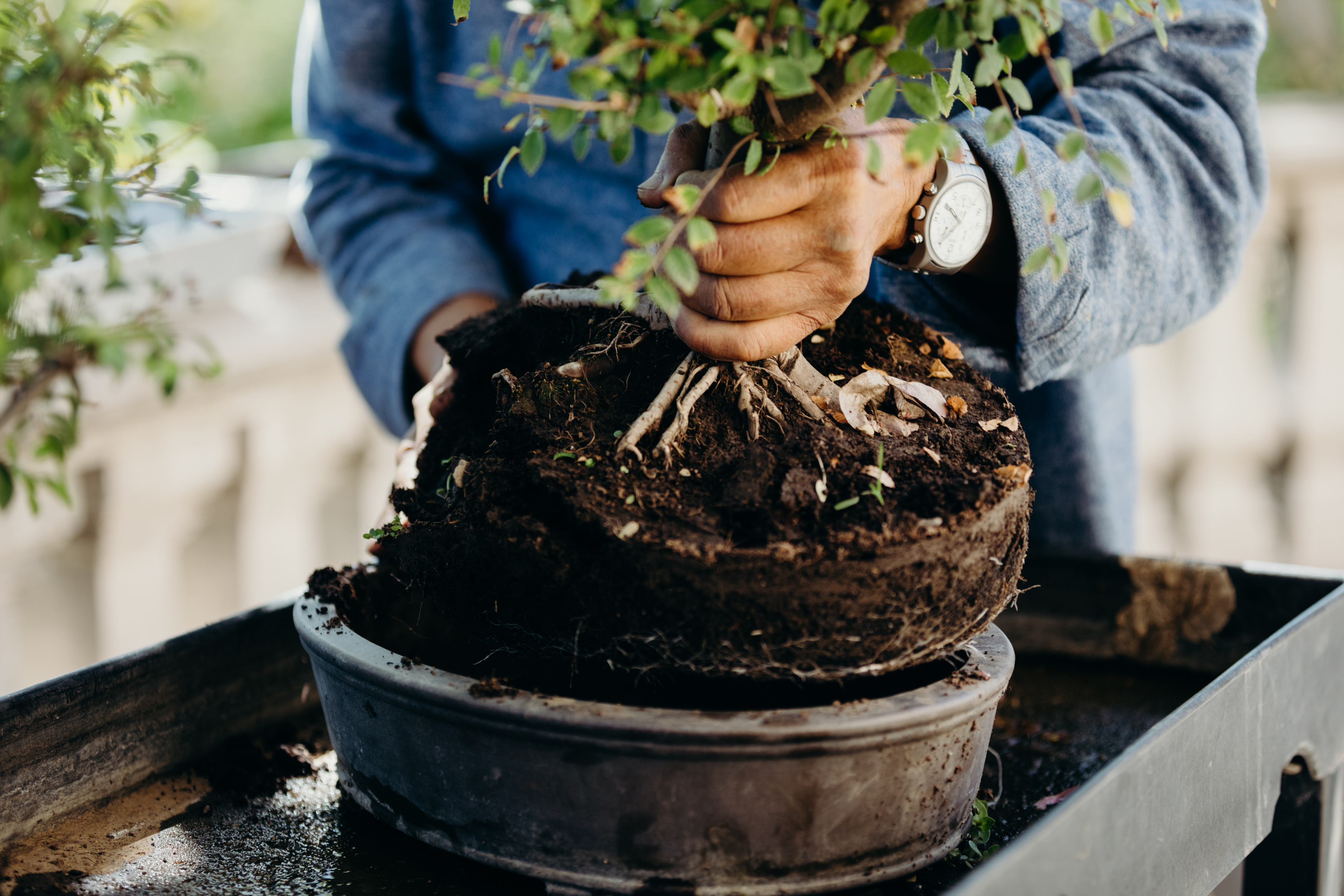
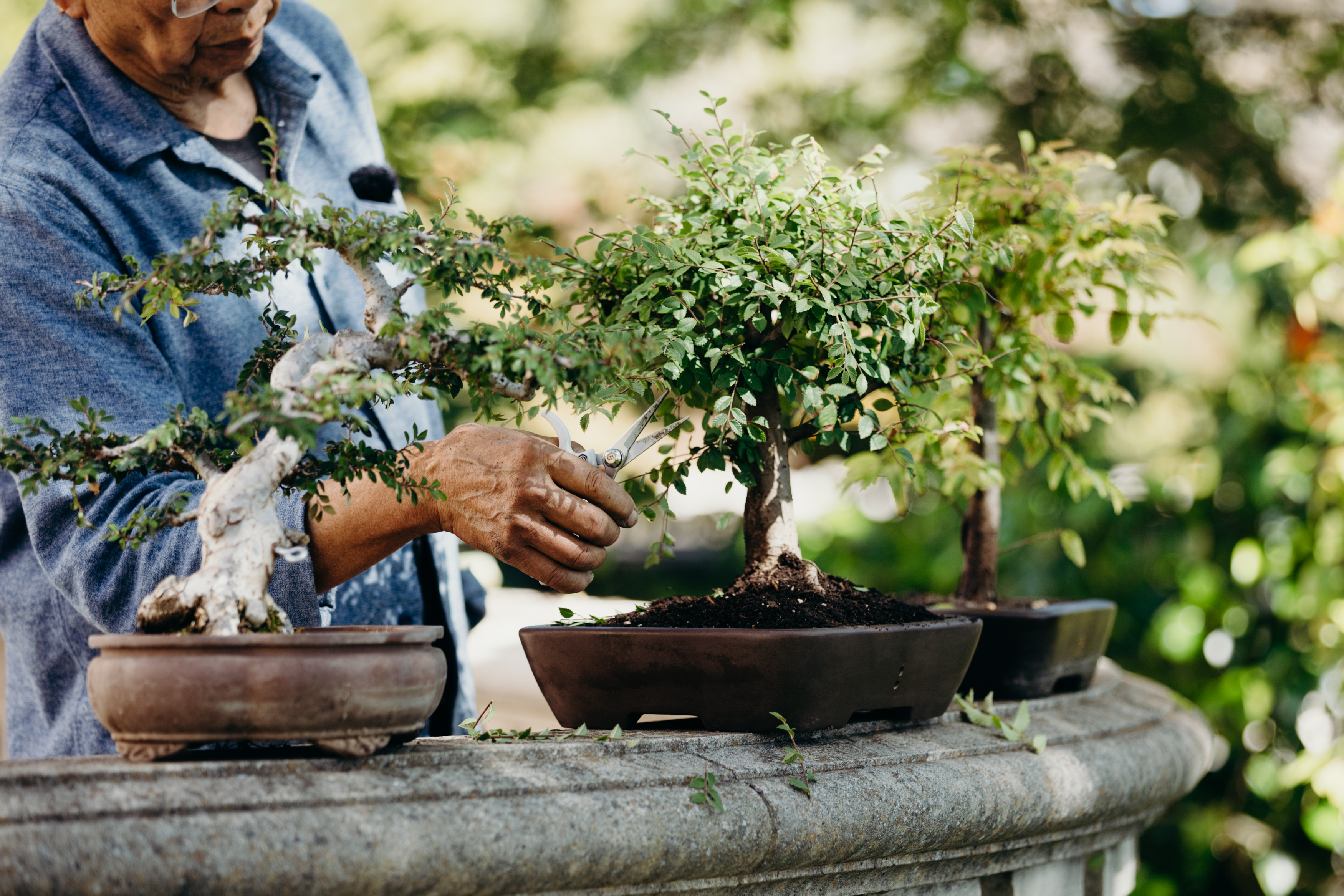
SHOT #3 — Lifestyle photo of Milton working with the tree or product, preferably outside on his back patio.
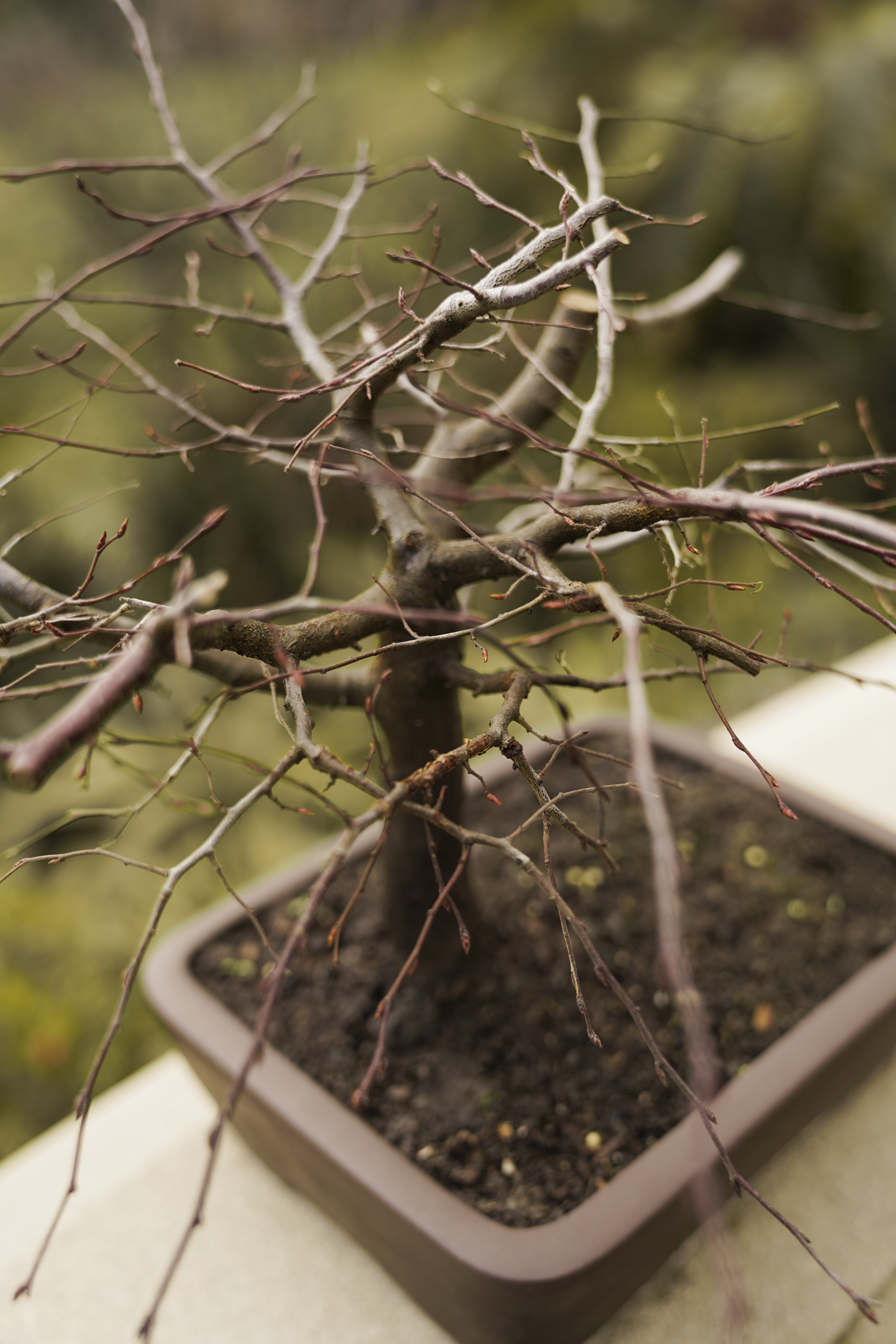
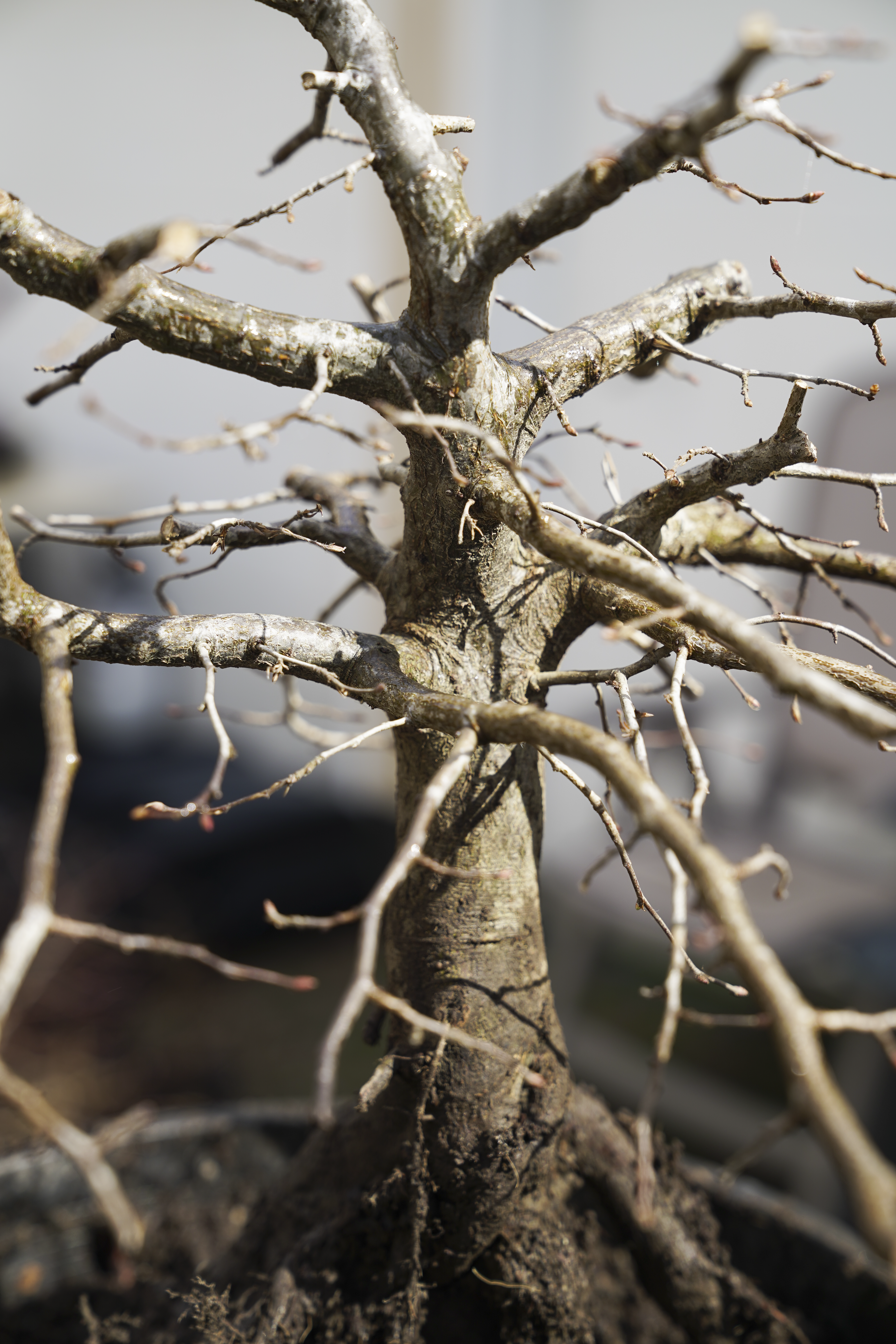
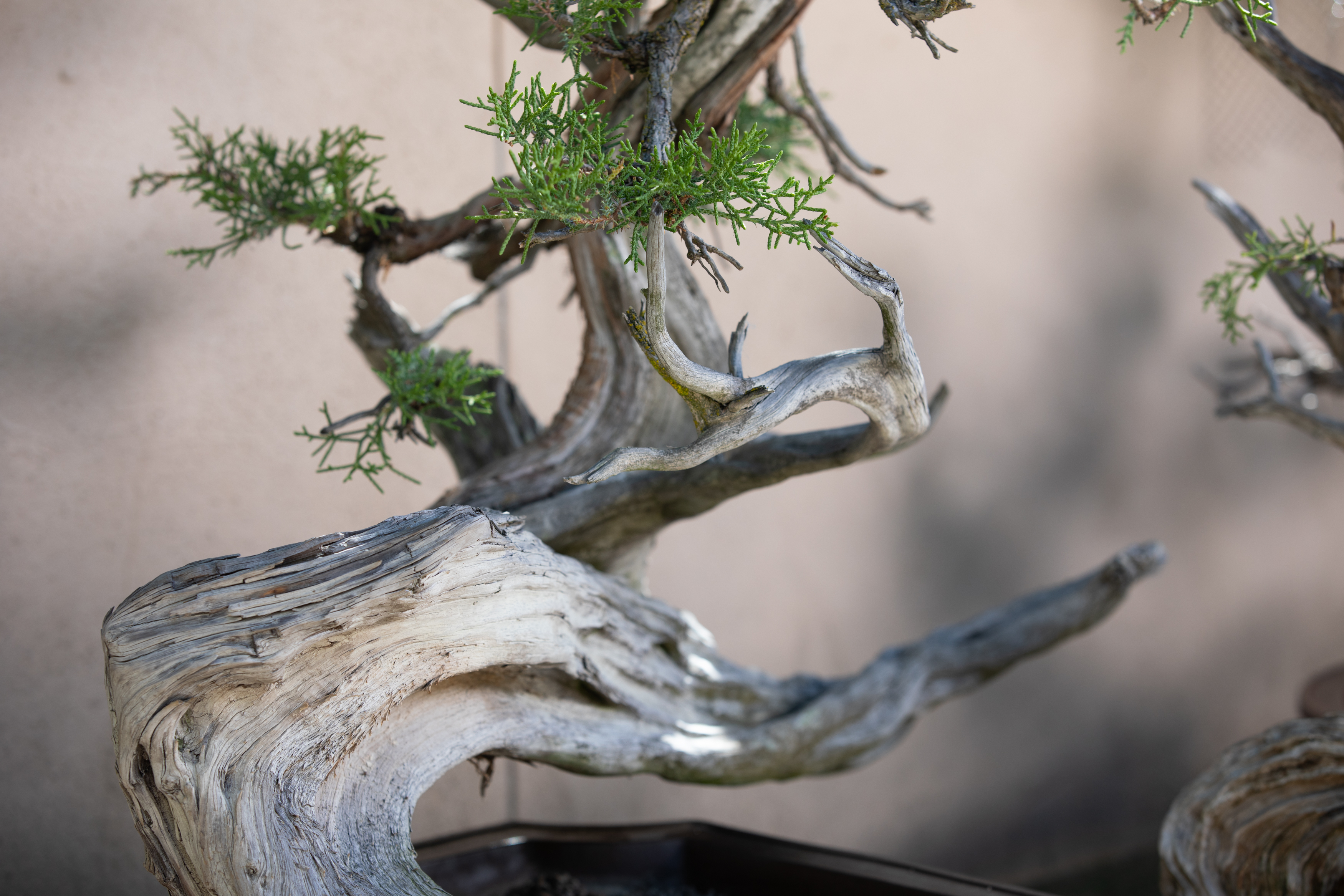
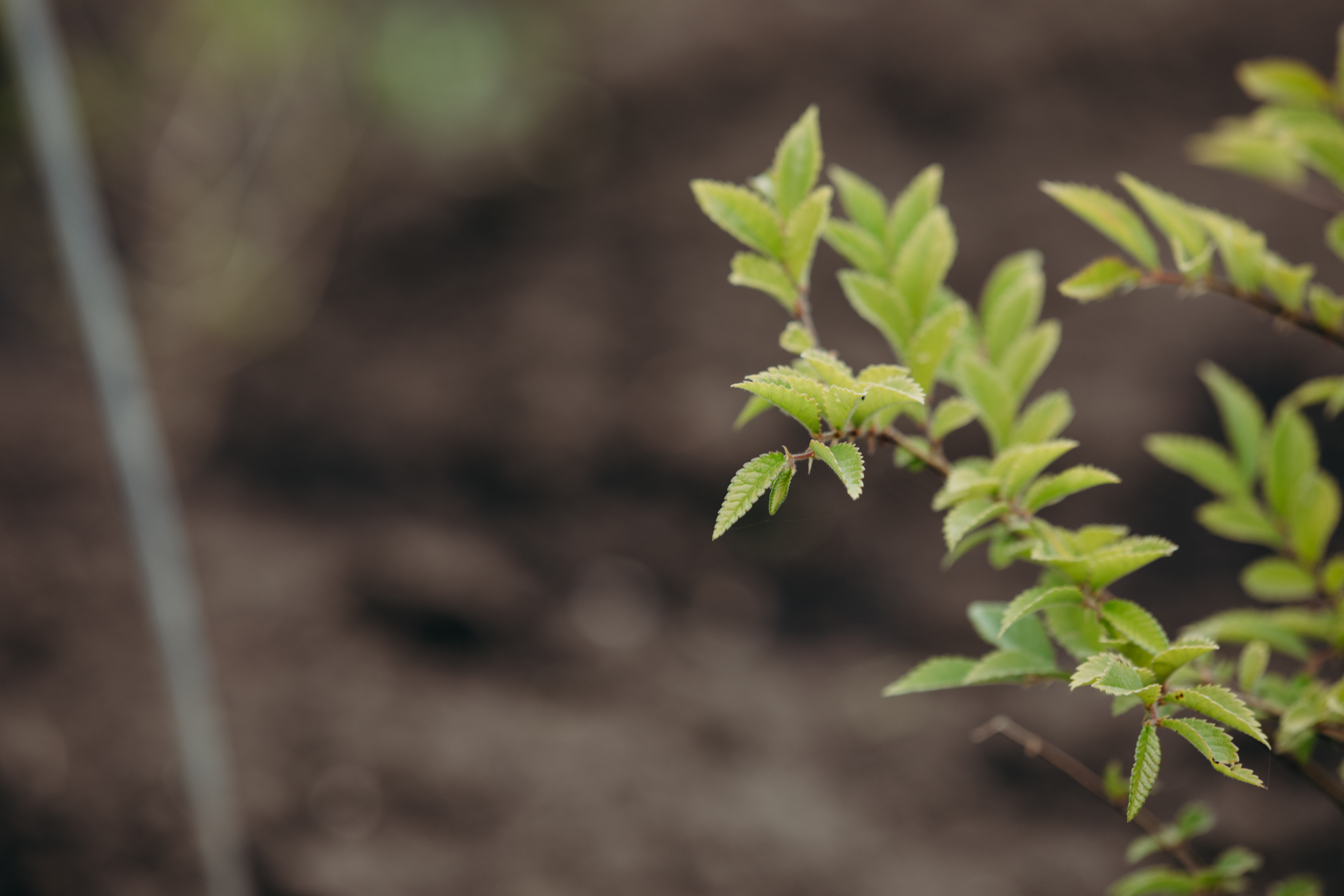
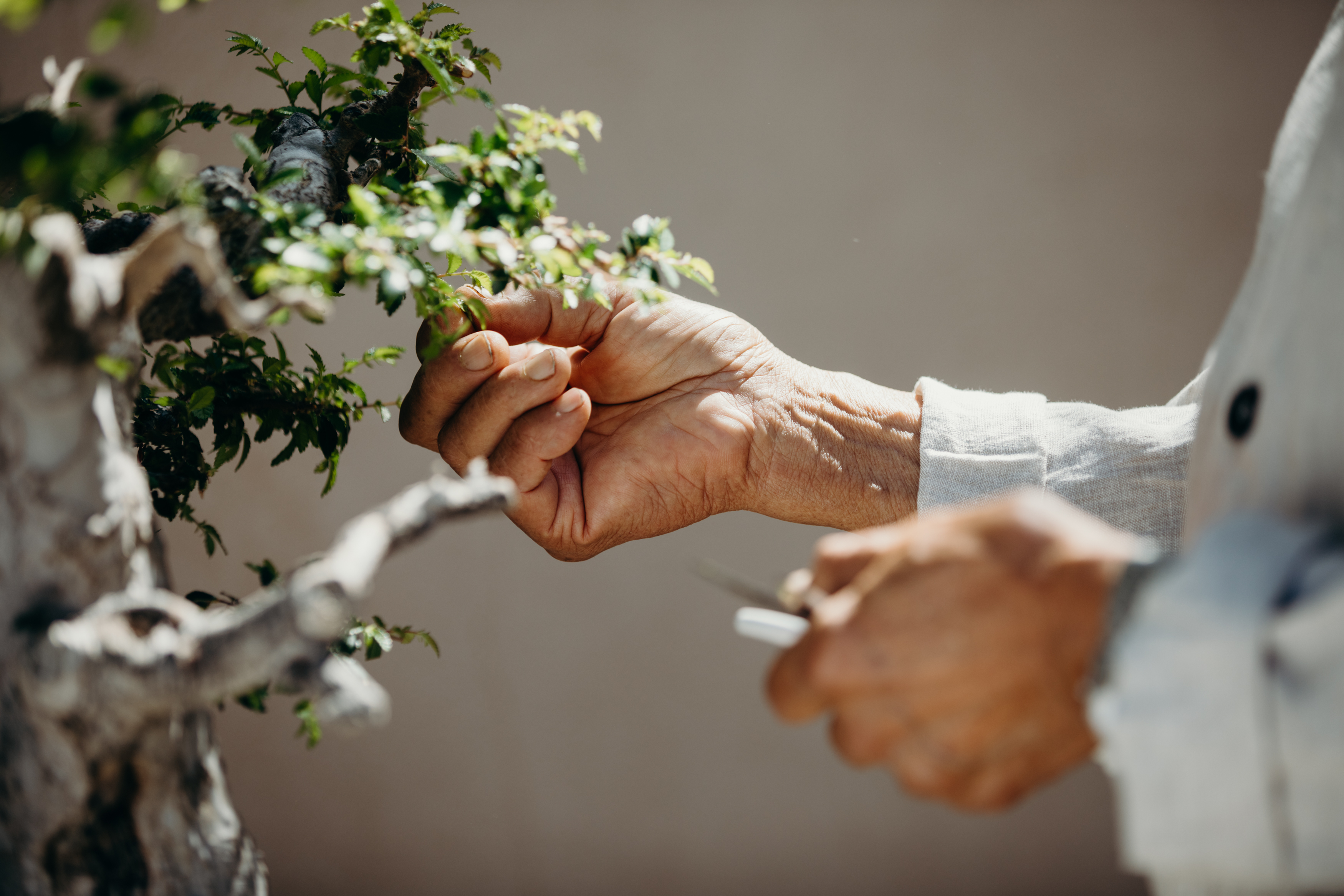
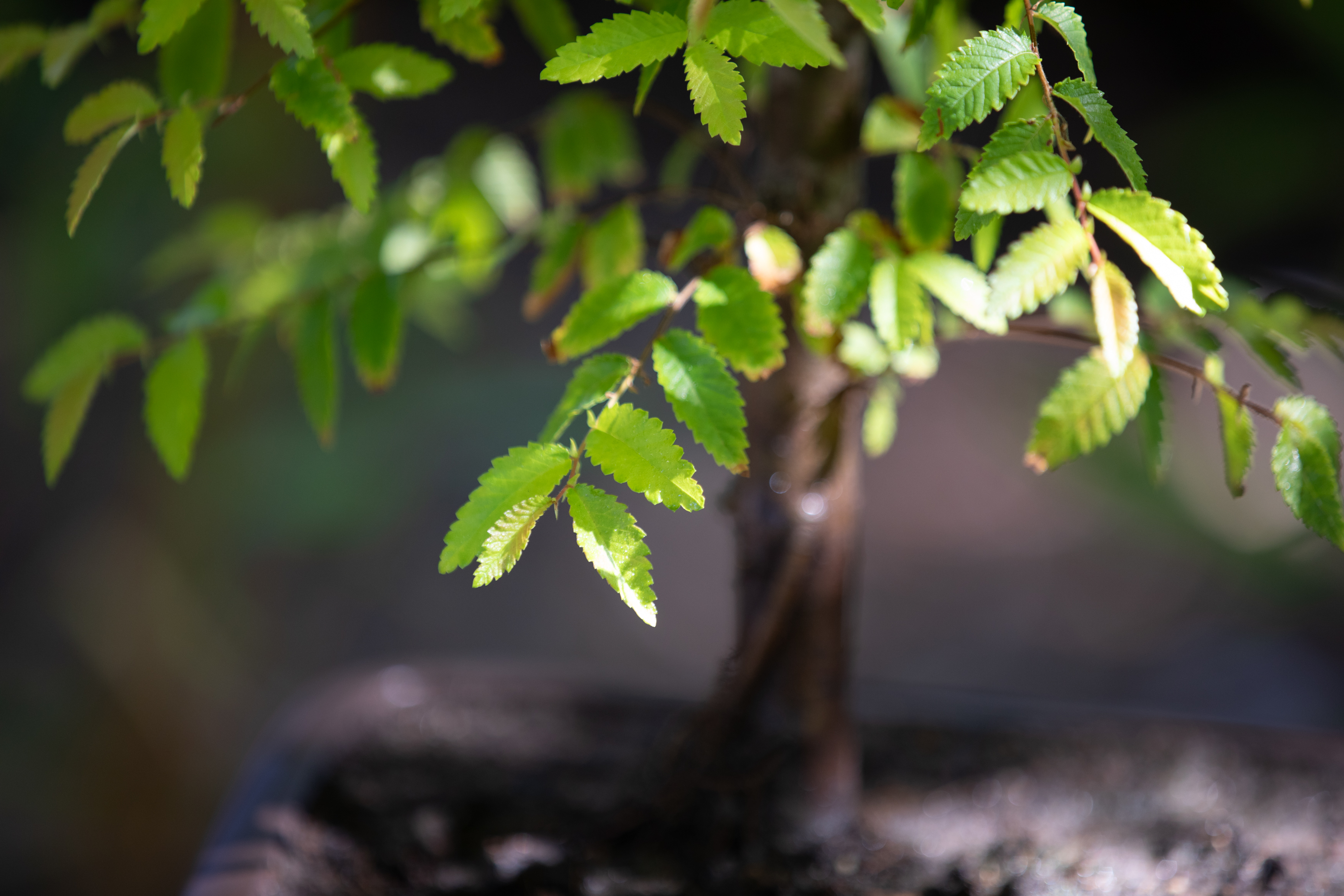
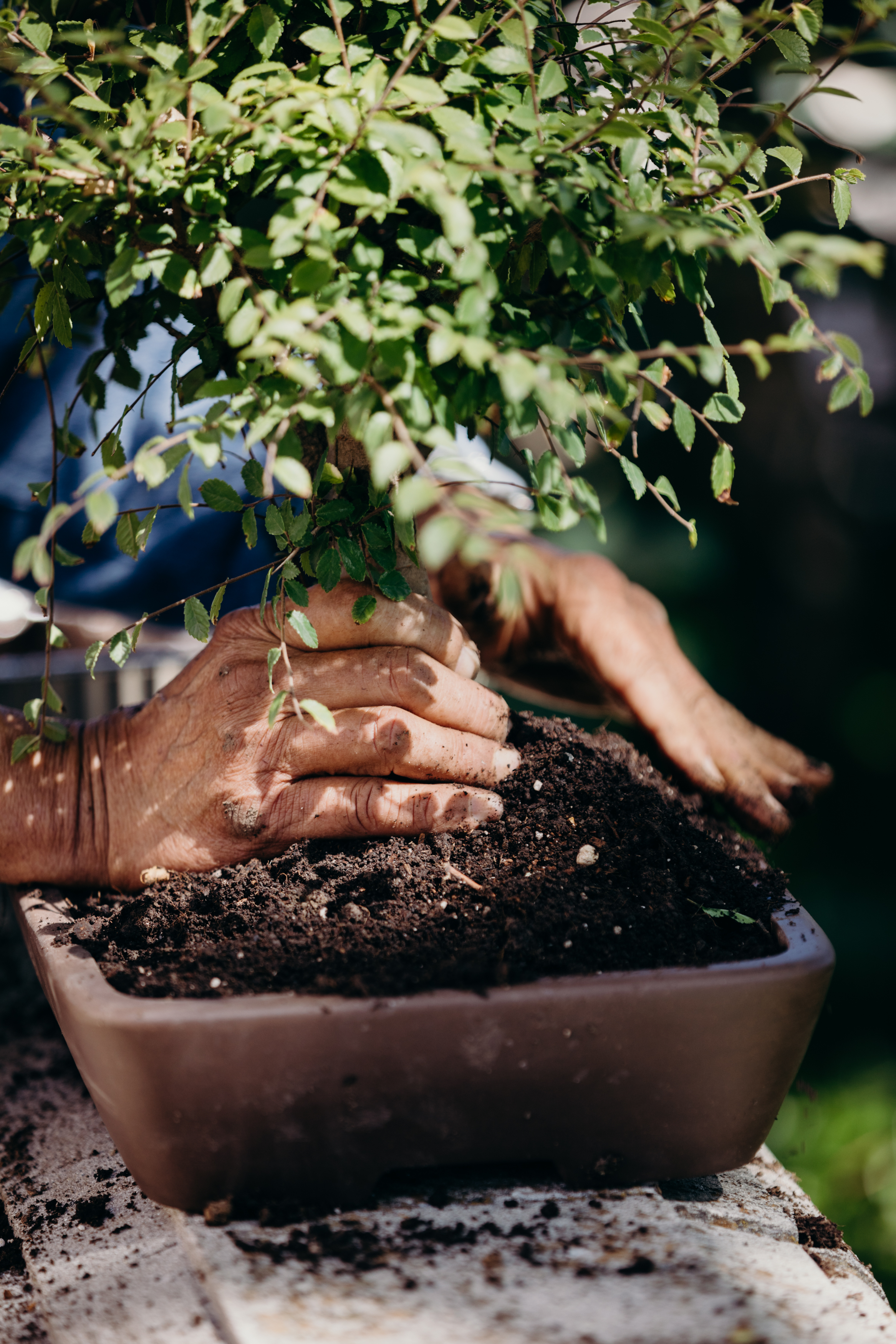
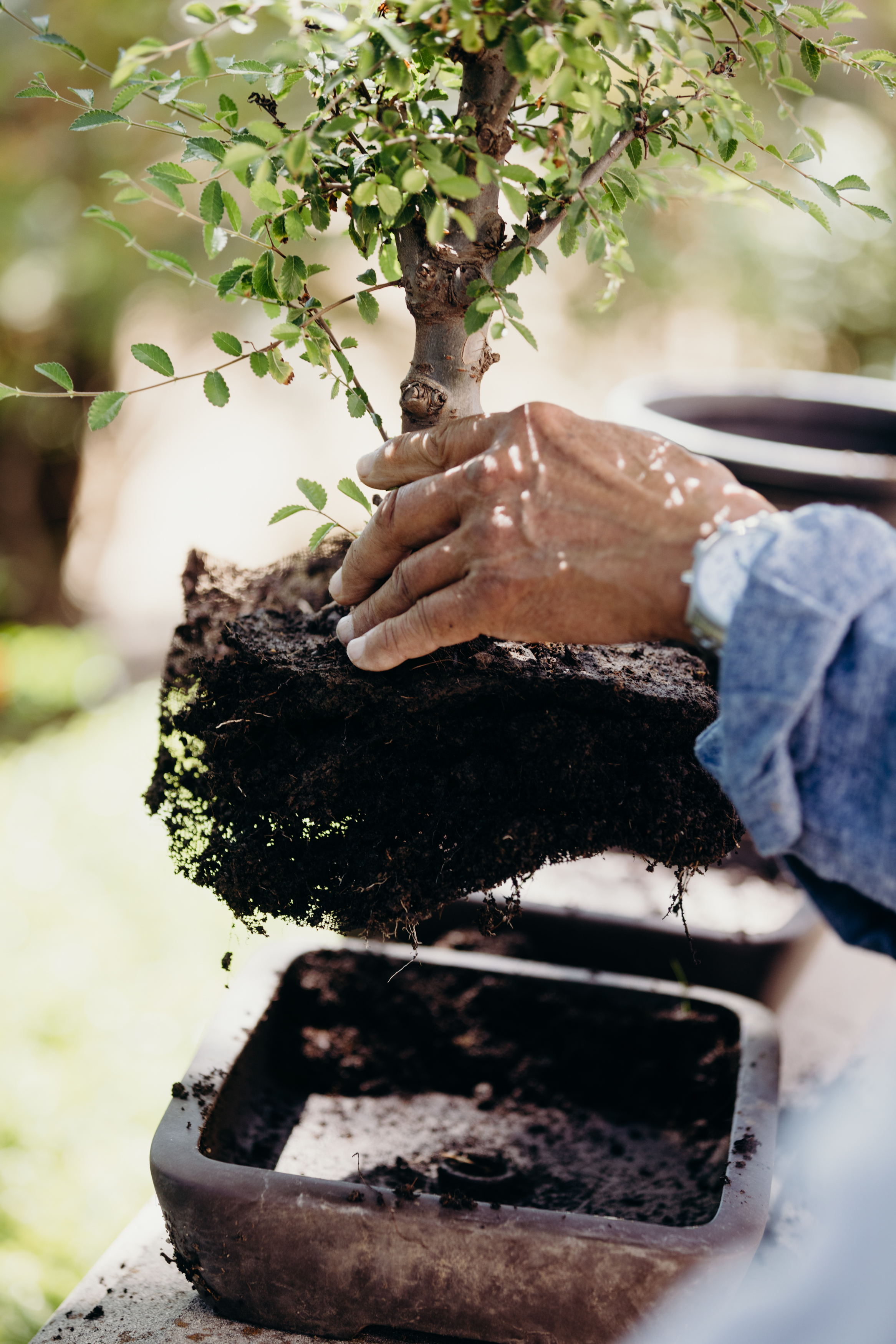
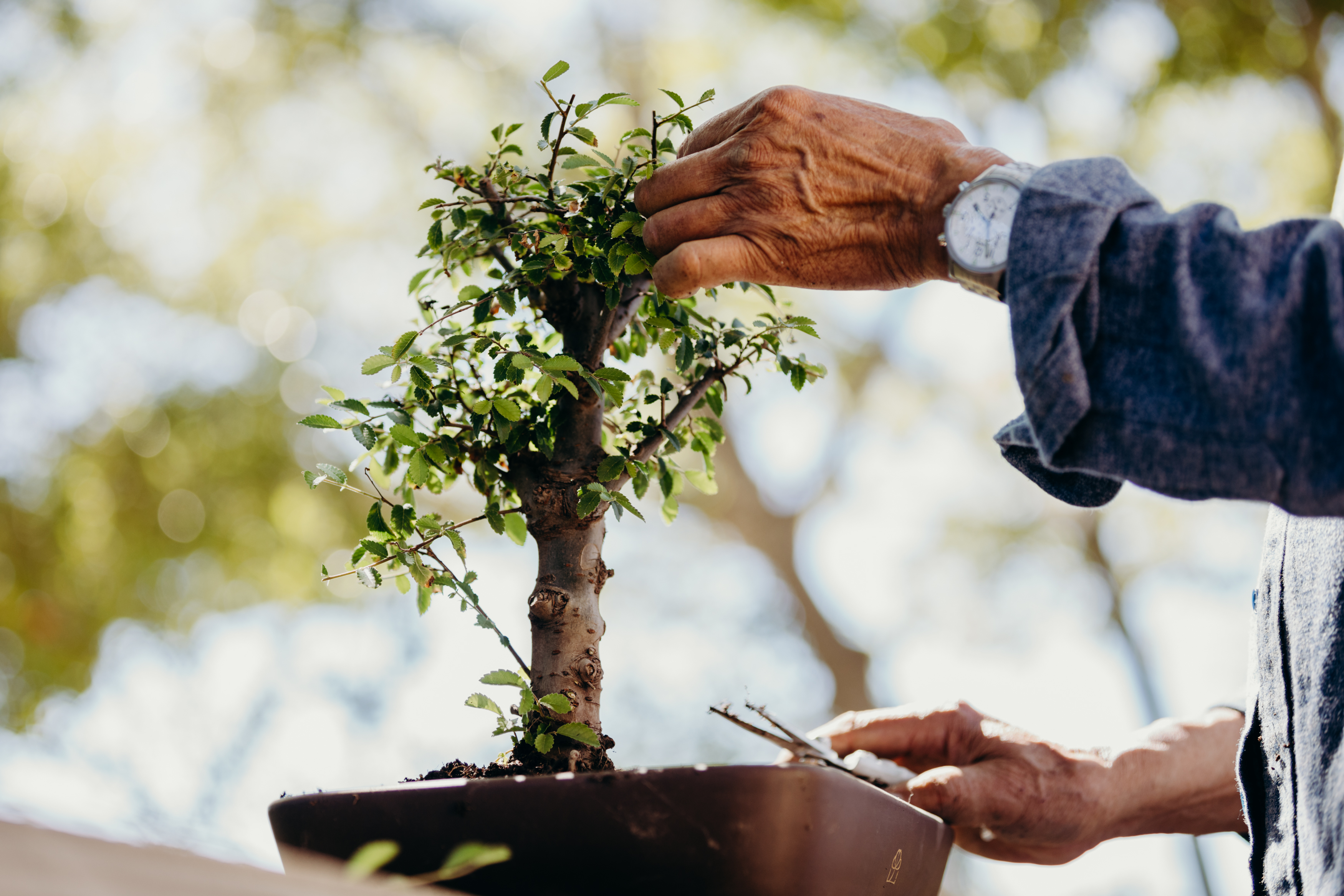
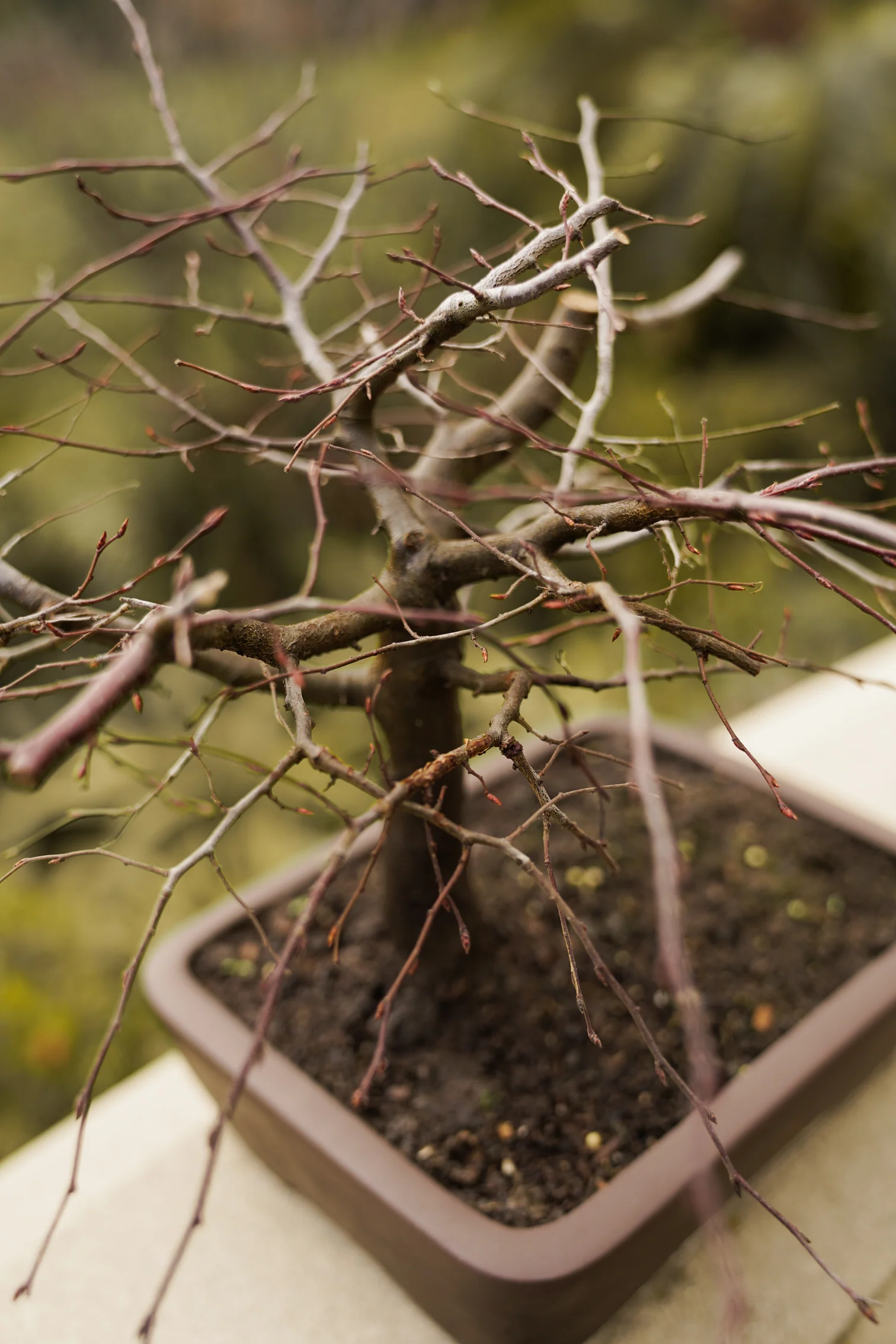
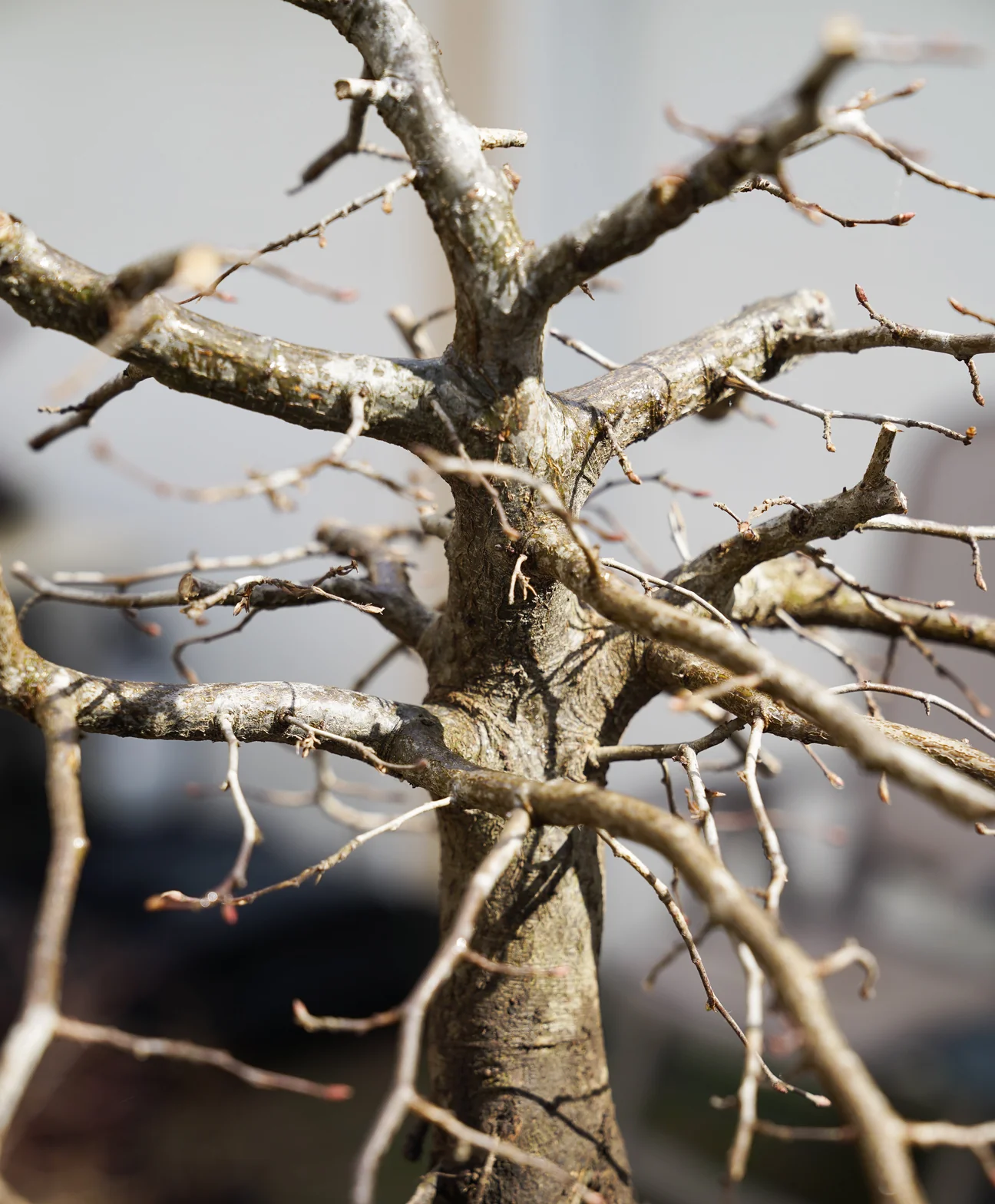
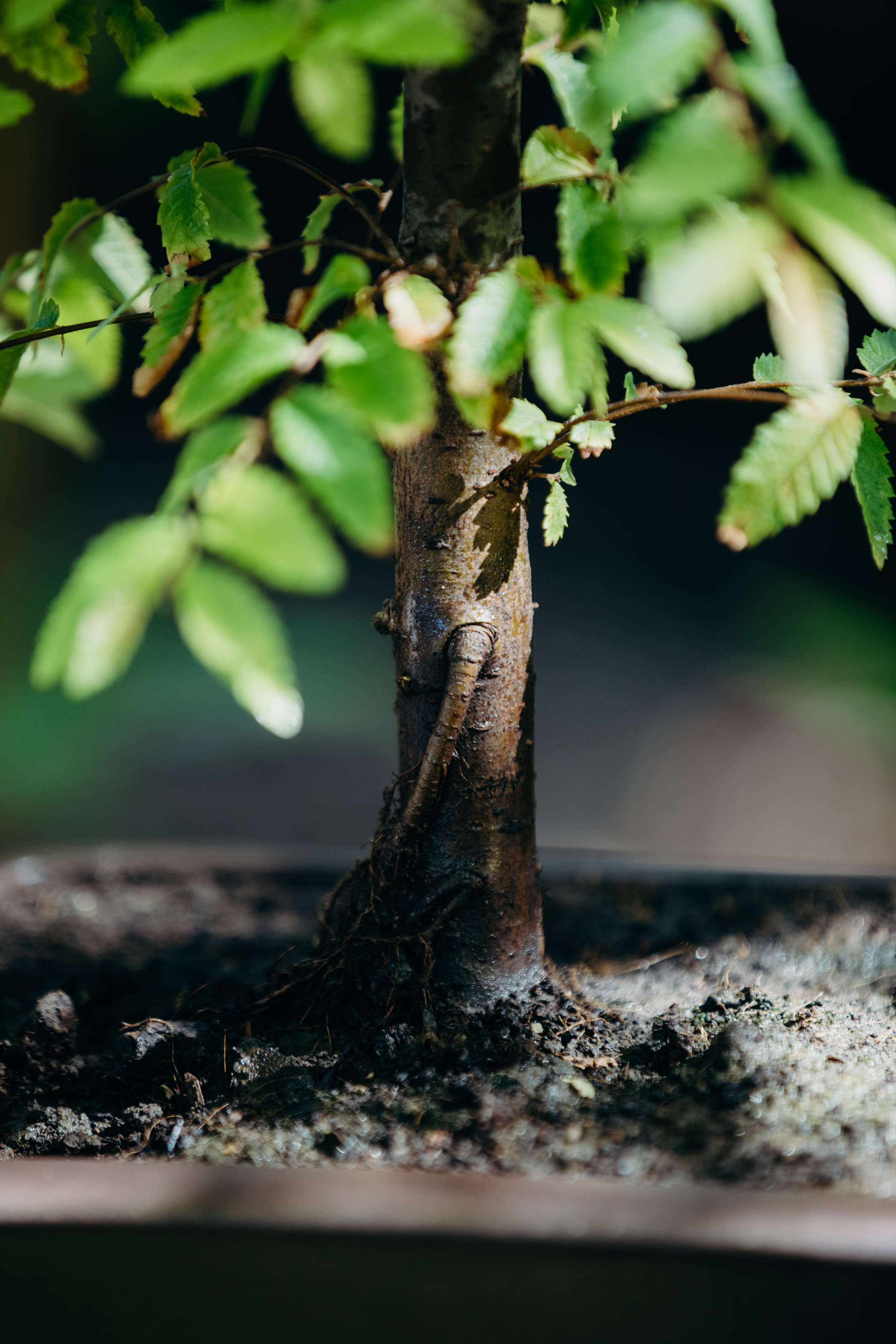
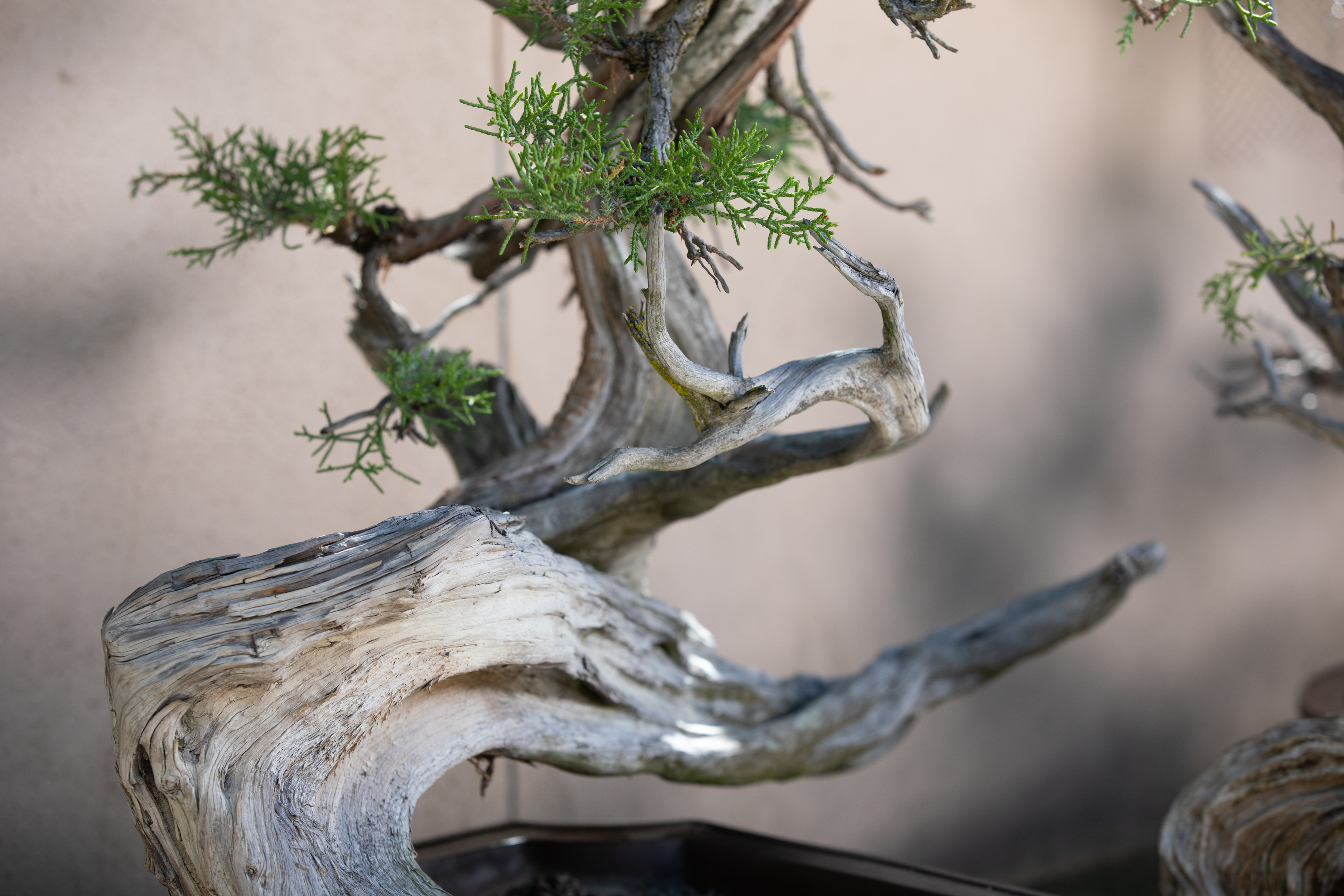
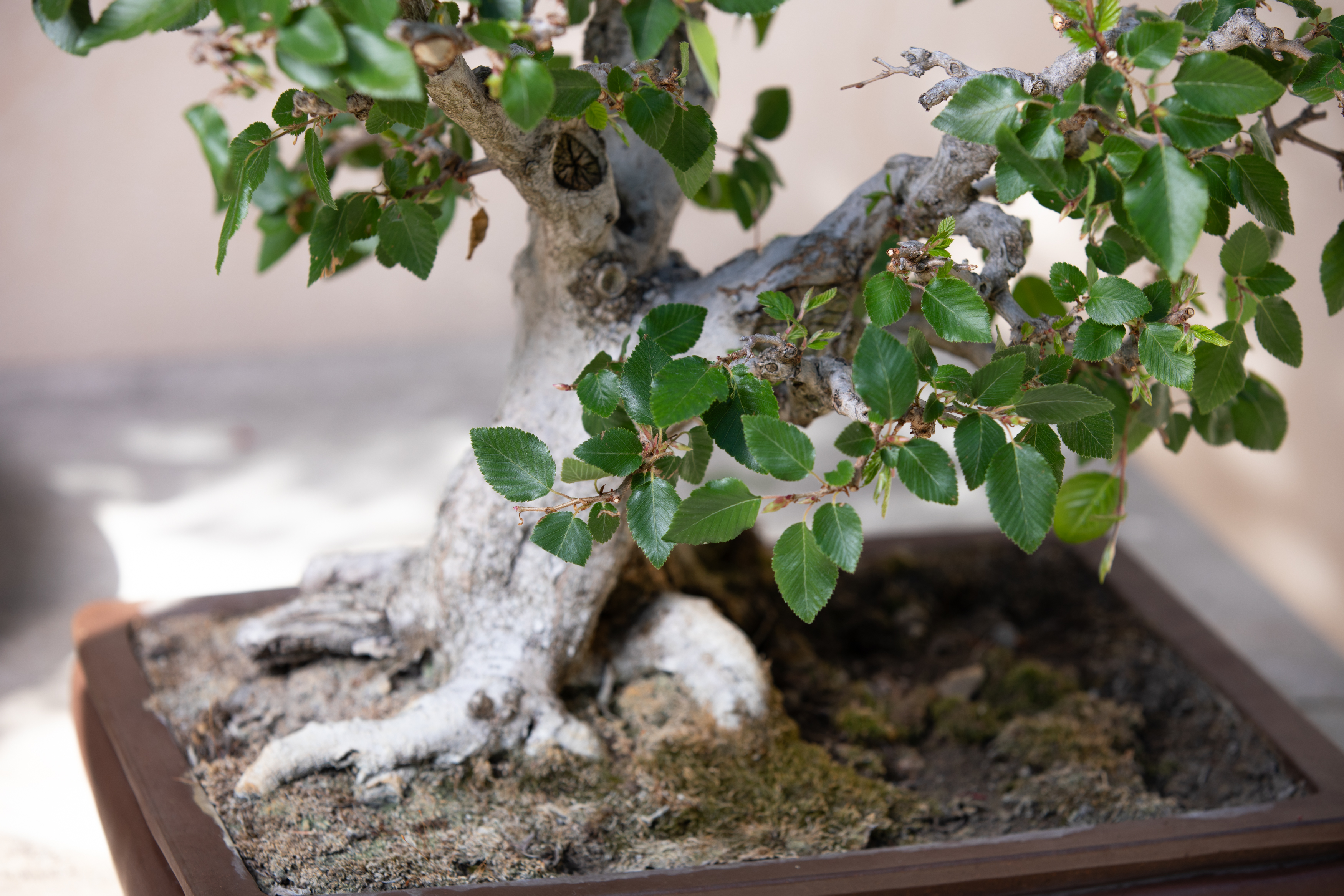
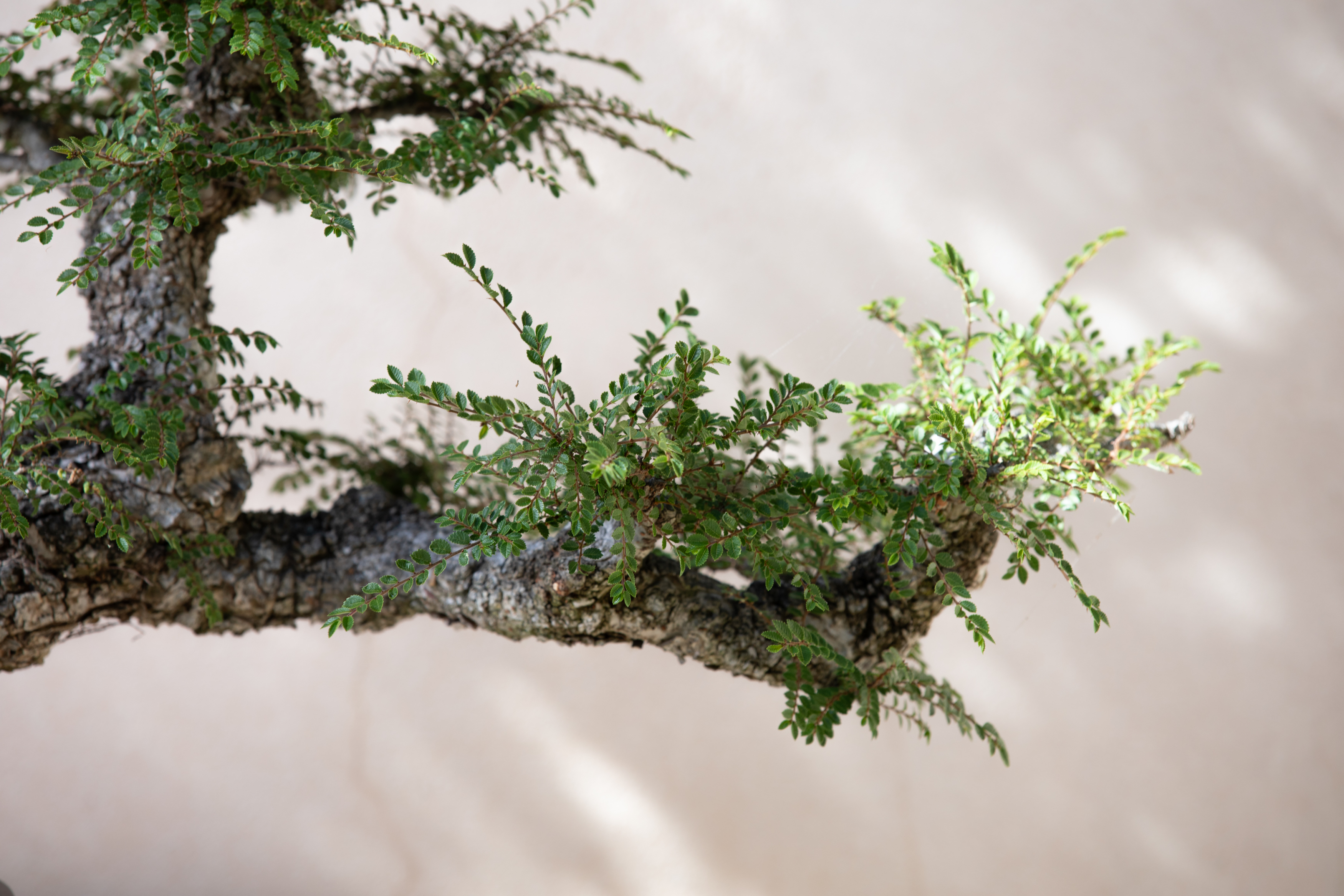
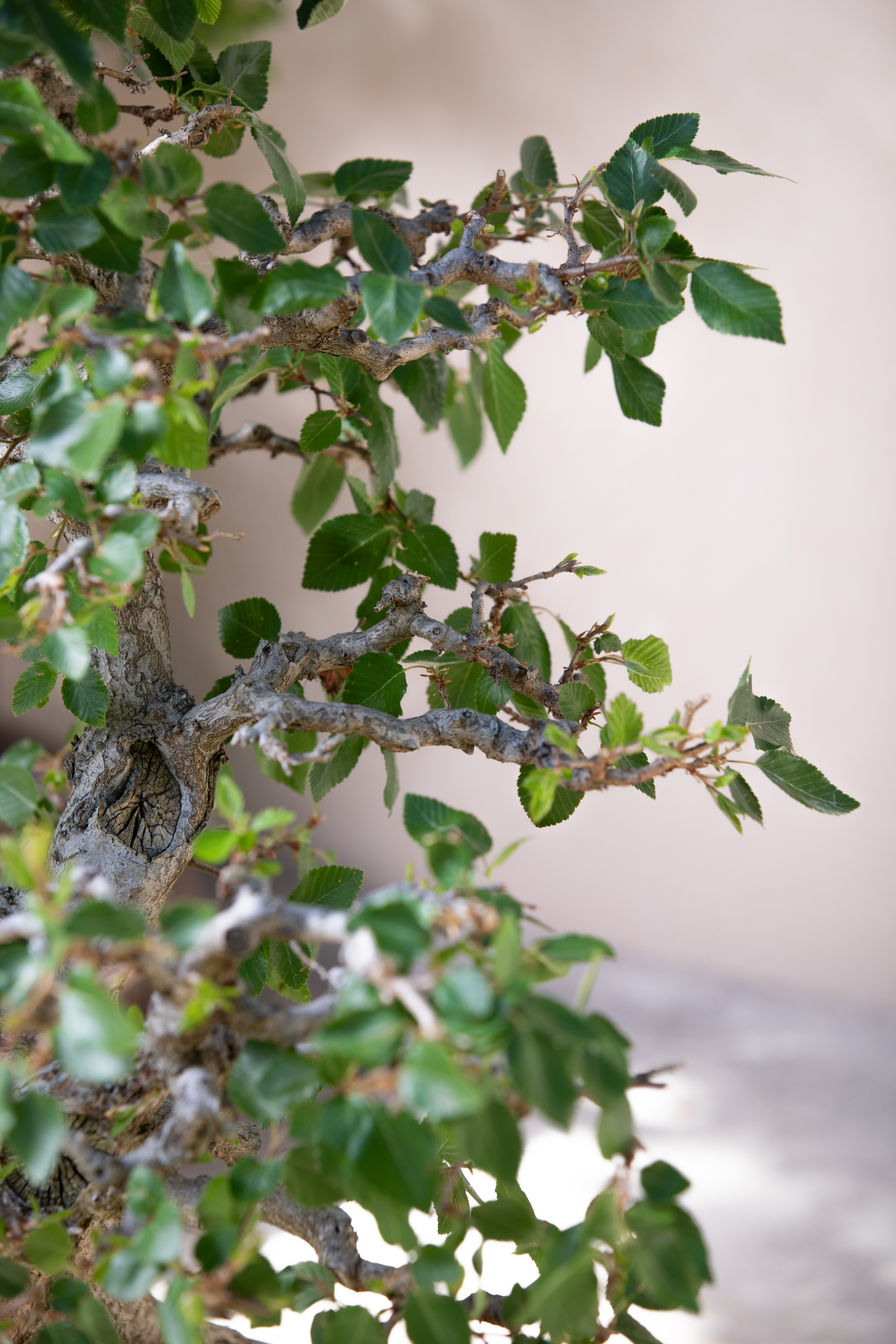
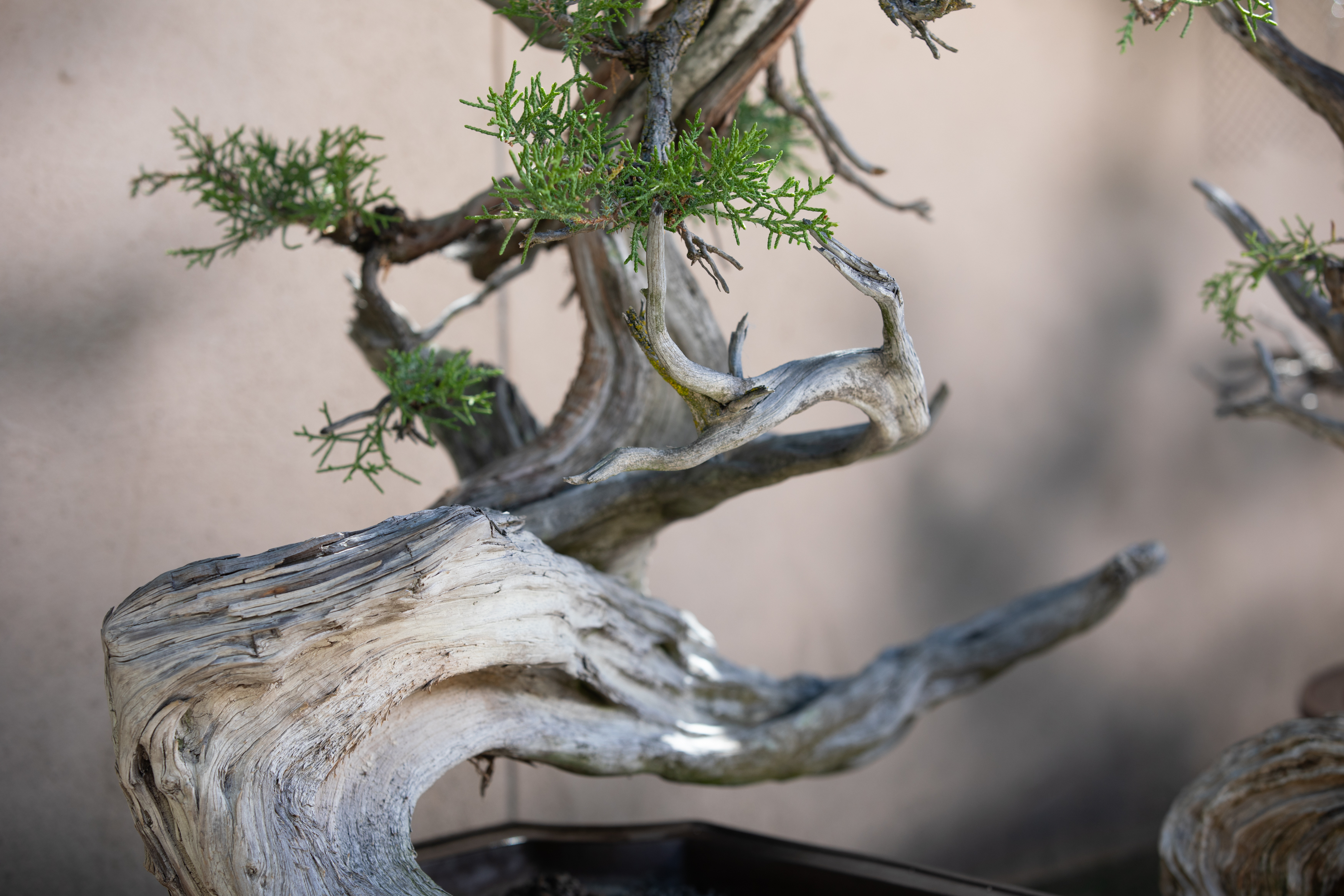
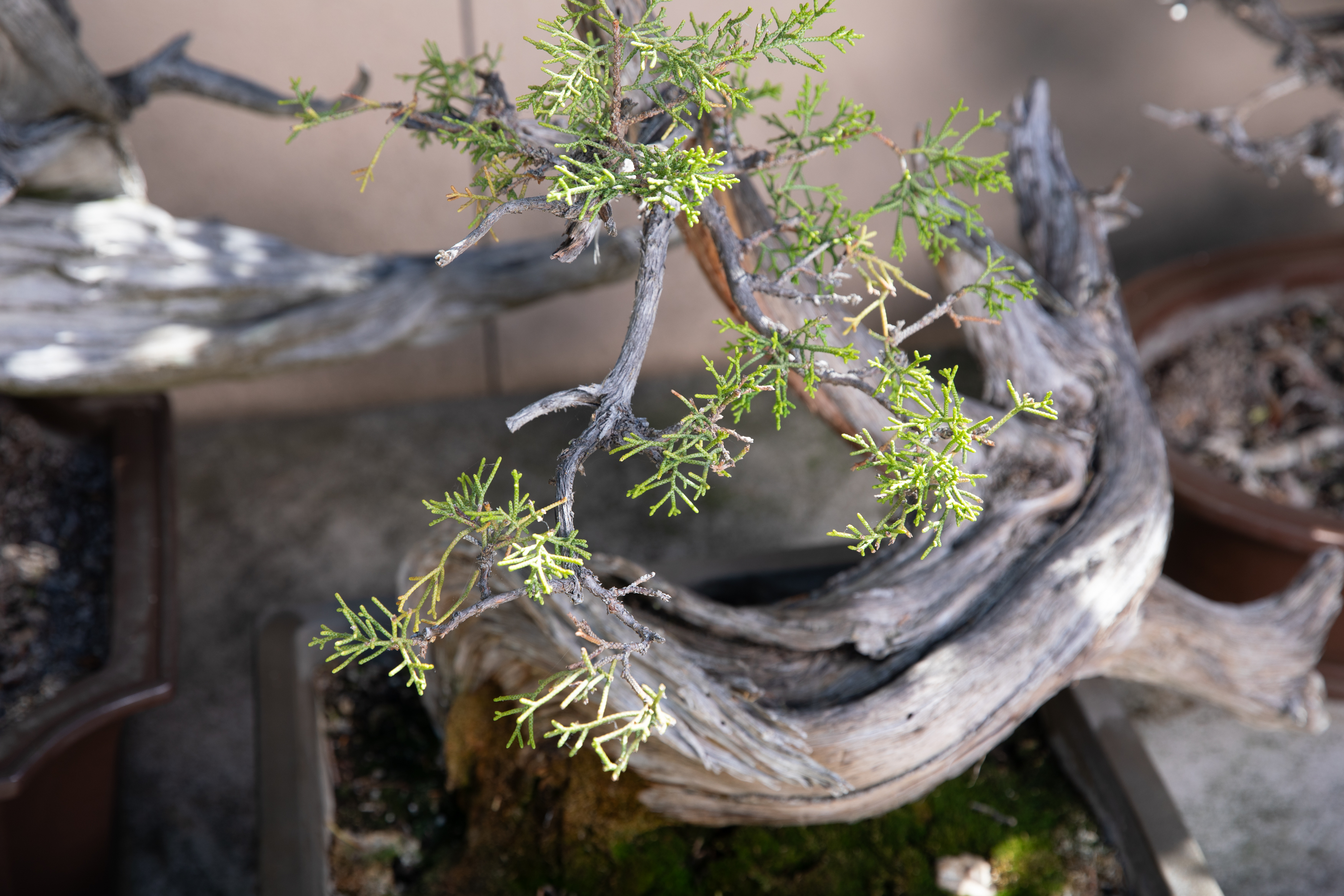
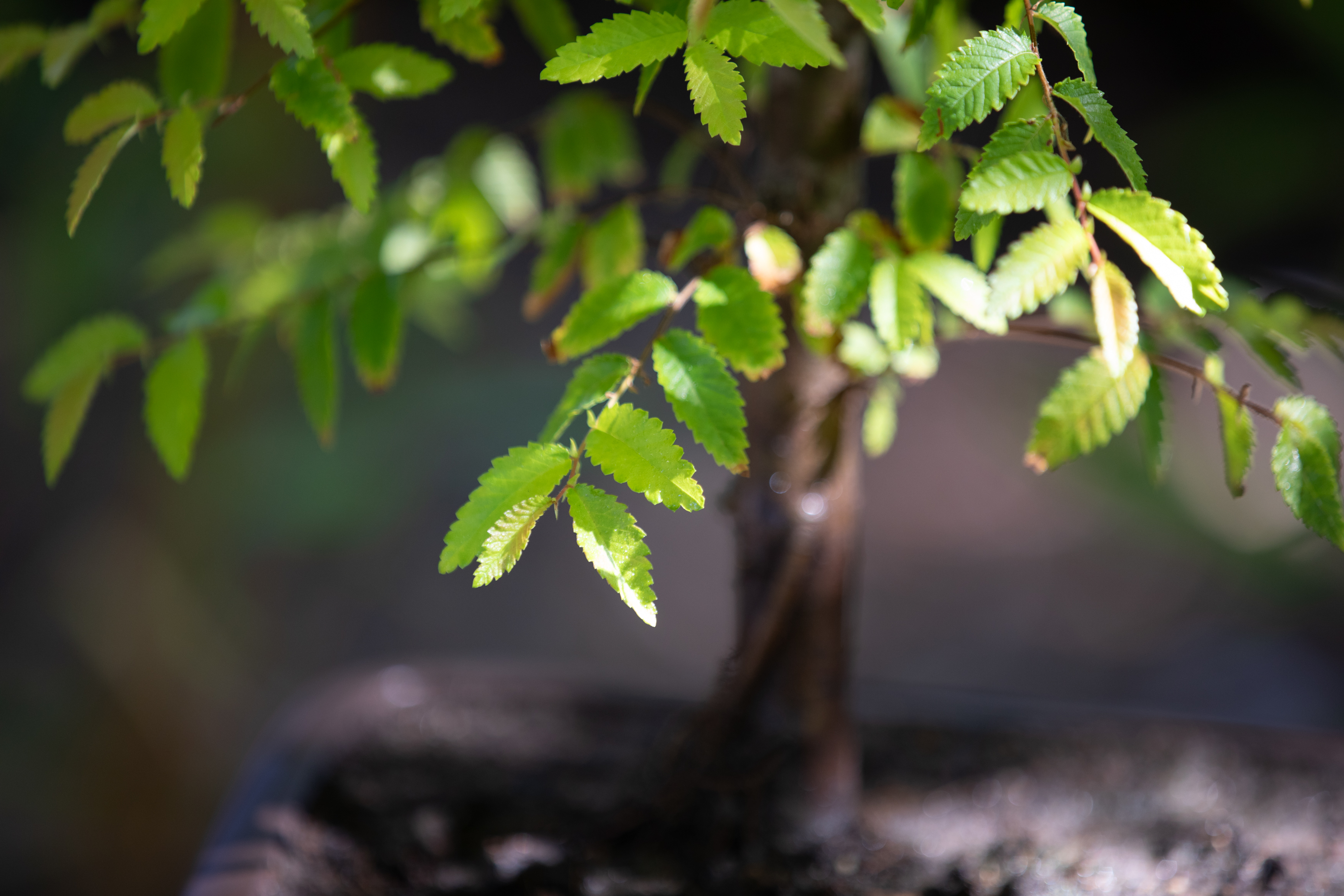
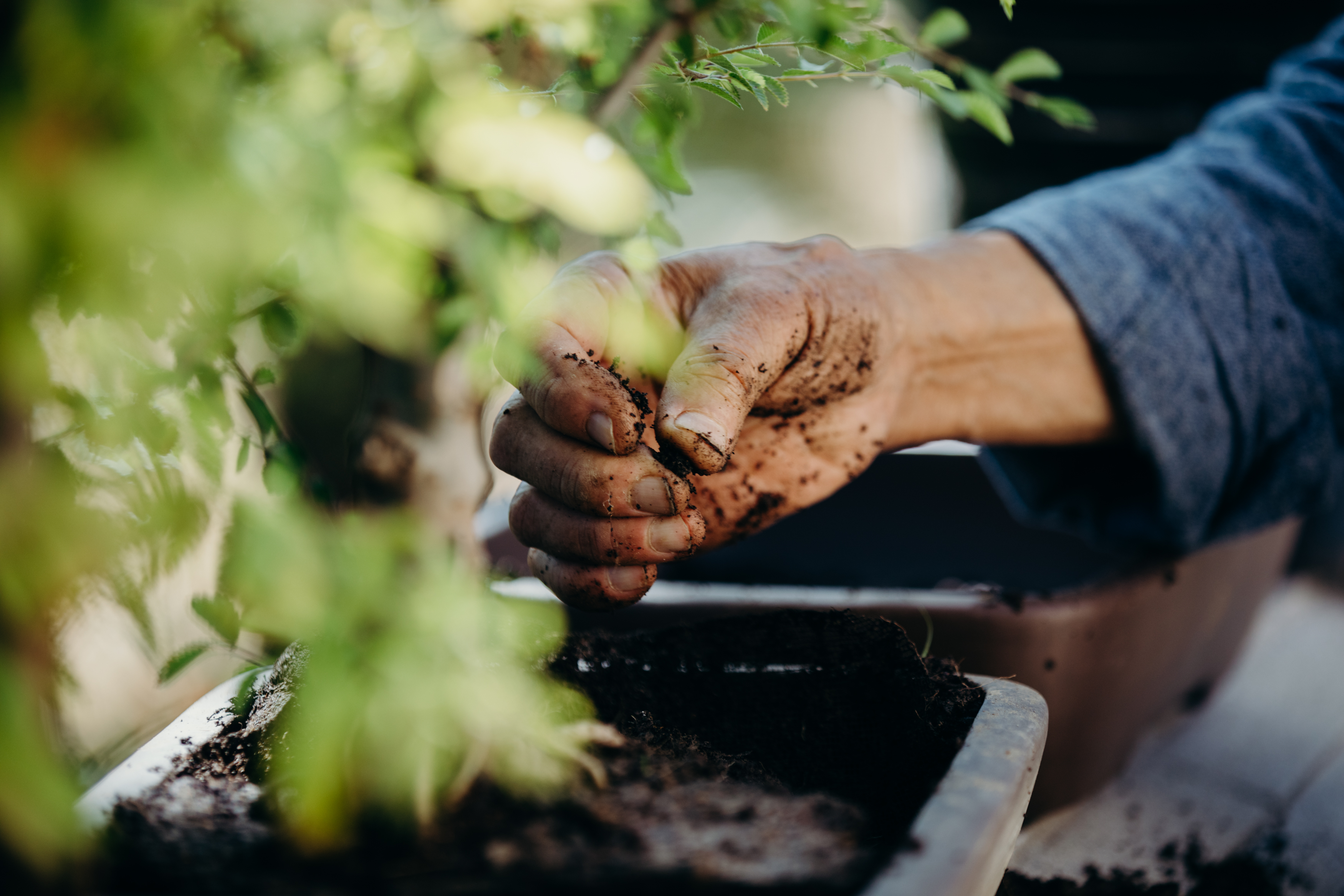
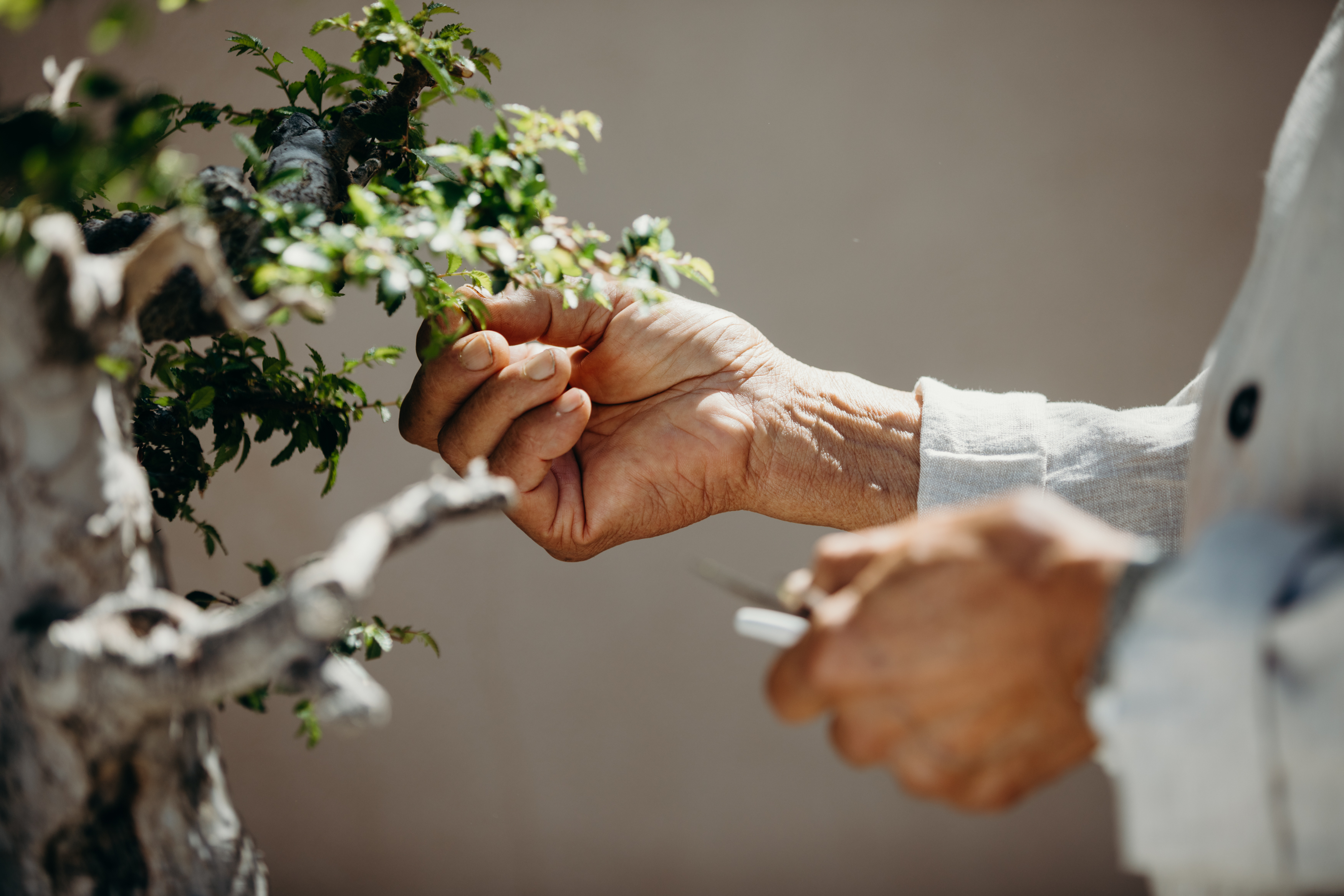
SHOT #4 — Tight, detail photo, shot with a shallow depth of field.
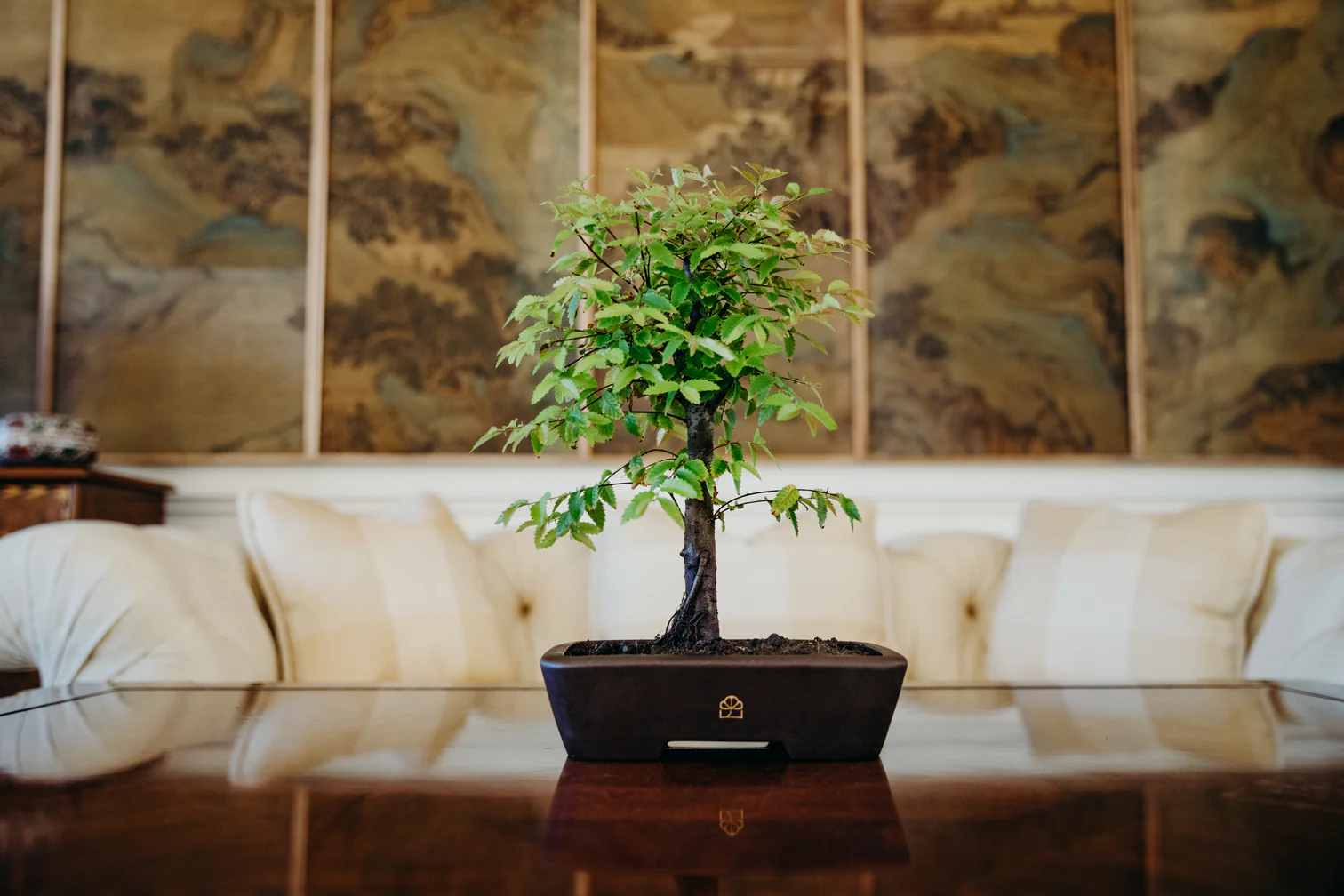
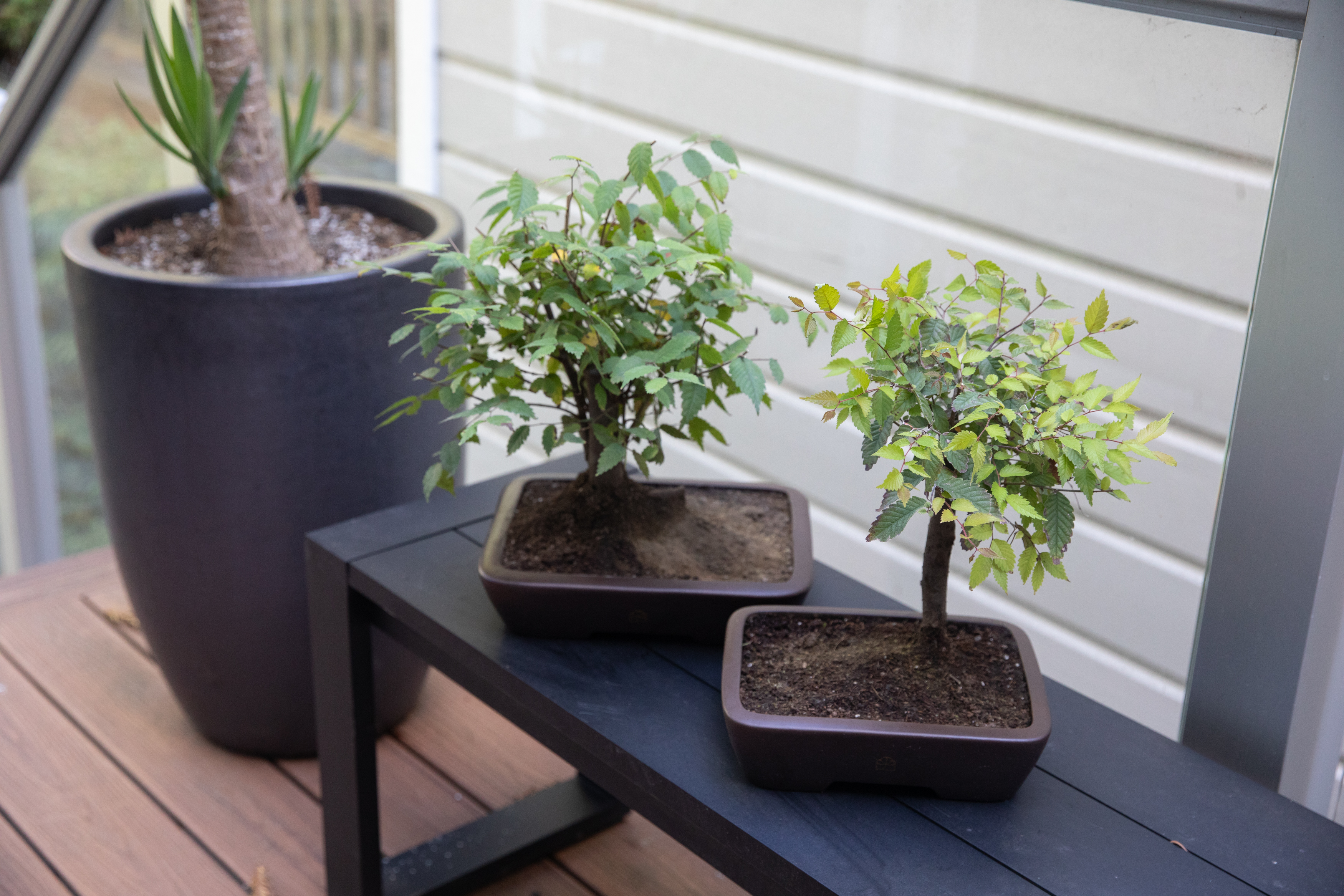
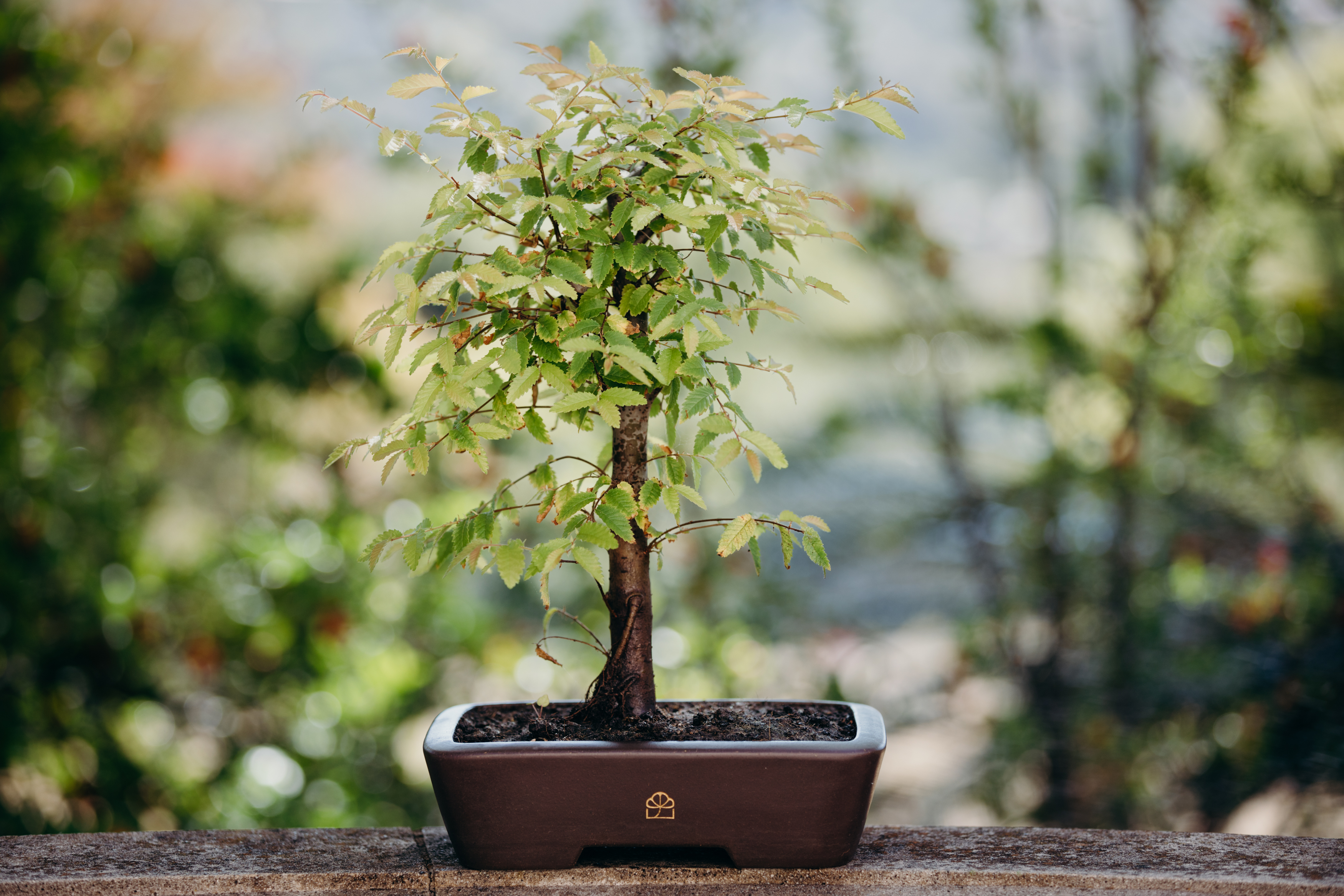
SHOT #5 — Environmental lifestyle photo of tree or product.
Note: Shots 1, 2 & 5 should all feature the same tree for each product photo series.
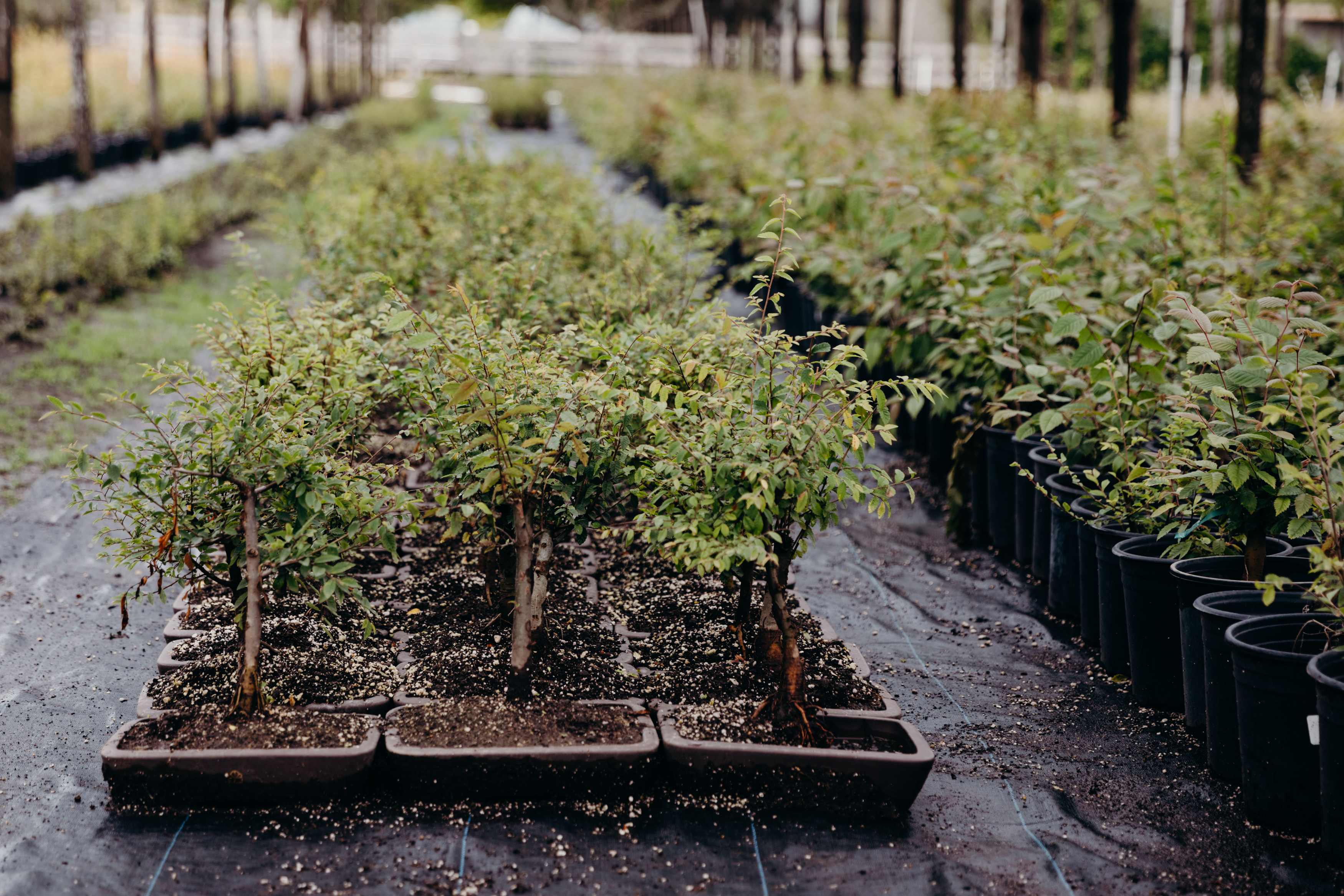
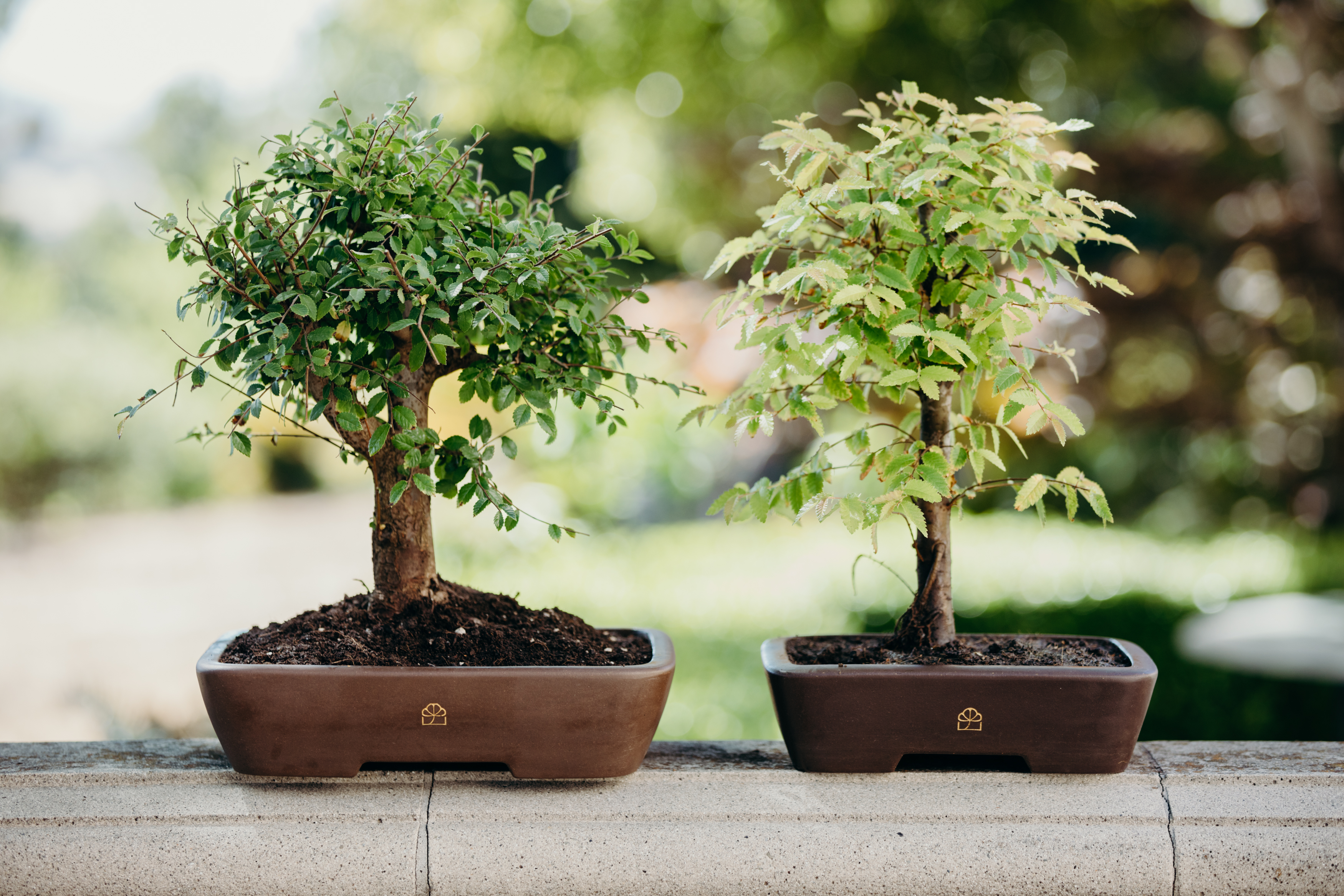
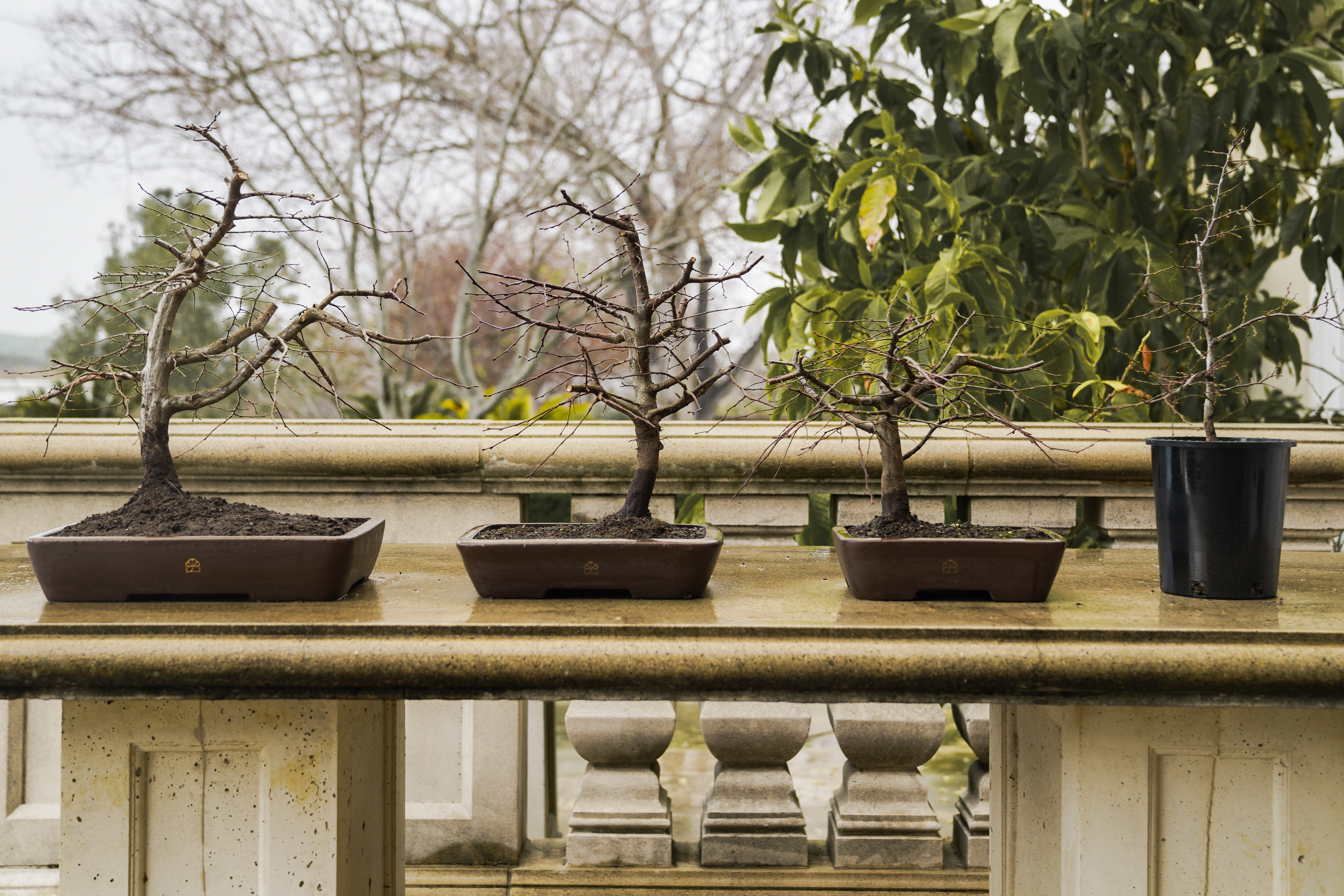
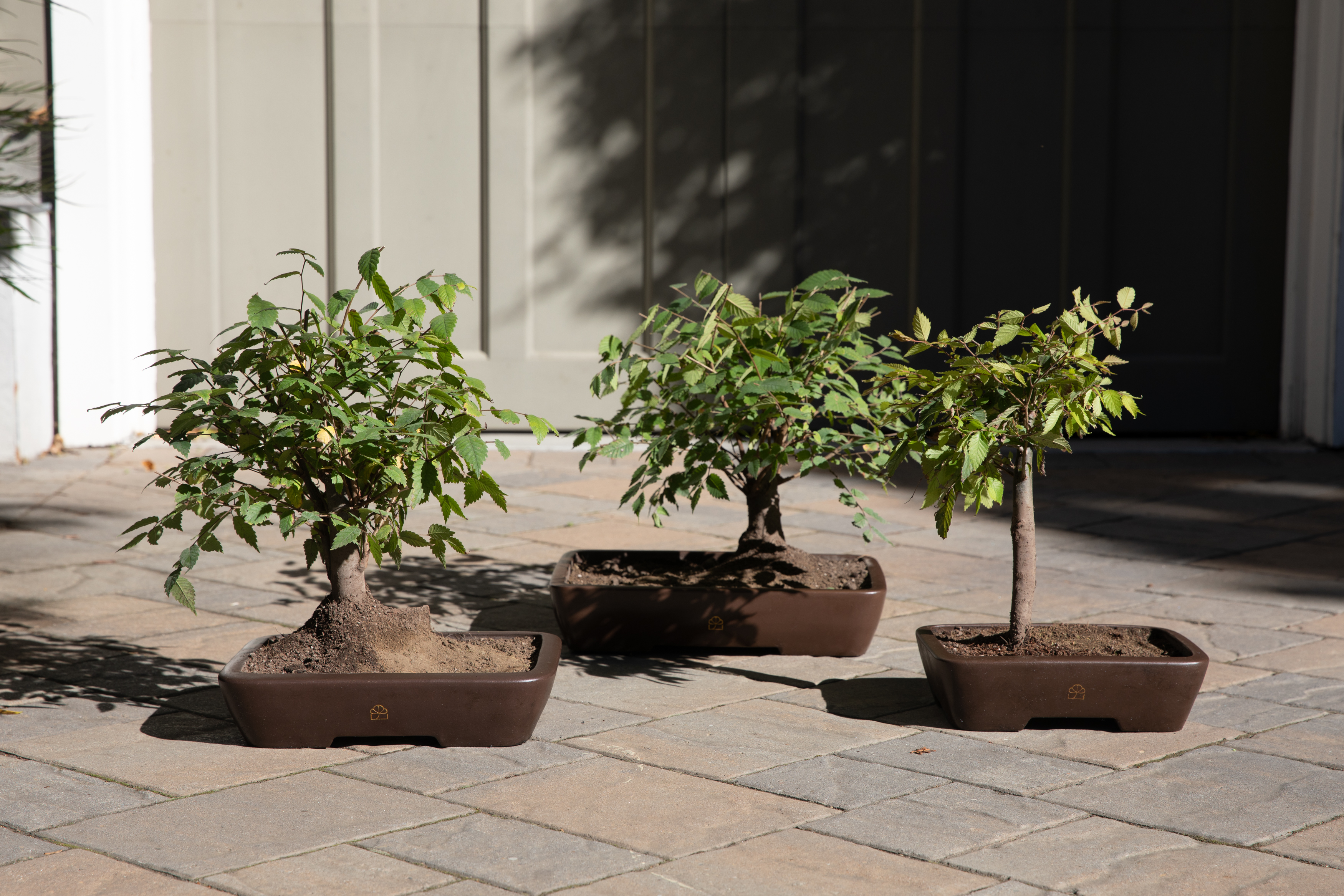
SHOT #6 — Product grouping, preferably in a lifestyle setting. If trees, shoot at least three together to show a range of what customers might expect.
PROMO VIDEO
Photo Direction
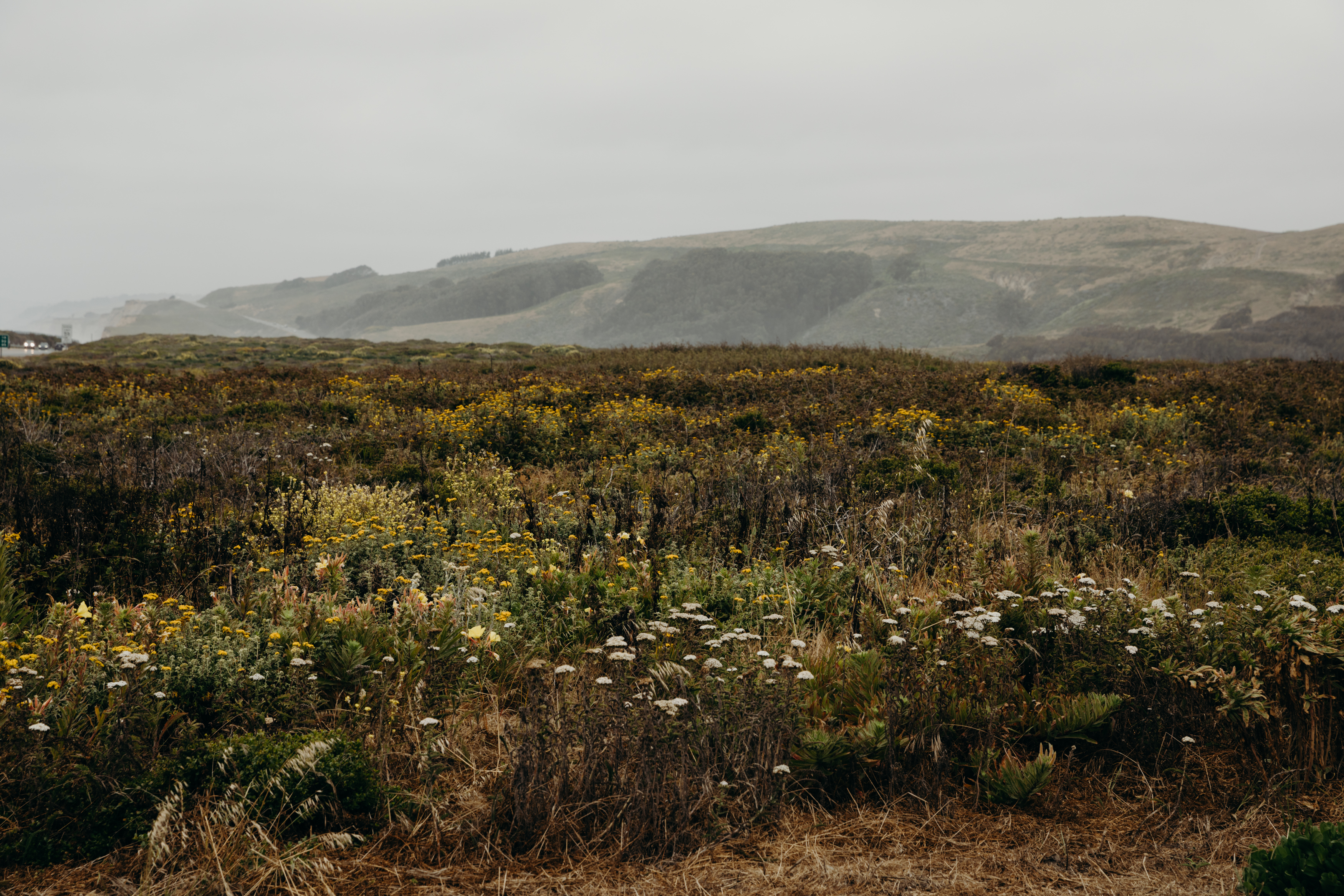
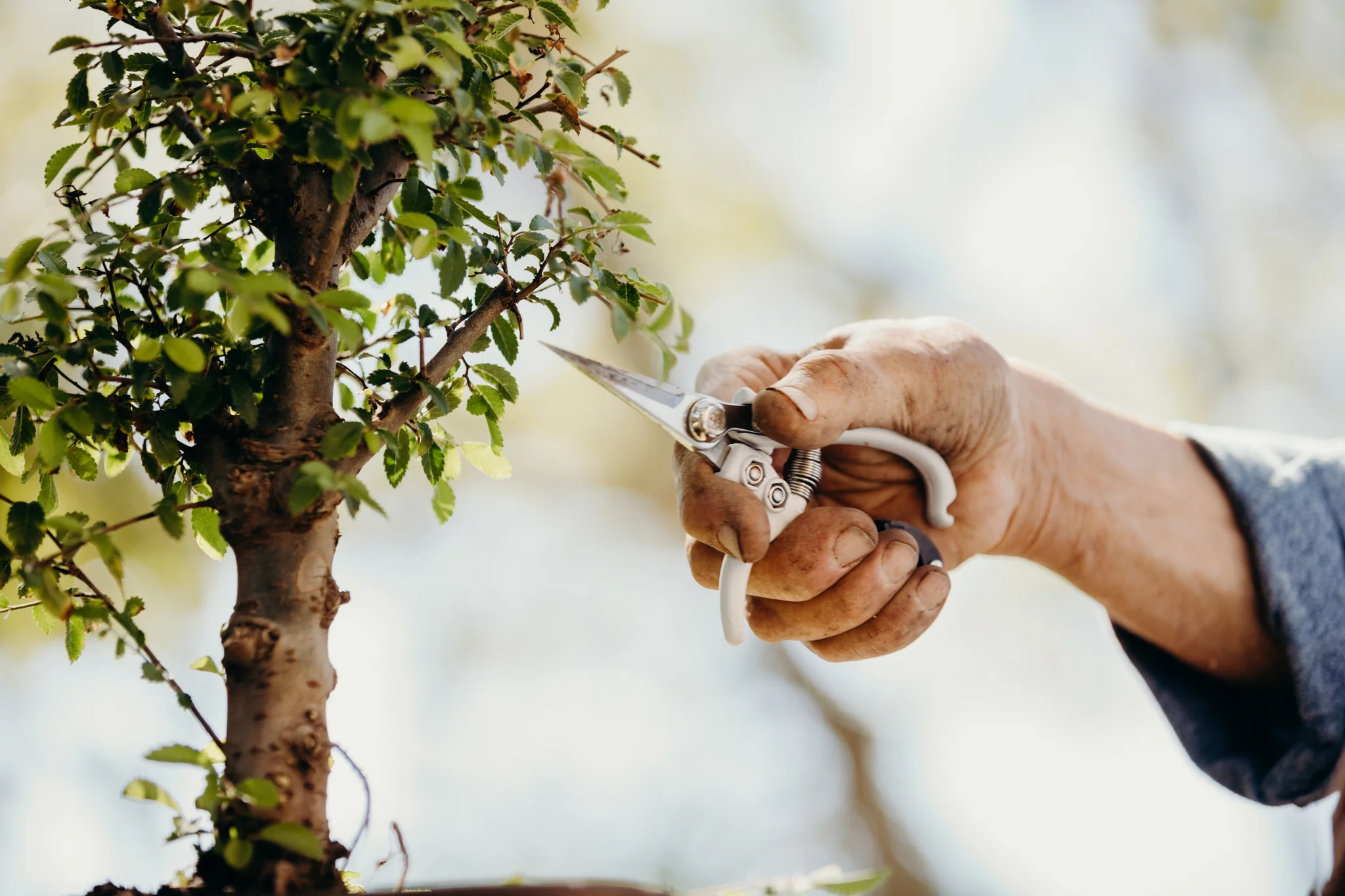
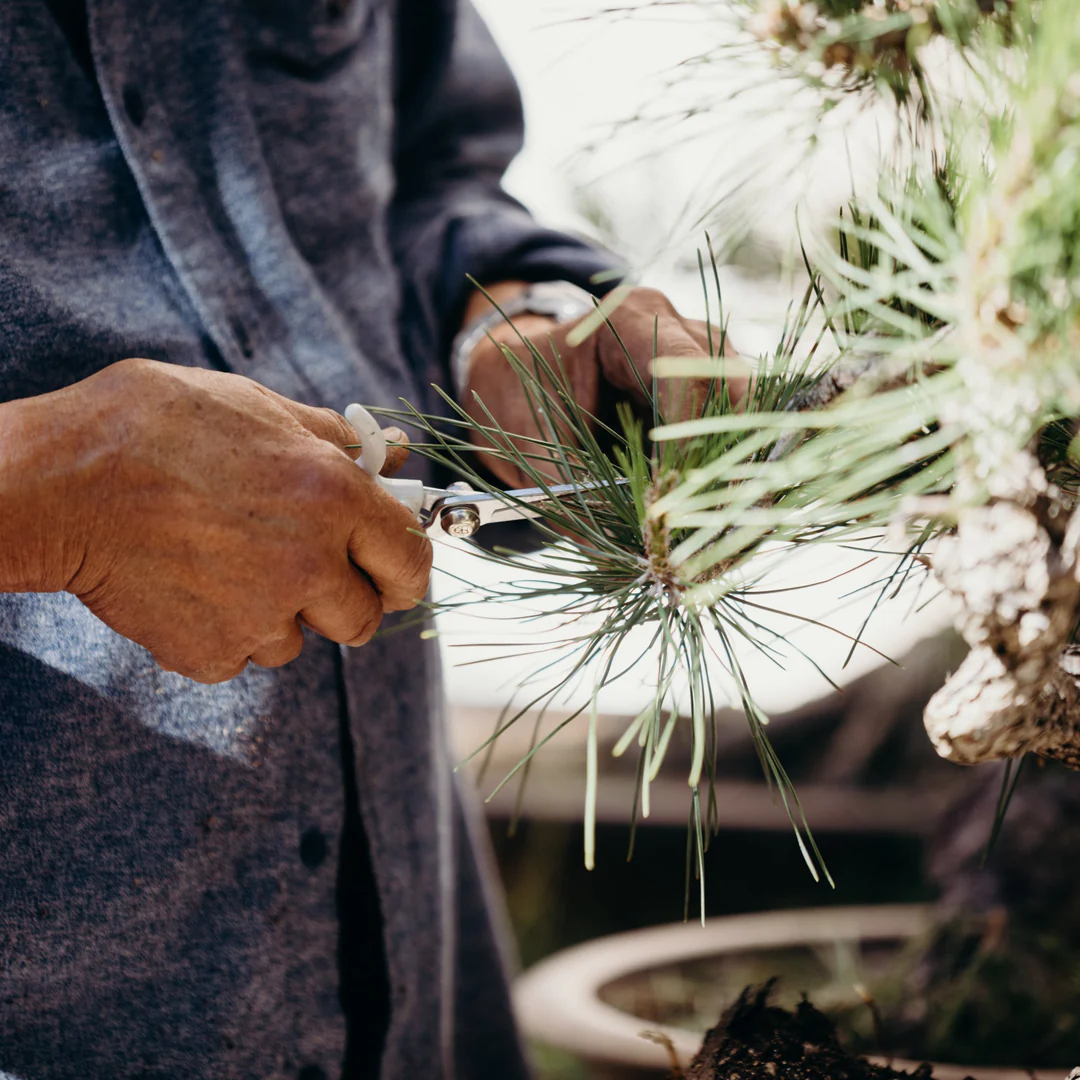
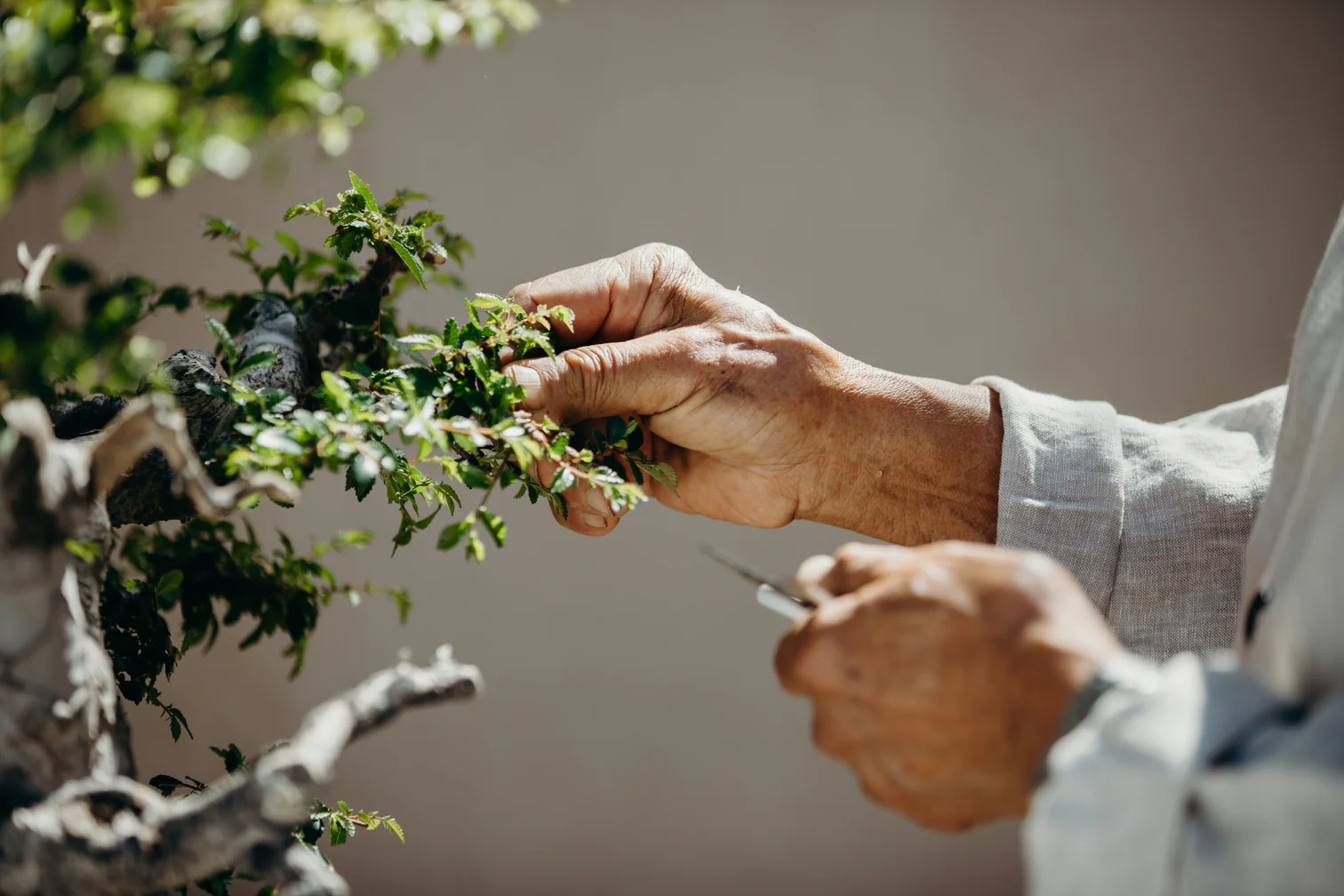
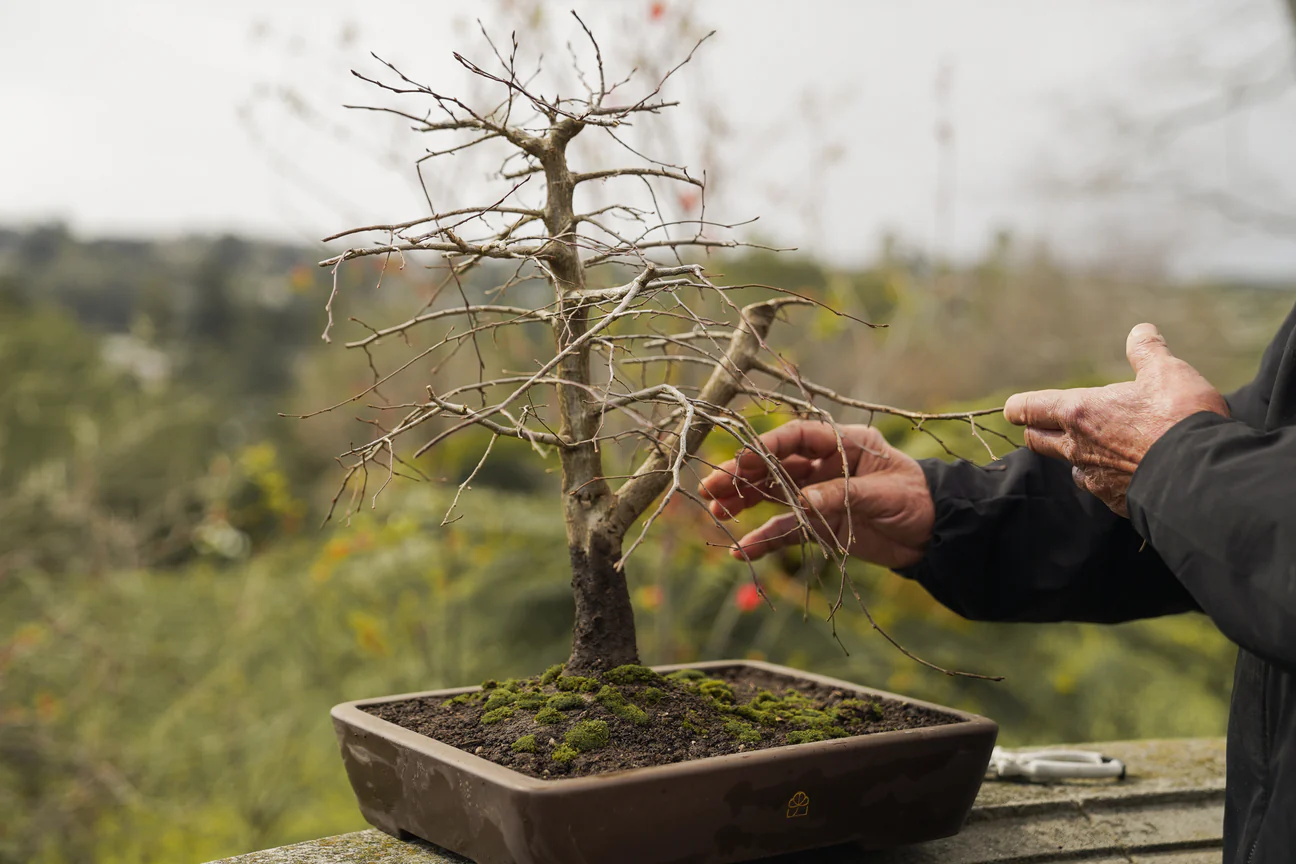
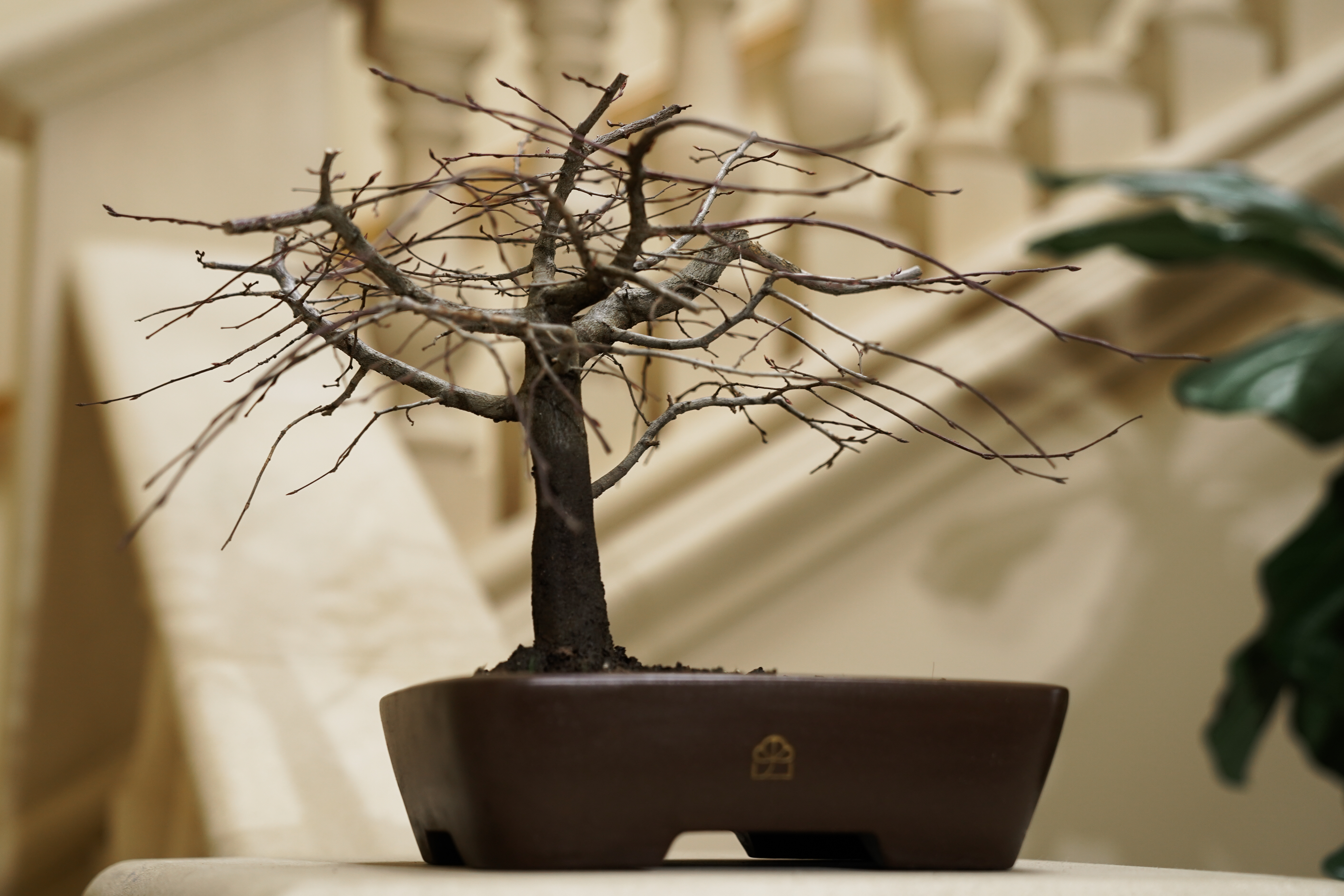
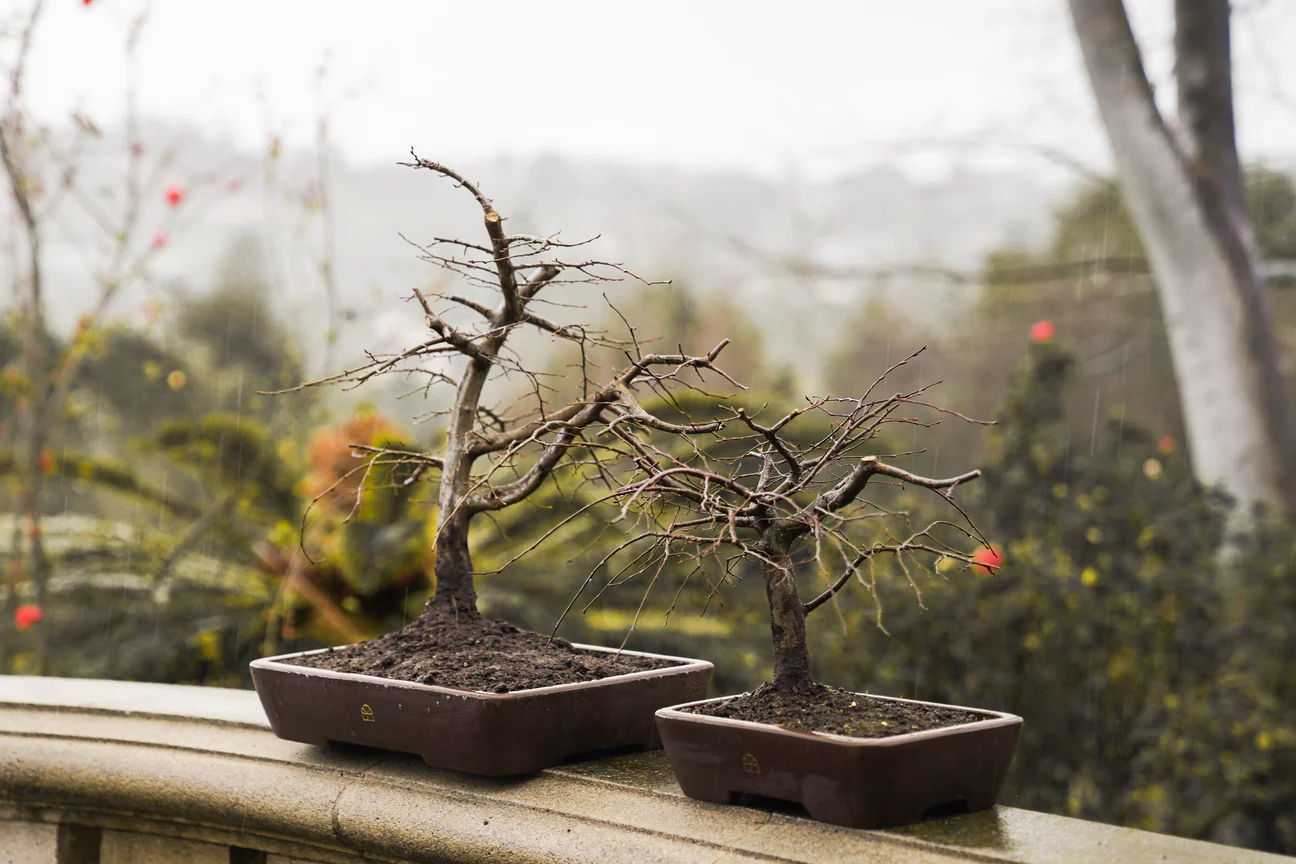
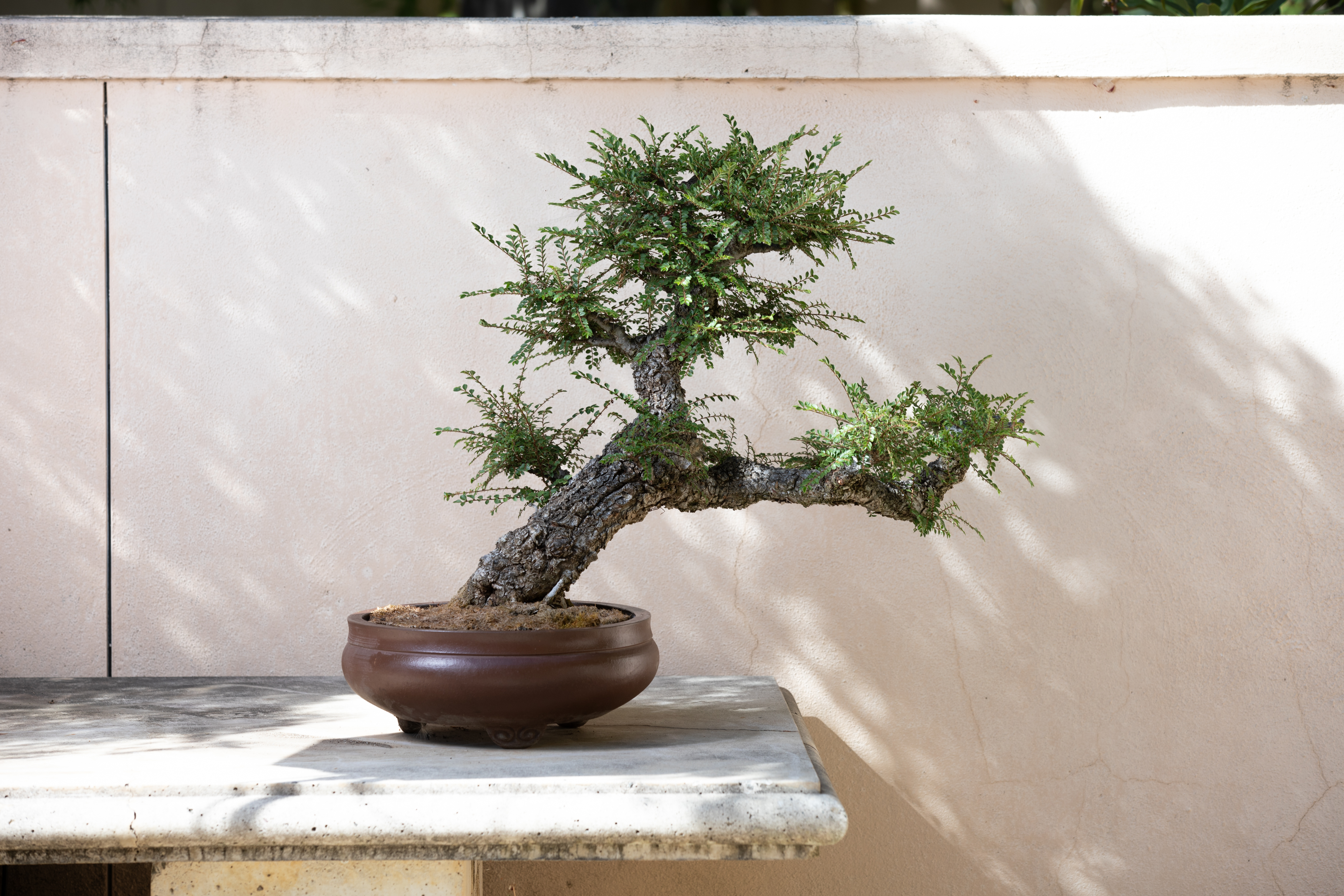
BH photography is heritage-modern and quietly cinematic. Every frame should feel patient, warm, and made by hand — like a morning visit to a grandparent’s greenhouse, not a catalog. Let the tree be the subject. Let the light do the work. Let texture and process speak louder than styling.
Light & Atmosphere
Do
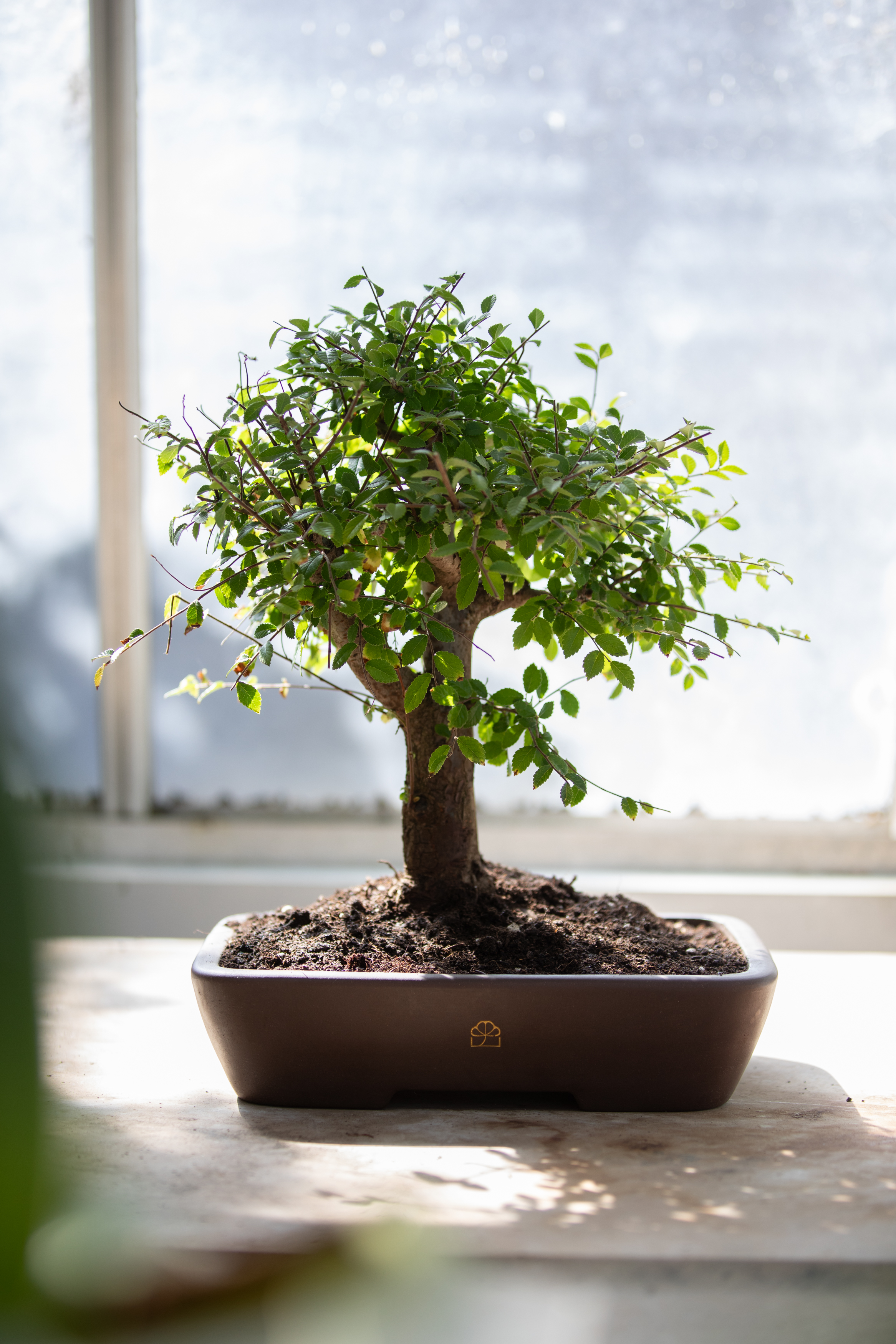
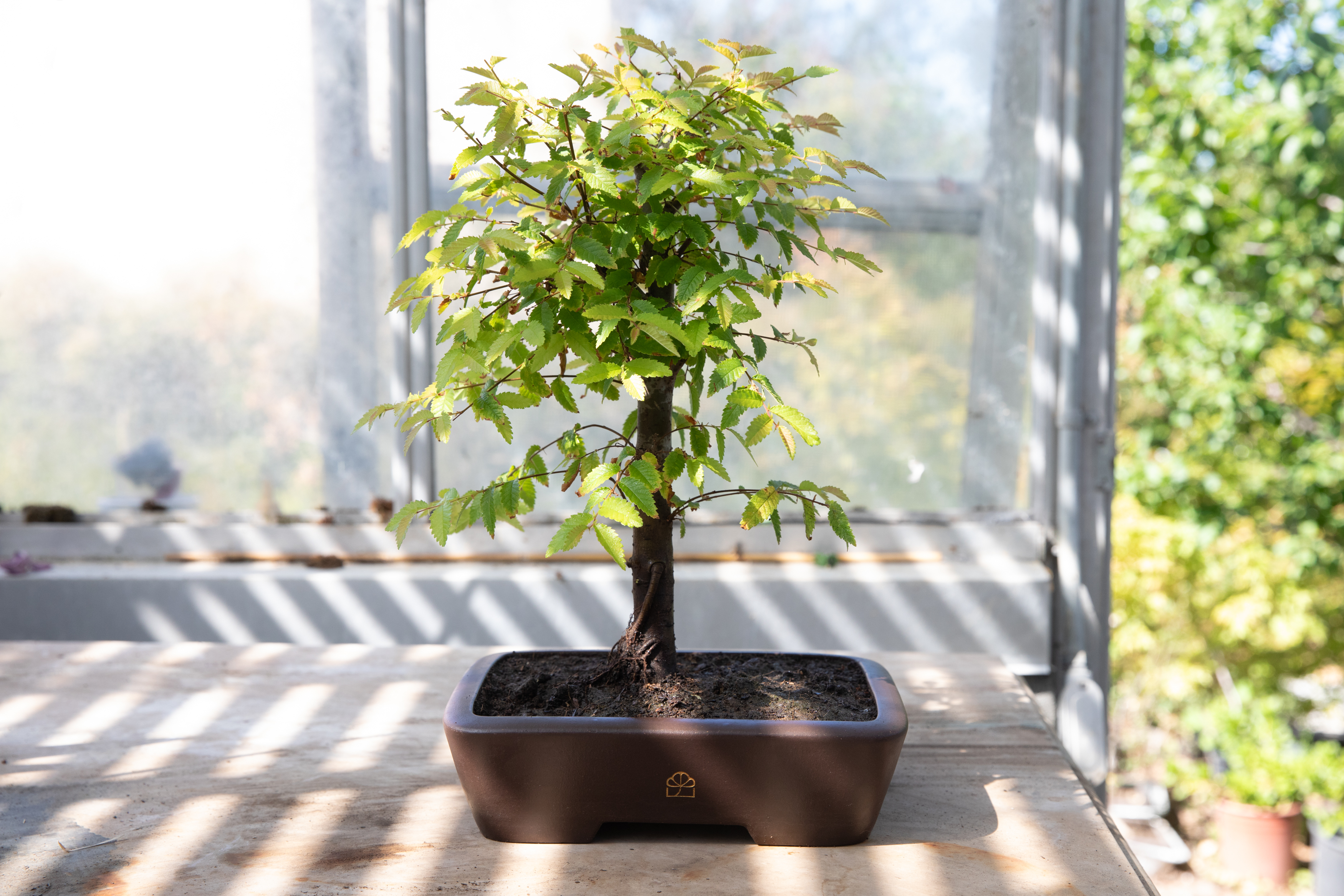
Soft natural daylight — morning sun through a window, greenhouse diffusion, overcast calm
Warm directional light that sculpts the tree silhouette without blowing out highlights
Embrace shadow and quiet contrast — the frame should feel lived-in, not lit-to-the-brim
Golden hour outdoors, north-facing window indoors — the kind of light that makes moss glow
Don’t
Harsh direct flash or ring-light glare
Cool daylight bulbs or office fluorescents — nothing clinical
Over-evenly lit studio setups that flatten dimension and depth
Neon, colored gels, or anything that reads as trendy product photography
Examples
Composition & Stillness
Do
Give the tree room to breathe — negative space is part of the subject
Respect the tree’s natural line of movement — asymmetry and organic balance over rigid symmetry
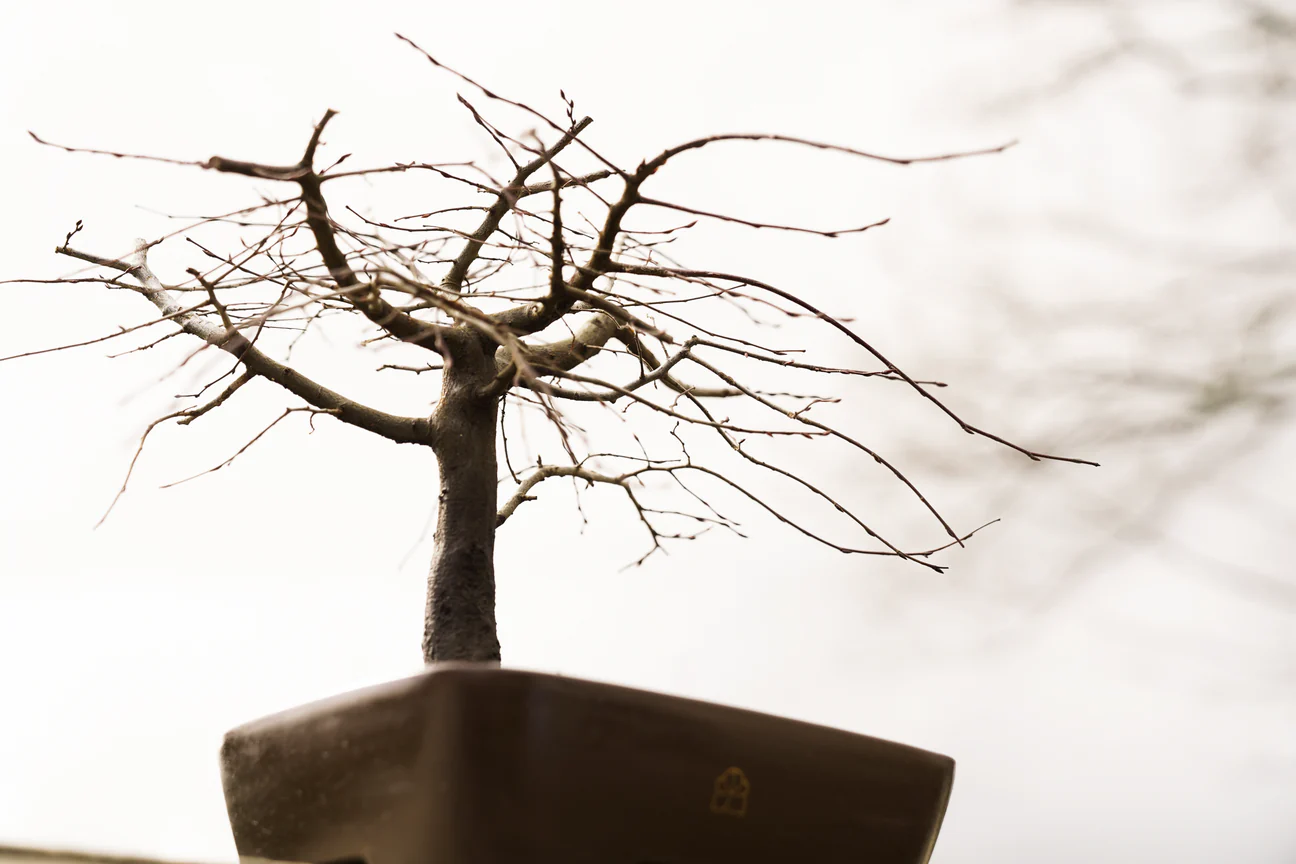
Shoot the silhouette as its own portrait — profile, slightly below eye level, clean backdrop
Alternate between full-tree compositions and tight macro details (bark, buds, soil, wire)
Don’t
Crop tight to the pot with no headroom — the canopy needs air
Stack props around the tree that steal focus or clutter the frame
Center everything — dead-center compositions flatten the bonsai’s movement
Shoot from above and make the tree look like a houseplant on a table
Examples
Earthy Palette
Do
Anchor to the brand palette — dark brown, cream, chartreuse, purple sand — plus the natural greens and rusts in foliage
Keep colors true to life — the tree, soil, and ceramic should read as they actually are
Warm highlights, muted midtones — the frame should feel grounded, not saturated
Introduce chartreuse sparingly as an accent — a leaf, a ceramic, a piece of moss
Don’t
Cool-blue or teal color grading — nothing should feel cold
Oversaturate greens into cartoonish territory
Push heavy Instagram-style presets or moody black-crush filters
Introduce neon or synthetic accent colors that clash with the earth palette
Examples
Texture & Craft
Do
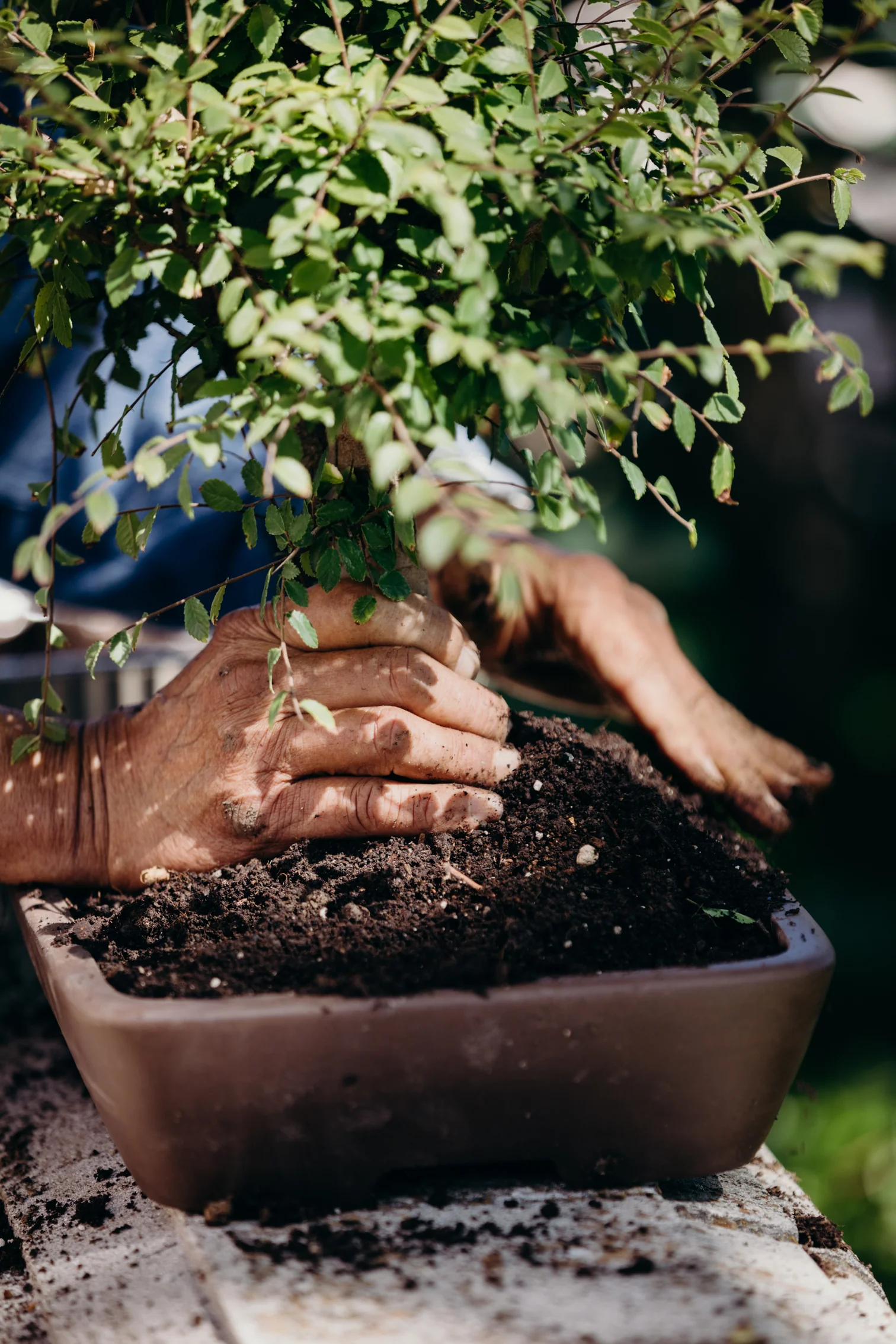
Get close enough to feel the surfaces — bark grain, moss, soil, pot glaze, wire coil
Show the age and patina of the tree and pot — the imperfection is the story
Use shallow depth of field on macro shots so a single texture carries the frame
Include hand-made objects (ceramic, wood, linen, aged metal) that share the tree’s tactility
Don’t
Over-smooth in post — softening textures kills the heritage-modern feel
Place the tree against plastic, chrome, glossy lacquer, or anything showroom-slick
Use AI-generated or stock textures as backdrops
Strip out dust, soil, or natural imperfection — a too-clean tree looks sterile
Examples
Setting
Do
Quiet studio surfaces — raw wood benches, linen runners, plaster walls, concrete, aged stone
Lived-in craft environments — greenhouse corners, workshop tables with tools still on them
Neutral cream or dark-brown backdrops for catalog — always matte, never glossy
Outdoor settings: mossy rocks, patio stone, garden light through leaves
Don’t
Modern minimalist apartments, white plastic shelves, or office settings
Staged-looking lifestyle scenes — cozy-coffee-and-candle props that feel styled for the shot
Busy wallpaper or pattern-heavy backdrops that fight with the tree
Retail shelving, step-and-repeat backdrops, or anything that reads as commercial
Examples
Process & Hands
Do
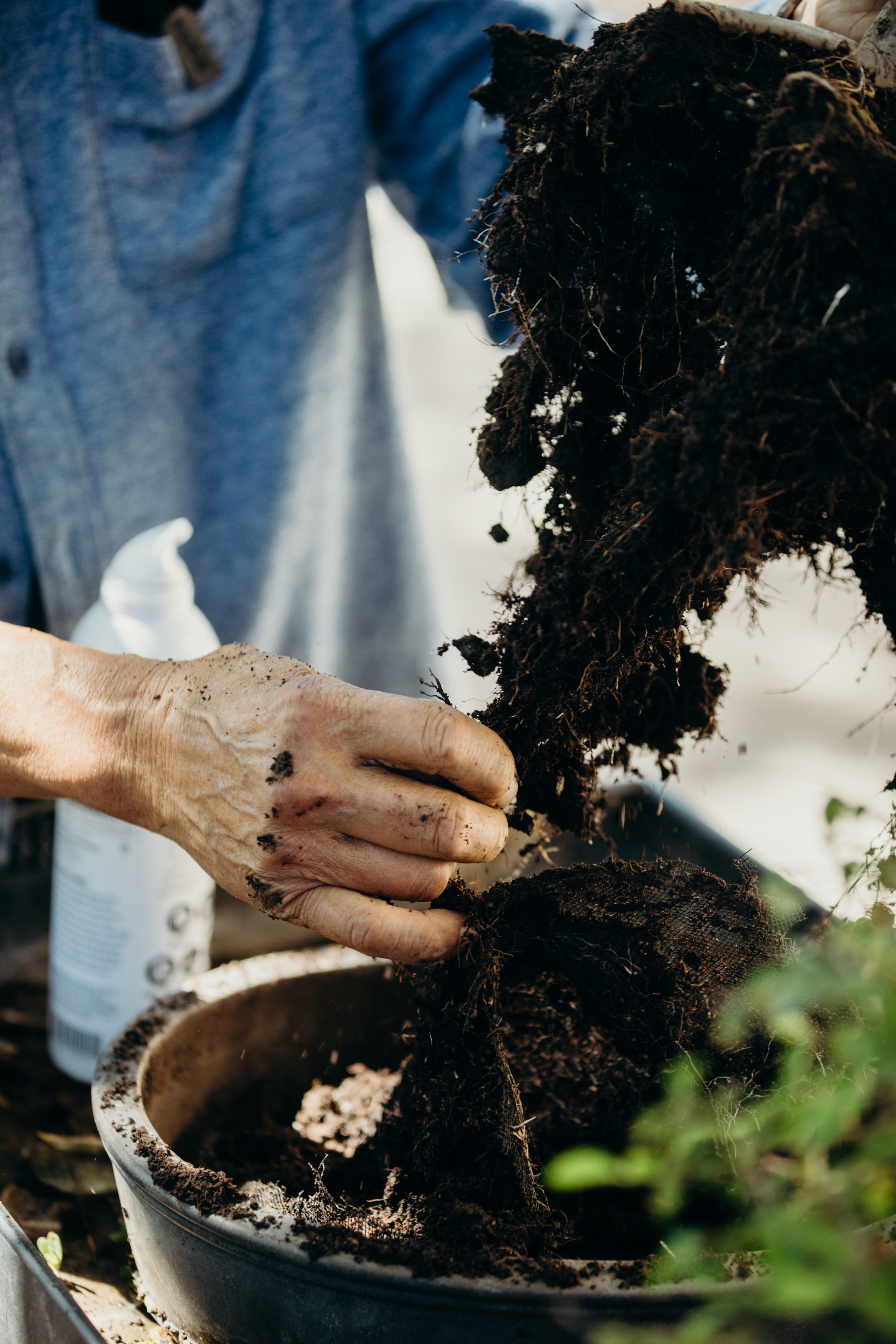
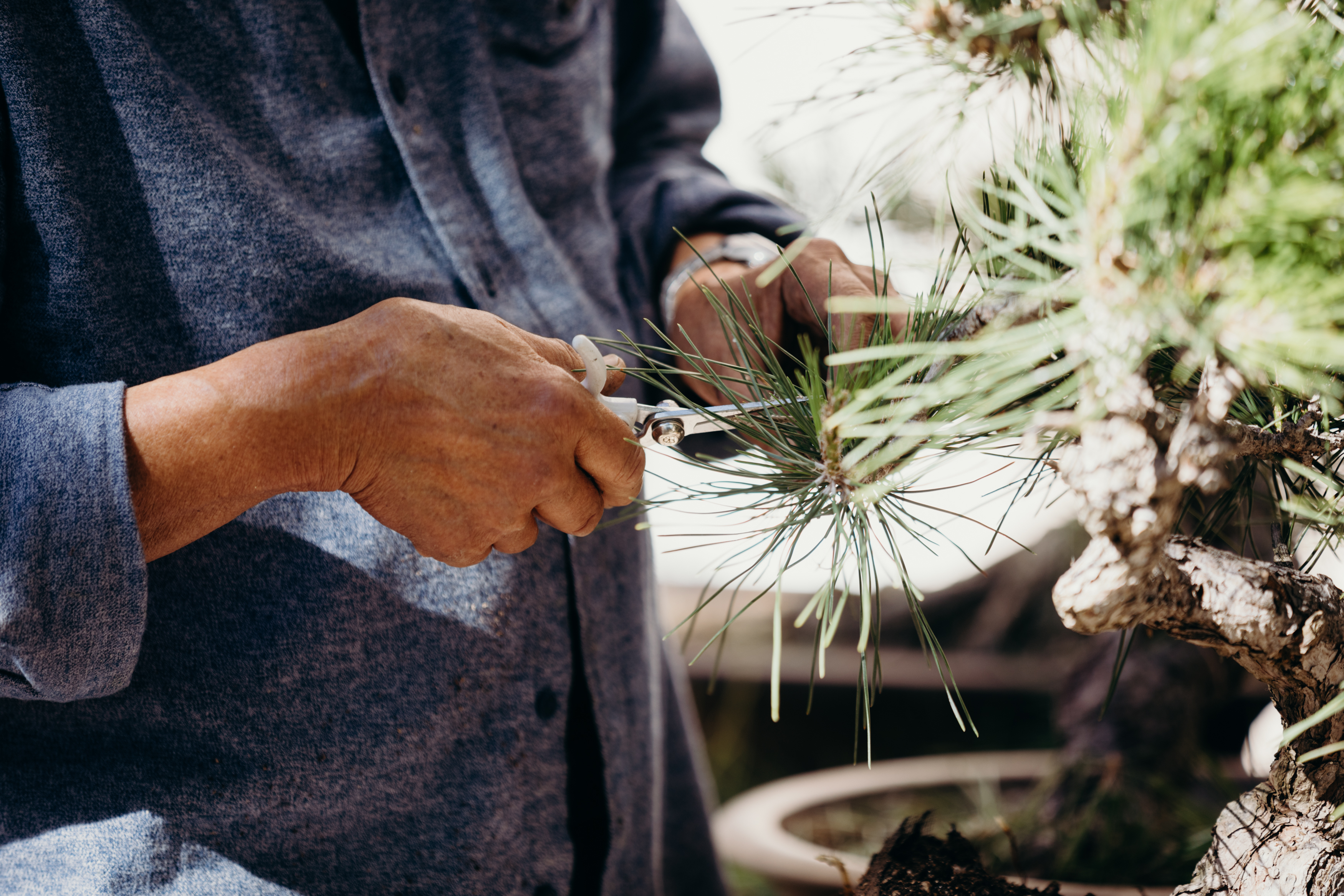
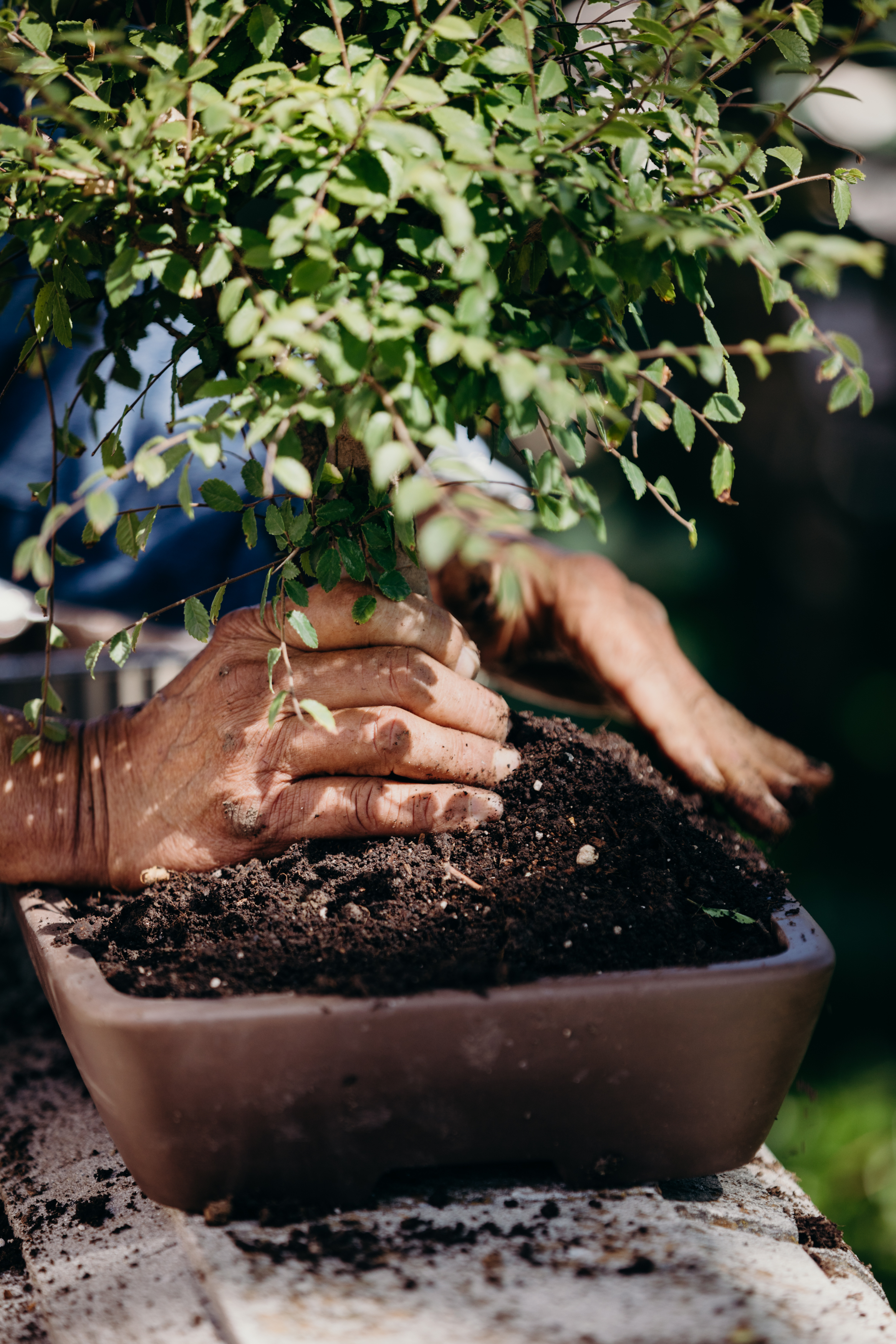
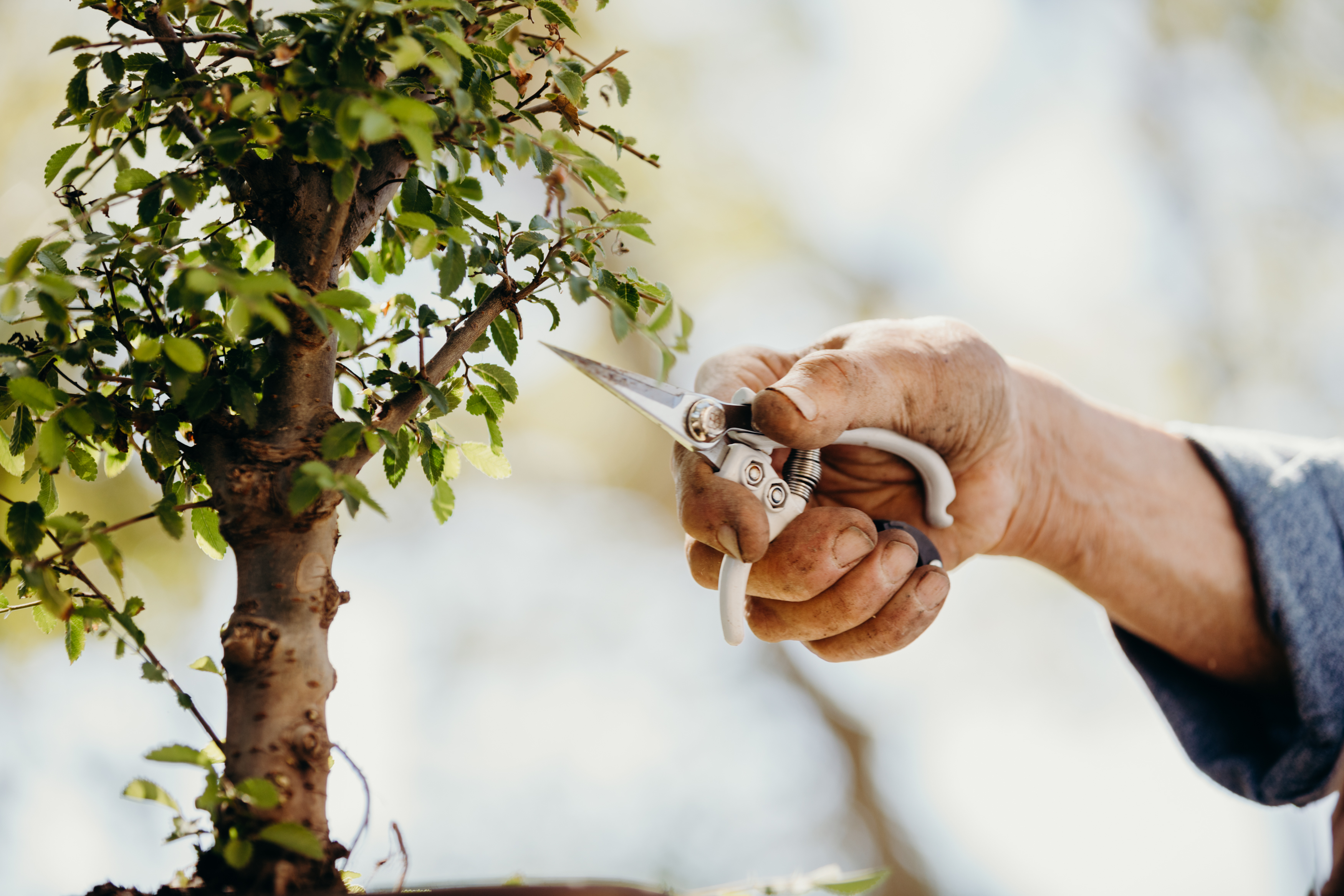
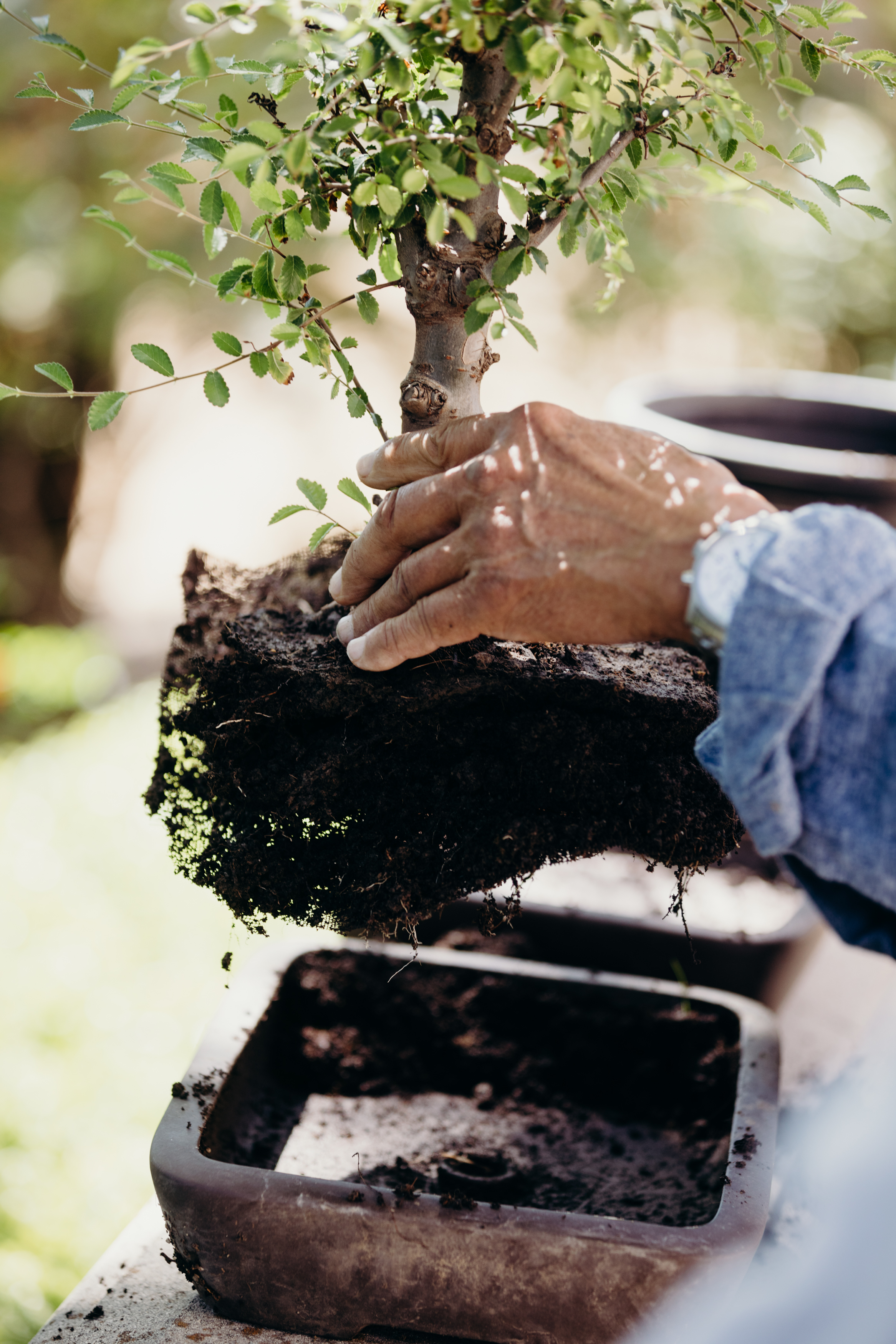
Show care in motion — pruning, wiring, watering, repotting, misting
Let hands into the frame — real hands, unmanicured, holding shears or a brush
Capture the small gestures — a finger tucking moss, a stream of water hitting soil
Frame the human as steward, not star — the tree is still the subject
Don’t
Pose a model holding the tree like a product — stewardship isn’t a photo shoot
Stage influencer-style reactions or over-directed hand placement
Use gloves, aprons, or staged craftwear that reads as costume
Crop out the tree in favor of the person — BH is never about the hobbyist’s face
Examples
Photo Specs
Listings
Shopify (primary): 3:4, optimal 2048×2730px. Max 20MB, aim for 100–300KB. Up to 250 media items per product.
File format: JPEG (preferred) or PNG, sRGB color space
Keep it relatable and approachable — anyone can become a Bonsai Master
Focus on being educational, authentic, and easy to follow
Show real process — pruning, wiring, watering, repotting
Let moments breathe — hold on a shot a beat longer than you think
Don’t
Use overly flashy or heavily edited styles
Make it feel intimidating or exclusive
Use fast cuts, jump cuts, or high-energy editing
Rush the pacing — if it feels frenetic, slow it down
Music
Do
Use lo-fi, calming, and relaxed tracks
Create an immersive, meditative atmosphere
Acoustic, ambient, or soft instrumental works well
Let the music sit underneath the visuals, not compete with them
Don’t
Use rock, pop, rap, EDM, or anything high-energy
Pick tracks with heavy bass drops or dramatic builds
Use trending audio just because it’s trending — it has to fit the mood
Overpower the visuals with loud or distracting music
Color Grading
Do
Opt for earthy, warm tones that enhance a natural and organic feel
Lean into greens, soft browns, and muted warm highlights
Keep colors true to life — the trees and foliage should look natural
Maintain a grounded, inviting feel throughout
Don’t
Use cool, overly blue or teal color grading
Go too desaturated or clinical-looking
Over-stylize with heavy filters that distort natural colors
Make it look cold — BH should always feel warm and organic
Video Specs
Listings
Shopify: MP4 (H.264), max 1GB, up to 10 min. 16:9 or 9:16 depending on placement. Hosted or YouTube/Vimeo embed.
YouTube
Standard: 16:9, 1920×1080px (1080p) or 3840×2160px (4K). MP4 (H.264, AAC).
Shorts: 9:16, 1080×1920px, max 60 sec.
Thumbnail: 1280×720px, max 2MB, JPG/PNG.
Social Media
Instagram Reels: 9:16, 1080×1920px, max 650MB, up to 3 min. MP4 (H.264, AAC). Leave bottom 1/5 clear for captions.
Instagram Stories: 9:16, 1080×1920px, max 4GB, up to 60 sec per story.
TikTok: 9:16, 1080×1920px, MP4 preferred. Max 287MB (iOS) / 72MB (Android) / 500MB (desktop). Up to 10 min.
Pinterest: 2:3 or 9:16, 1000×1500px, MP4/MOV, max 2GB, 4–15 sec for Idea Pins.
UGC
Format: 9:16 vertical, 1080×1920px, MP4. Shot on phone is fine — authenticity matters more than polish.
Style: Unboxing, care tips, repotting, time-lapses, garden tours with trees featured naturally.
Audio: Voiceover or trending audio. Always caption for silent autoplay.
Length: 15–60 sec for Reels/TikTok, up to 3 min for longer-form.
Packaging
The packaging reflects the brand’s strong voice. A sense of luxury and surprise continues through the opening of each box — every element, from the outer shipper to the printed insert, is crafted to feel like an heirloom from the moment it arrives.
Bonsai Tree Box
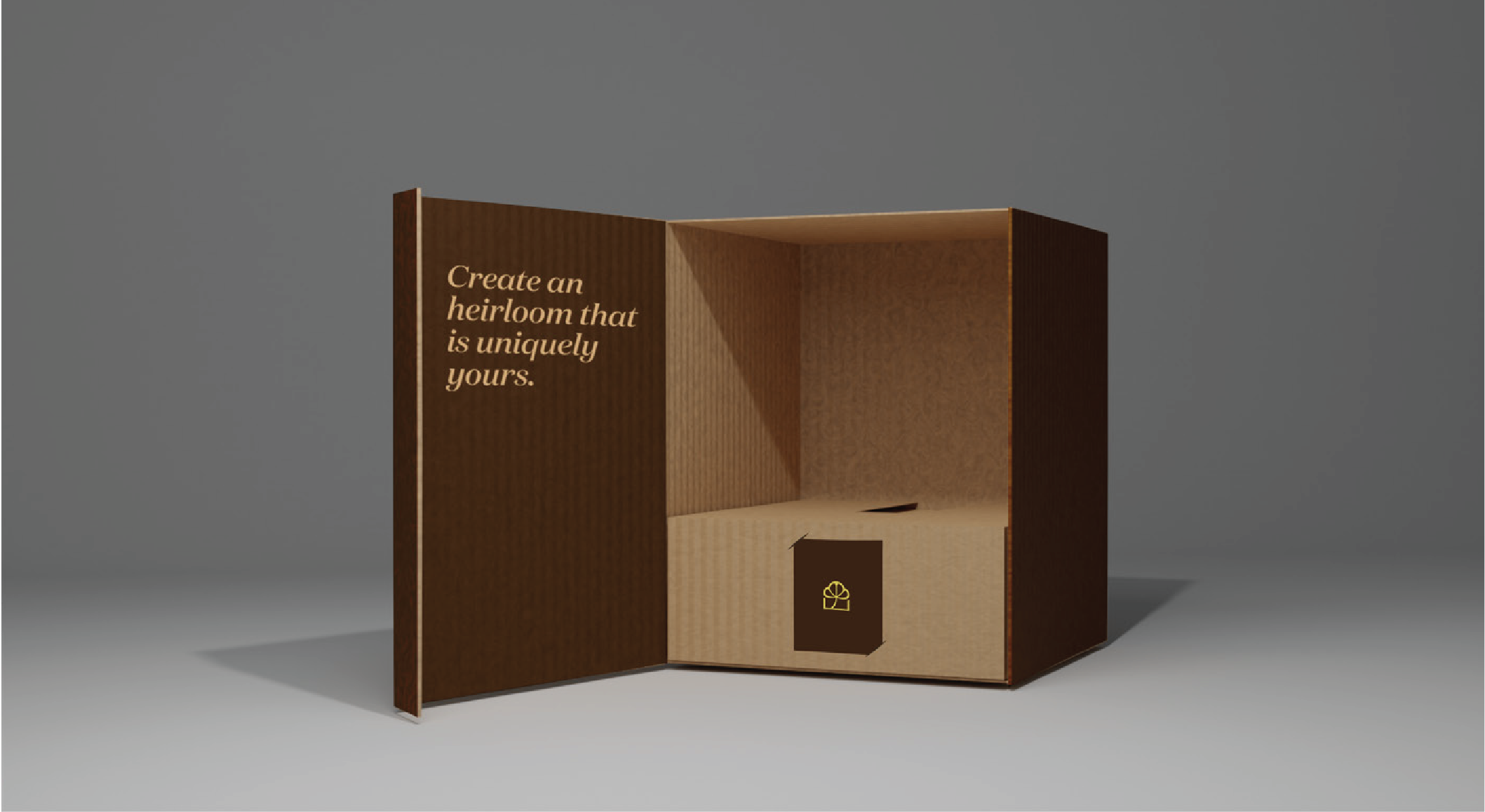
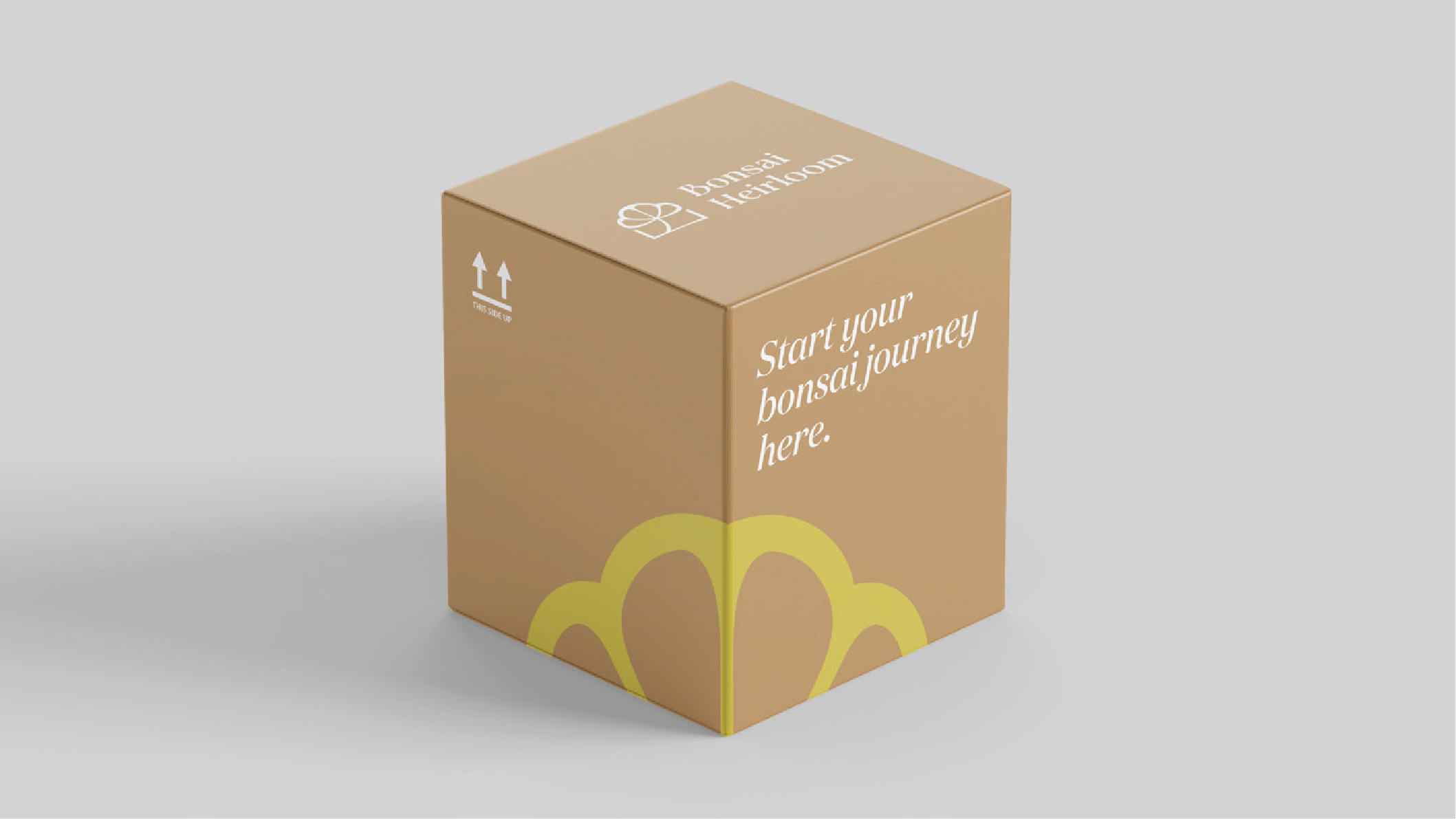
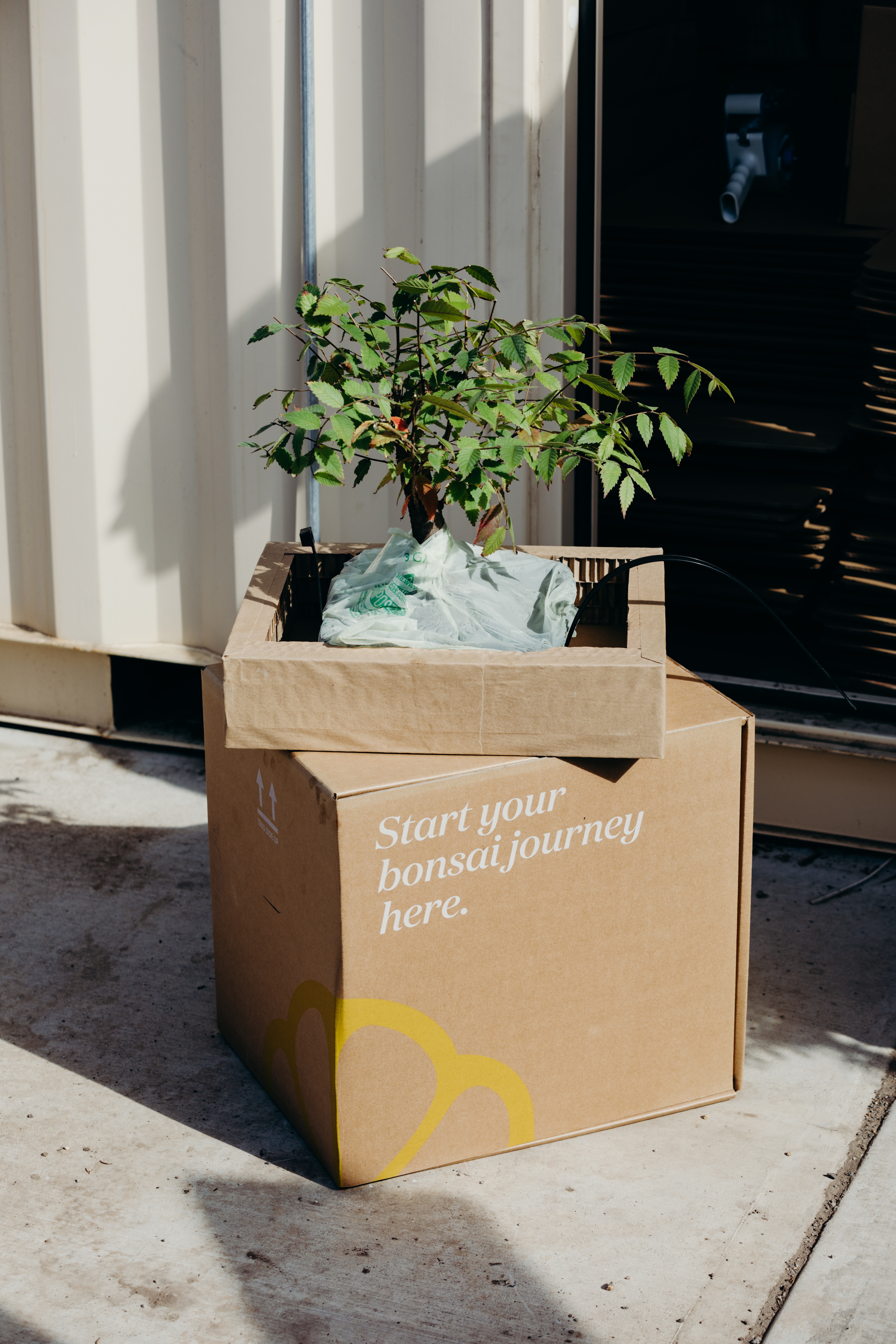
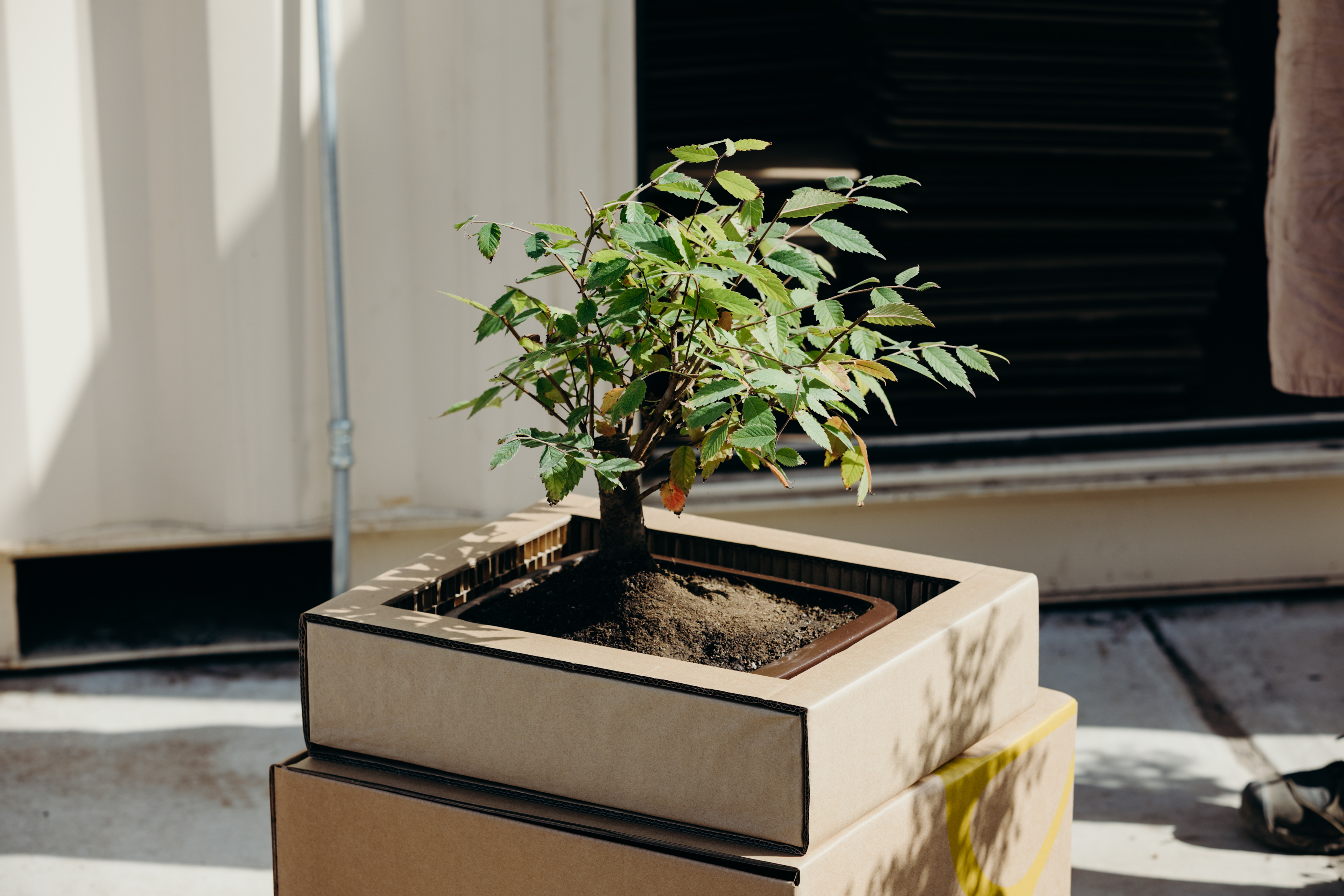
Corrugated kraft shipper with chartreuse leaf graphic and the invitation “Start your bonsai journey here.” Interior panel carries the brand’s heirloom promise, framing the tree as the reveal.
Clipping Shears Box
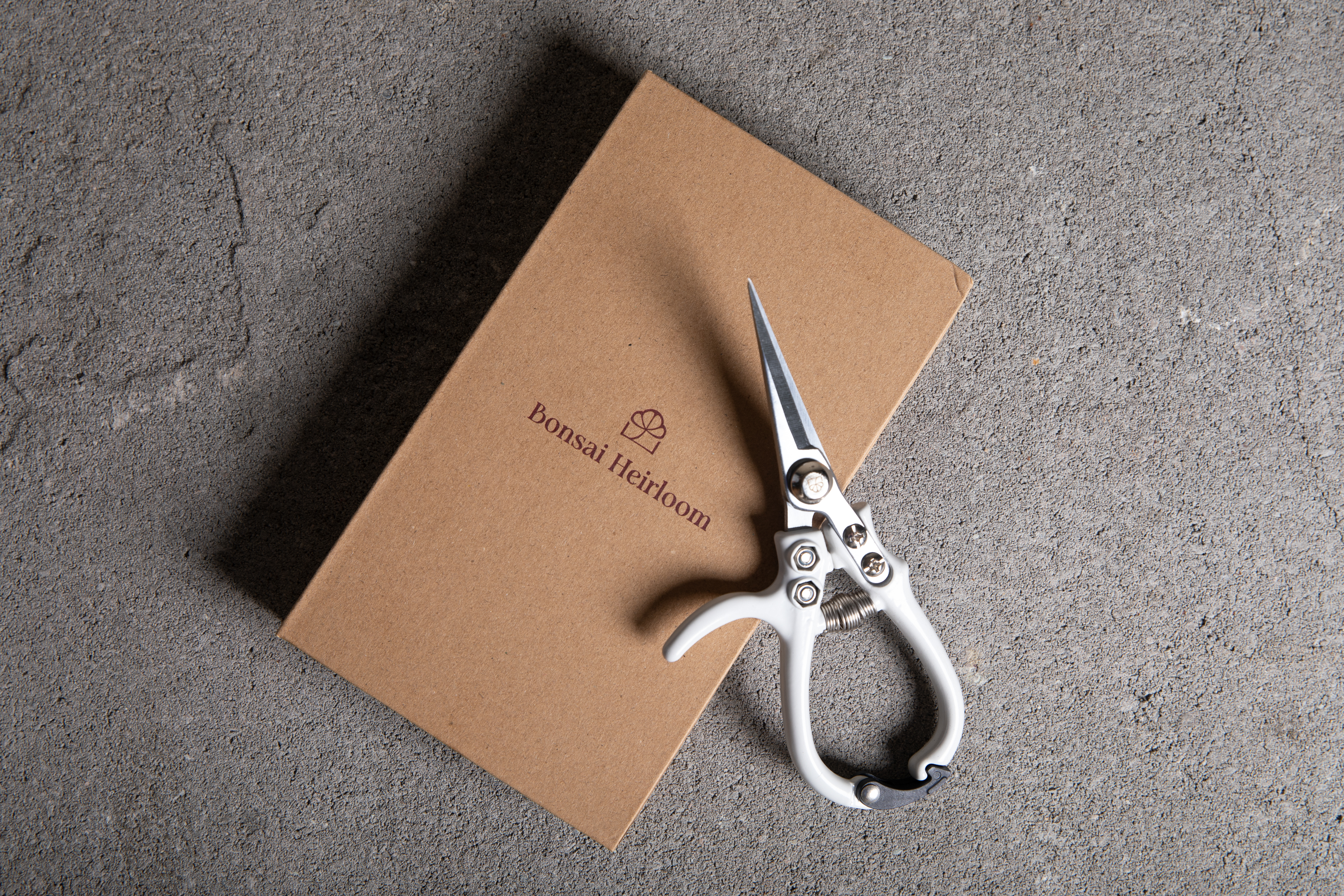
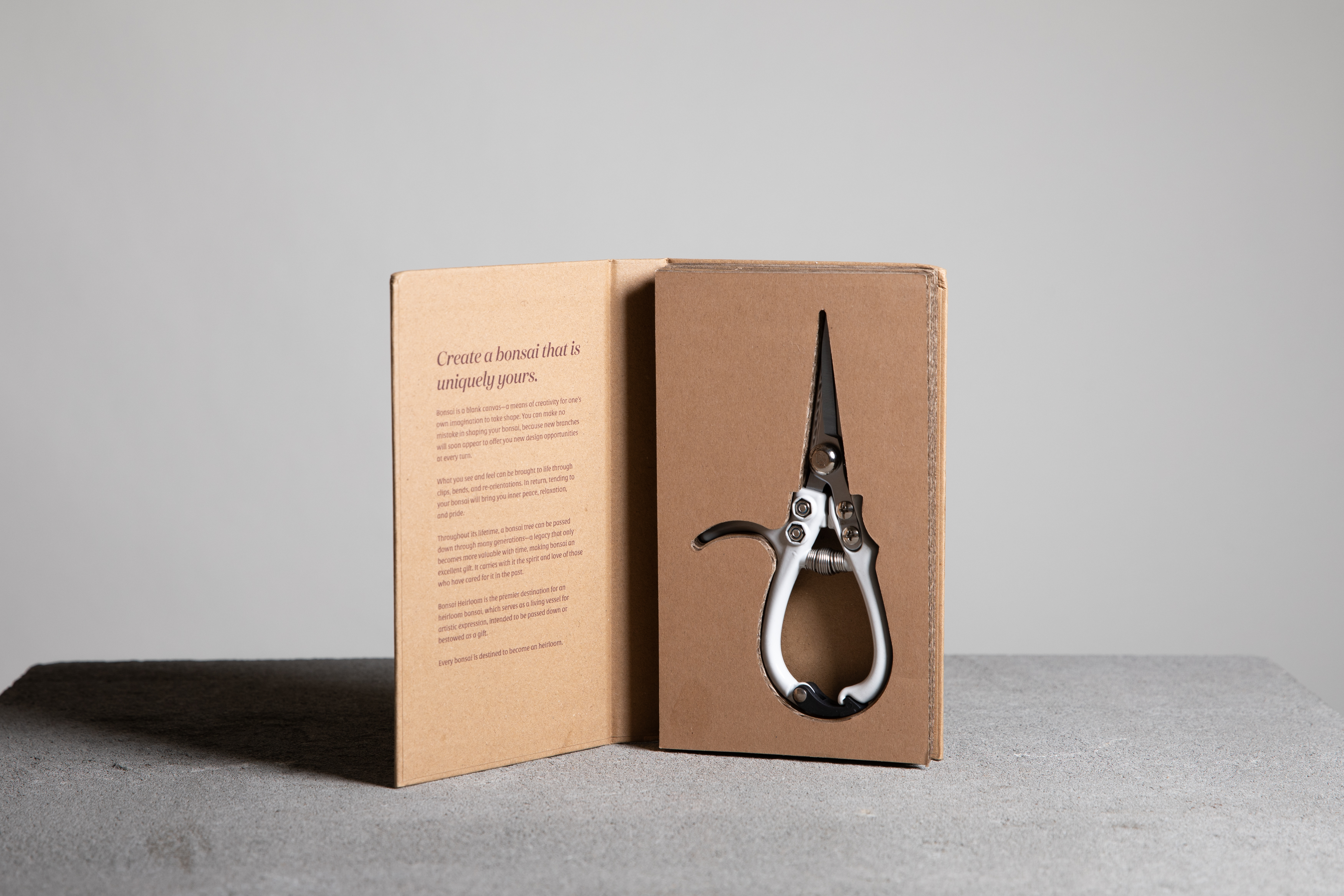
Kraft book-style case with the wordmark embossed on the cover. Opens to reveal the shears nested against the brand’s story — a quiet, considered unboxing that treats the tool as heirloom, not accessory.
Flyers & Inserts
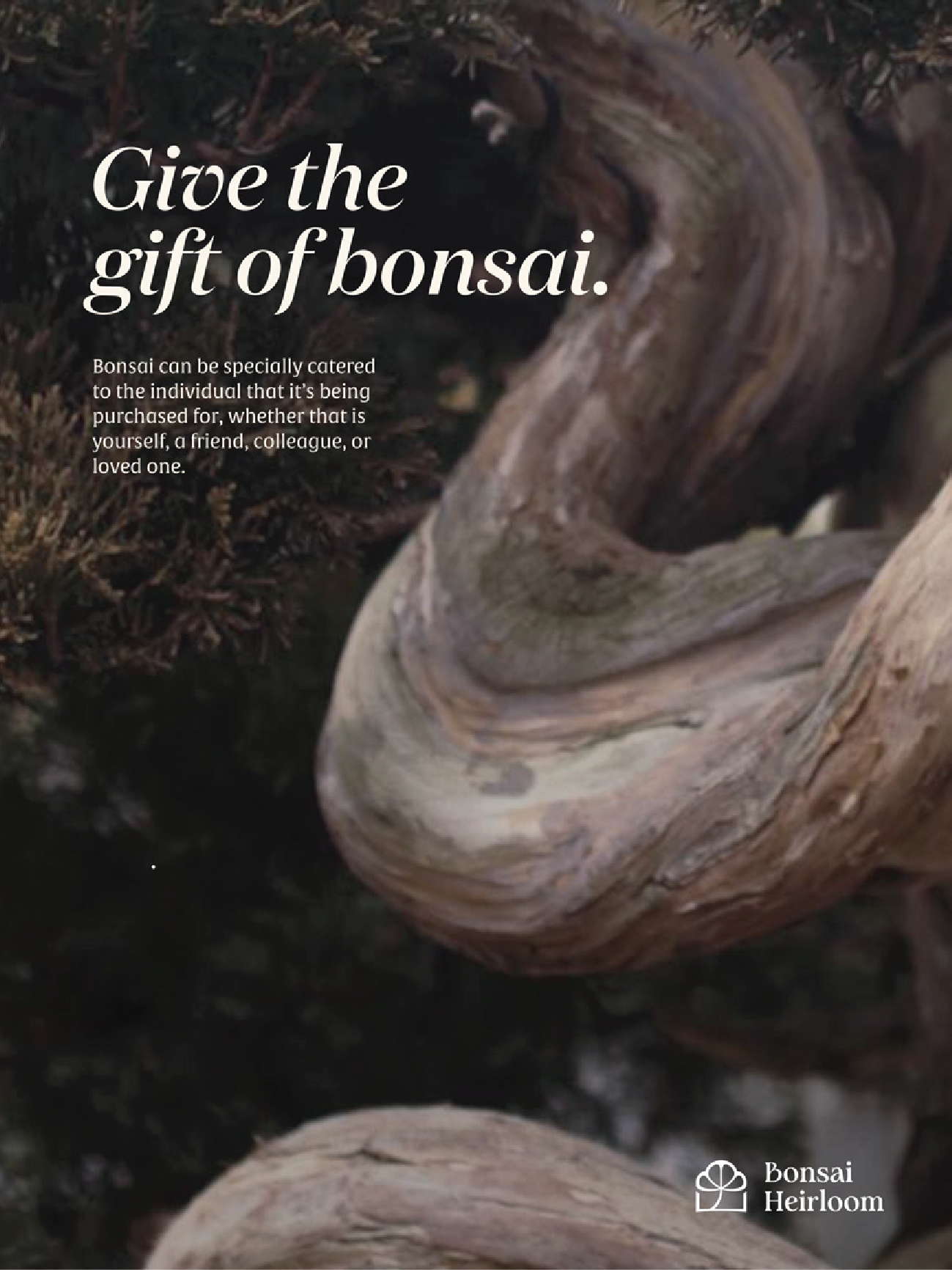
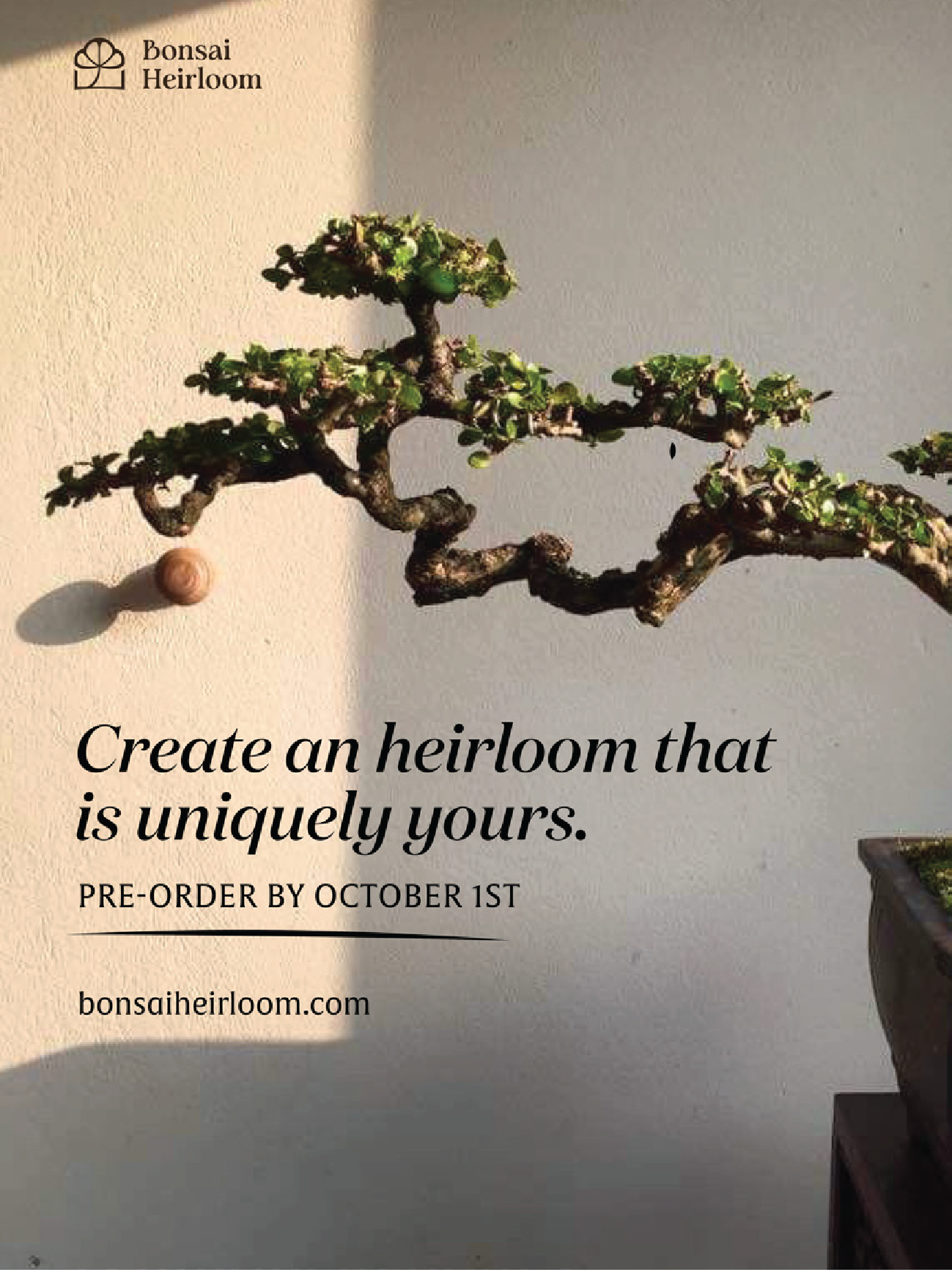
Printed inserts carry the brand voice forward into the hand. Italic Domaine headlines pair with a single bonsai portrait to echo the same patient, editorial tone as the unboxing itself.